Rectify (formerly Replicate So) vs Flo Cli
In the battle of Rectify (formerly Replicate So) vs Flo Cli, which AI Developer tool comes out on top? We compare reviews, pricing, alternatives, upvotes, features, and more.
Between Rectify (formerly Replicate So) and Flo Cli, which one is superior?
Upon comparing Rectify (formerly Replicate So) with Flo Cli, which are both AI-powered developer tools, Interestingly, both tools have managed to secure the same number of upvotes. Your vote matters! Help us decide the winner among aitools.fyi users by casting your vote.
Not your cup of tea? Upvote your preferred tool and stir things up!
Rectify (formerly Replicate So)

What is Rectify (formerly Replicate So)?
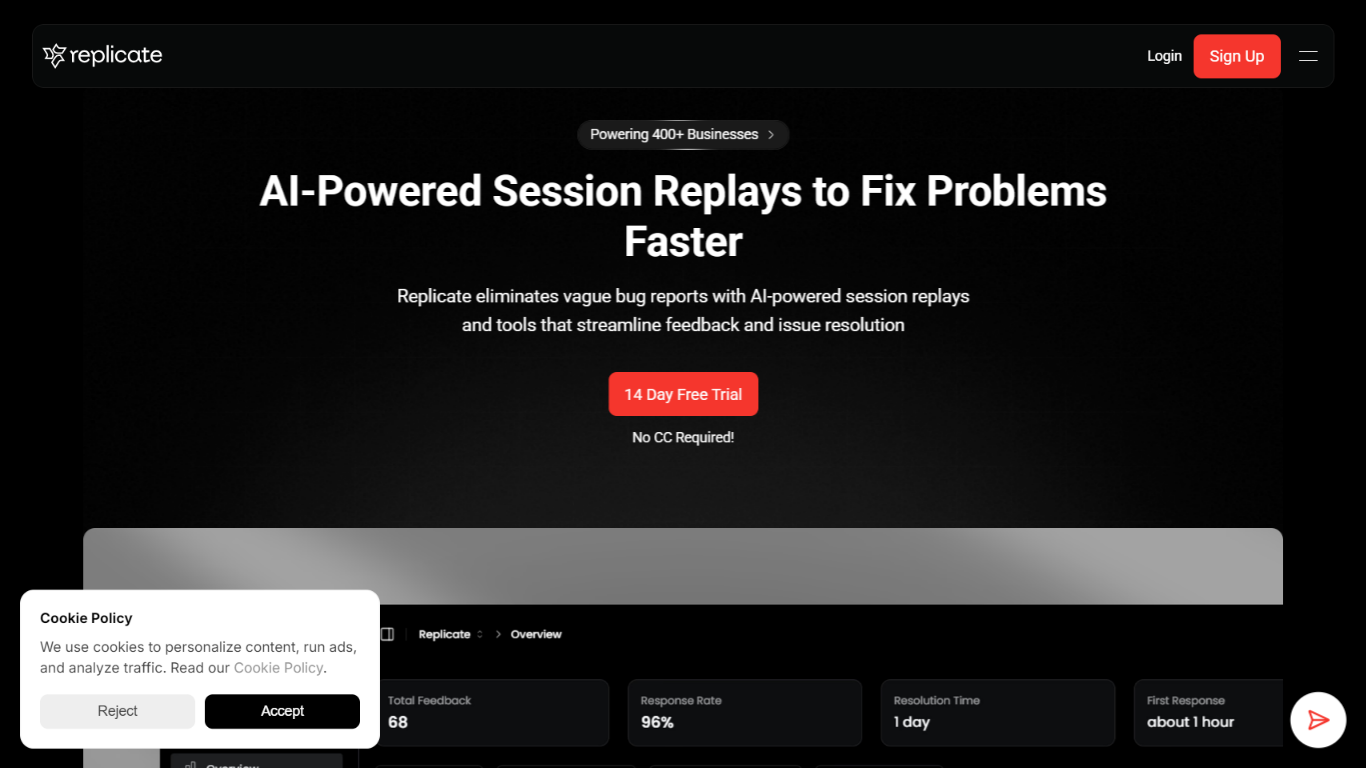
Rectify gives SaaS founders one developer-focused workspace to catch bugs, replay user sessions, monitor uptime, and run support without switching between a dozen tools. The product rebranded from Replicate and now centers on Quanta, an operations agent you steer through conversation rather than dashboards.
Most bug trackers make you configure filters and query builders before you see anything useful. Rectify flips that: you ask Quanta to surface rage-click sessions, draft changelogs from commits, or triage inbox patterns in plain English. The Chrome extension fits teams shipping with Cursor, Lovable, Bolt, Replit, or v0, capturing annotated screenshots, Loom clips, console logs, and network data with each report.
The stack covers monitoring across HTTP, HTTPS, TCP, DNS, and ICMP, on-demand GitHub code scans with file-level findings, roadmaps, changelogs, workflows, and an MCP server that links Claude or Cursor to your scan and feedback data. The site lists 100+ integrations and powers more than 1,000 products.
Pricing uses bring-your-own-key AI: connect OpenAI, Claude, Gemini, Deepseek, or Open Router with zero markup. Paid plans from $29 per month include a 14-day trial with no credit card, and an Idea tier stays free for solo builders.
Flo Cli
What is Flo Cli?
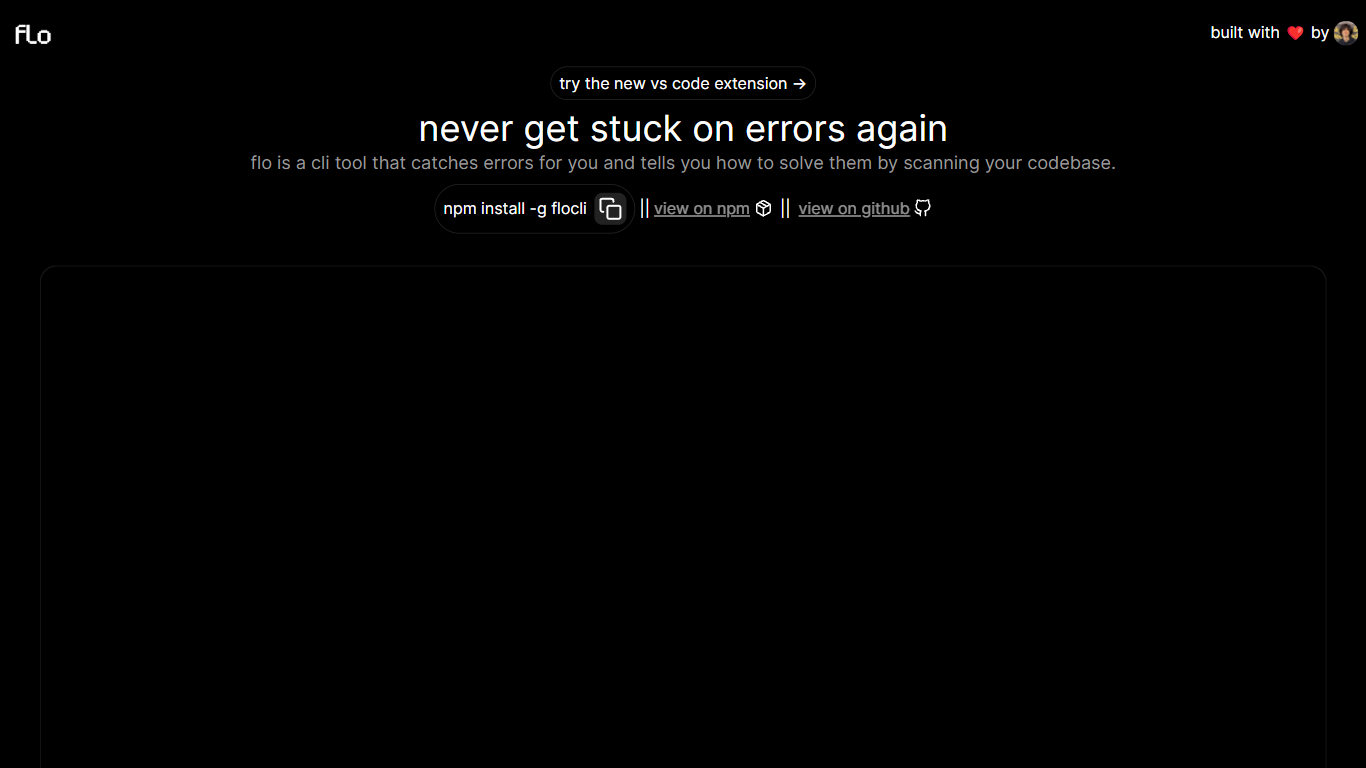
Flo Cli watches the terminal commands you run, catches thrown errors, and scans your local codebase to suggest fixes without you copying stack traces into a chat window. Install it globally with npm install -g flocli, run flocli configure with your OpenAI key, then wrap any dev process with flocli monitor "npm run dev" or pass a raw message to flocli error. The project site also links a VS Code extension published as dylanintech.flocli on the Visual Studio Marketplace.
Unlike a generic chat assistant, Flo spawns and monitors the child process itself so it sees errors as they happen. The npm readme describes a LangChain functions agent that reads your repo for the faulty code, with optional --gpt-4=true and --search-enabled=true flags for SerpAPI-backed web lookups. A --no-warnings=true flag limits monitoring to hard errors only. Because Flo runs locally with your own API keys, the tool stays open source while you pay OpenAI (and optionally SerpAPI) directly.
Node and full-stack developers who live in the terminal are the core audience. The monitor command works beyond Node scripts, so Next.js dev servers and other shell commands qualify. Teams that want error triage inside VS Code can use the marketplace extension, while CLI-first users keep everything in the terminal.
Rectify (formerly Replicate So) Upvotes
Flo Cli Upvotes
Rectify (formerly Replicate So) Top Features
Ask Quanta to find rage-click sessions and drop-offs in plain English
Bug reports ship with Loom clips, screenshots, console logs, and network data
Scan any GitHub repo on demand for bugs, vulnerabilities, and code smells
Monitors across HTTP, HTTPS, TCP, DNS, and ICMP with multi-channel alerts
Chrome extension records sessions, PRD prompts, and reusable code snippets
MCP server connects Claude, Cursor, and other IDEs to scan and feedback data
Workflows automate actions across feedback, roadmap, monitoring, and changelog events
Flo Cli Top Features
flocli monitorspawns and watches child processes likenode index.jsornpm run devfor thrown errorsflocli erroraccepts a raw error message and scans the codebase without starting a monitored processOptional
--gpt-4=trueflag switches the agent from GPT-3.5-turbo to GPT-4 when your key has accessOptional
--search-enabled=trueadds SerpAPI web search for errors the local scan cannot resolveVS Code extension
dylanintech.floclibrings Flo workflows into the editor from the project homepageGlobal install via
npm install -g flocliwithflocli configurefor OpenAI and optional SerpAPI keys
Rectify (formerly Replicate So) Category
- Developer
Flo Cli Category
- Developer
Rectify (formerly Replicate So) Pricing Type
- Freemium
Flo Cli Pricing Type
- Free