re:write vs MaskMyPrompt
When comparing re:write vs MaskMyPrompt, which AI Paraphraser tool shines brighter? We look at pricing, alternatives, upvotes, features, reviews, and more.
Between re:write and MaskMyPrompt, which one is superior?
When we put re:write and MaskMyPrompt side by side, both being AI-powered paraphraser tools, Neither tool takes the lead, as they both have the same upvote count. Every vote counts! Cast yours and contribute to the decision of the winner.
Want to flip the script? Upvote your favorite tool and change the game!
re:write

What is re:write?
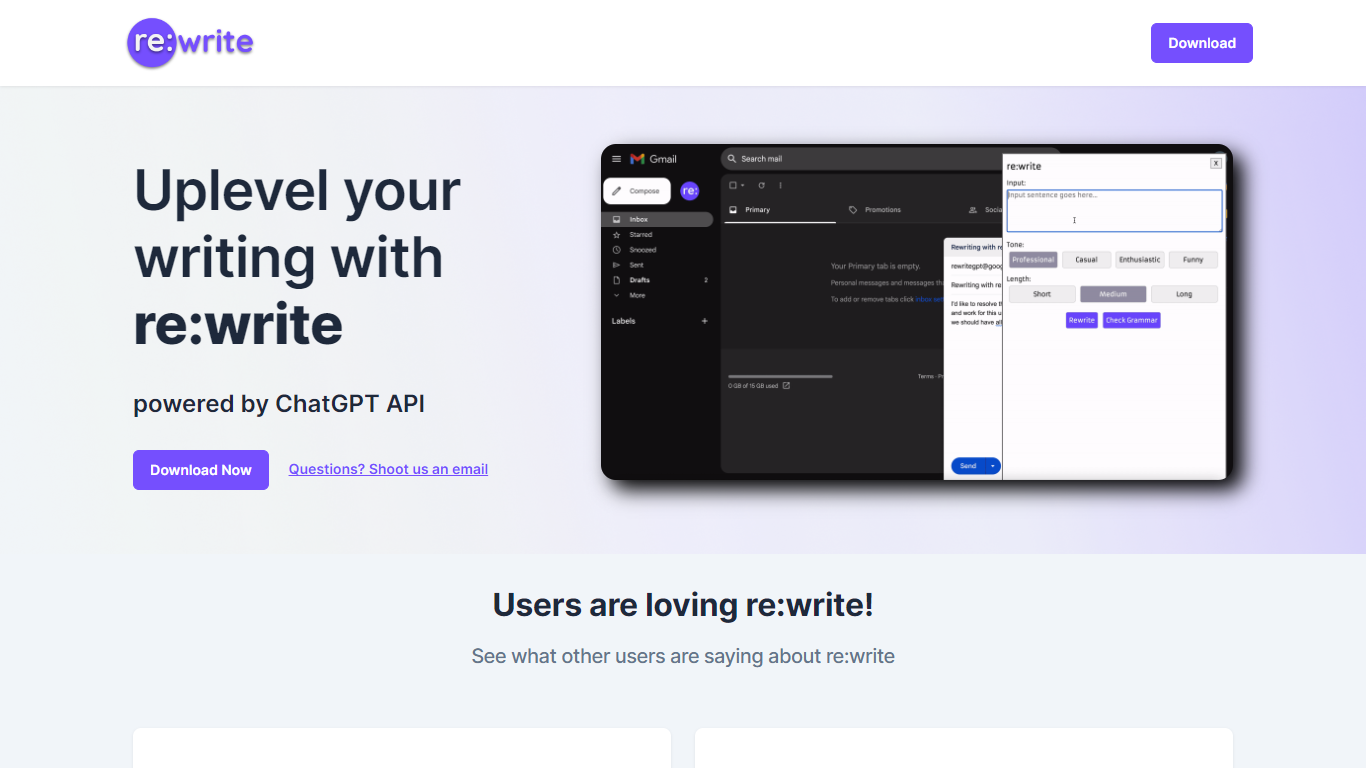
re:write is a free Chrome extension that rewrites whatever text you select using the ChatGPT API. Install it from the Chrome Web Store, highlight text in any webpage or email compose window, and get a polished rewrite with one click. The extension runs locally in your browser and sends the selected passage to ChatGPT for rewriting.
Unlike full writing suites that open a separate editor, re:write stays inside the page you are already working in. Grammarly and Wordtune offer similar inline rewriting, but re:write keeps the scope narrow: it rewrites selected text and nothing else. There is no dashboard, no document upload, and no subscription gate on the homepage.
Developers and office workers who write emails, Slack messages, or documentation in the browser are the core audience. The site lists software engineers among its testimonials and points to a Chrome Web Store listing titled 'Rewrite: Your Writing Companion.'
MaskMyPrompt
What is MaskMyPrompt?
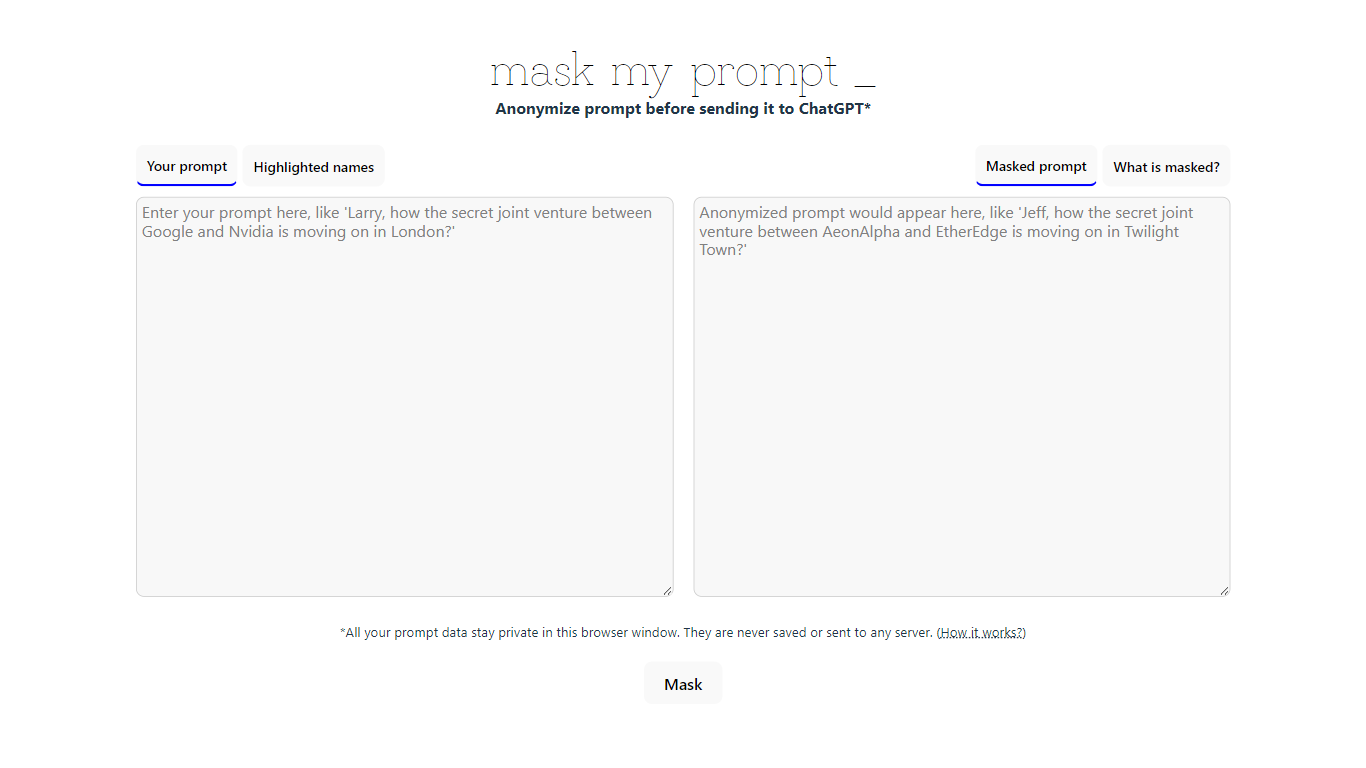
MaskMyPrompt lets you anonymize ChatGPT prompts by swapping real names for fake ones before you paste anything into the model. It works as a lightweight paraphraser focused on privacy: scan your text for people, organizations, and locations, then replace them with made-up stand-ins so confidential details never reach ChatGPT. Everything runs locally in your browser tab using Transformers.js, and the site states your prompt data is never saved or sent to any server.
Most privacy wrappers route text through a backend API, which means you still trust a third party with the raw input. MaskMyPrompt keeps the entire masking step on your device, which is a narrower but more private approach. The trade-off is a single-page utility with no team features, no pricing tiers, and no integrations beyond copy-paste into ChatGPT.
It fits developers, researchers, and anyone drafting ChatGPT prompts that mention real people or companies. Mike Ushakov built the tool, and you can reach him via email or Twitter for bug reports and feature requests.
re:write Upvotes
MaskMyPrompt Upvotes
re:write Top Features
One-click rewrite of any selected text inside Chrome without leaving the page
Powered by the ChatGPT API for grammar and clarity improvements
Free Chrome Web Store extension with no paid tier listed on the homepage
Works in email compose windows and any text field in the browser
Install from Chrome Web Store listing pjifjiphadppnphhcmkiempbimcbhjoo
MaskMyPrompt Top Features
Masks 3 entity types: people, organizations, and locations in your prompt text
Runs at maskmyprompt.com with no server upload; prompt data stays in the browser tab
Highlights detected names in the original text and shows the masked output side by side
Free single-page tool with no account or signup required
Contact Mike Ushakov at [email protected] or @maskmyprompt on Twitter for support
re:write Category
- Paraphraser
MaskMyPrompt Category
- Paraphraser
re:write Pricing Type
- Free
MaskMyPrompt Pricing Type
- Free