re:write vs Readefine
Compare re:write vs Readefine and see which AI Paraphraser tool is better when we compare features, reviews, pricing, alternatives, upvotes, etc.
Which one is better? re:write or Readefine?
When we compare re:write with Readefine, which are both AI-powered paraphraser tools, Interestingly, both tools have managed to secure the same number of upvotes. Your vote matters! Help us decide the winner among aitools.fyi users by casting your vote.
Want to flip the script? Upvote your favorite tool and change the game!
re:write
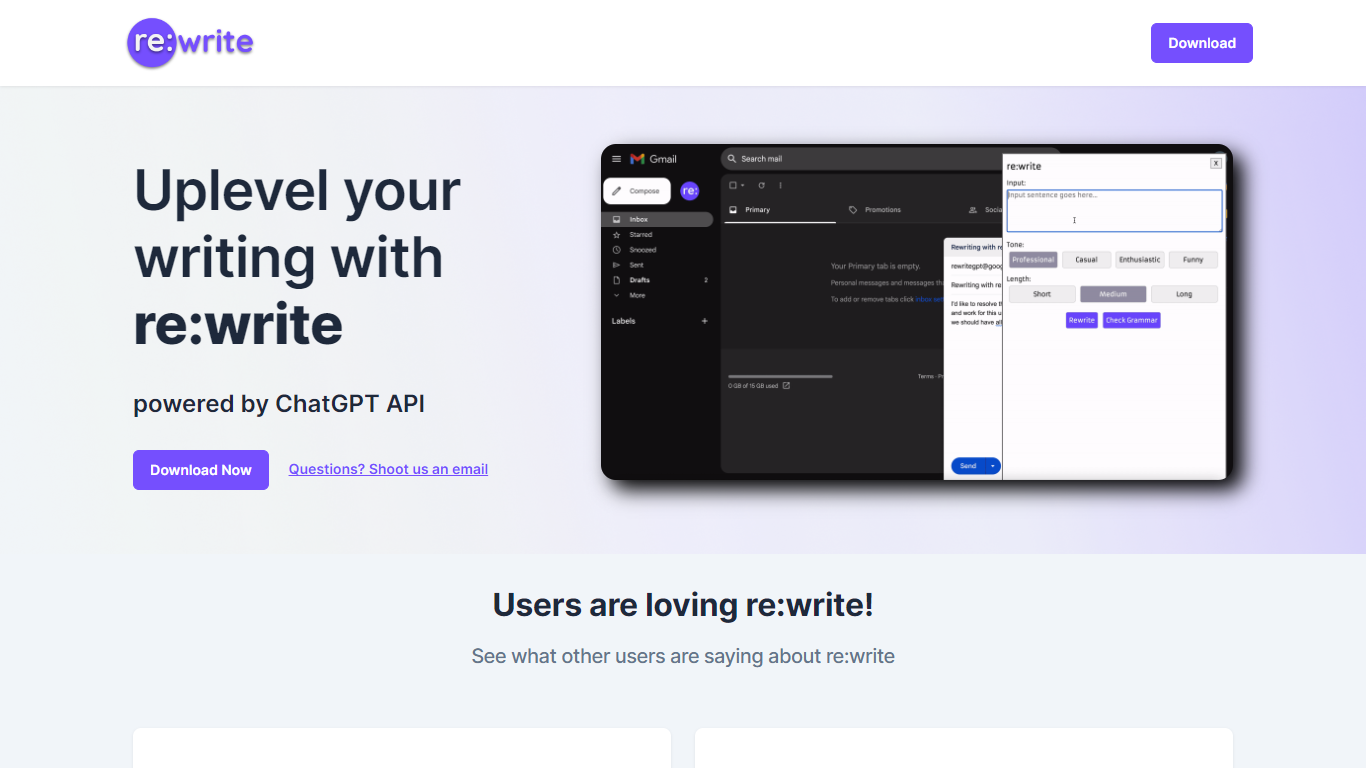

What is re:write?
re:write is a free Chrome extension that rewrites whatever text you select using the ChatGPT API. Install it from the Chrome Web Store, highlight text in any webpage or email compose window, and get a polished rewrite with one click. The extension runs locally in your browser and sends the selected passage to ChatGPT for rewriting.
Unlike full writing suites that open a separate editor, re:write stays inside the page you are already working in. Grammarly and Wordtune offer similar inline rewriting, but re:write keeps the scope narrow: it rewrites selected text and nothing else. There is no dashboard, no document upload, and no subscription gate on the homepage.
Developers and office workers who write emails, Slack messages, or documentation in the browser are the core audience. The site lists software engineers among its testimonials and points to a Chrome Web Store listing titled 'Rewrite: Your Writing Companion.'
Readefine
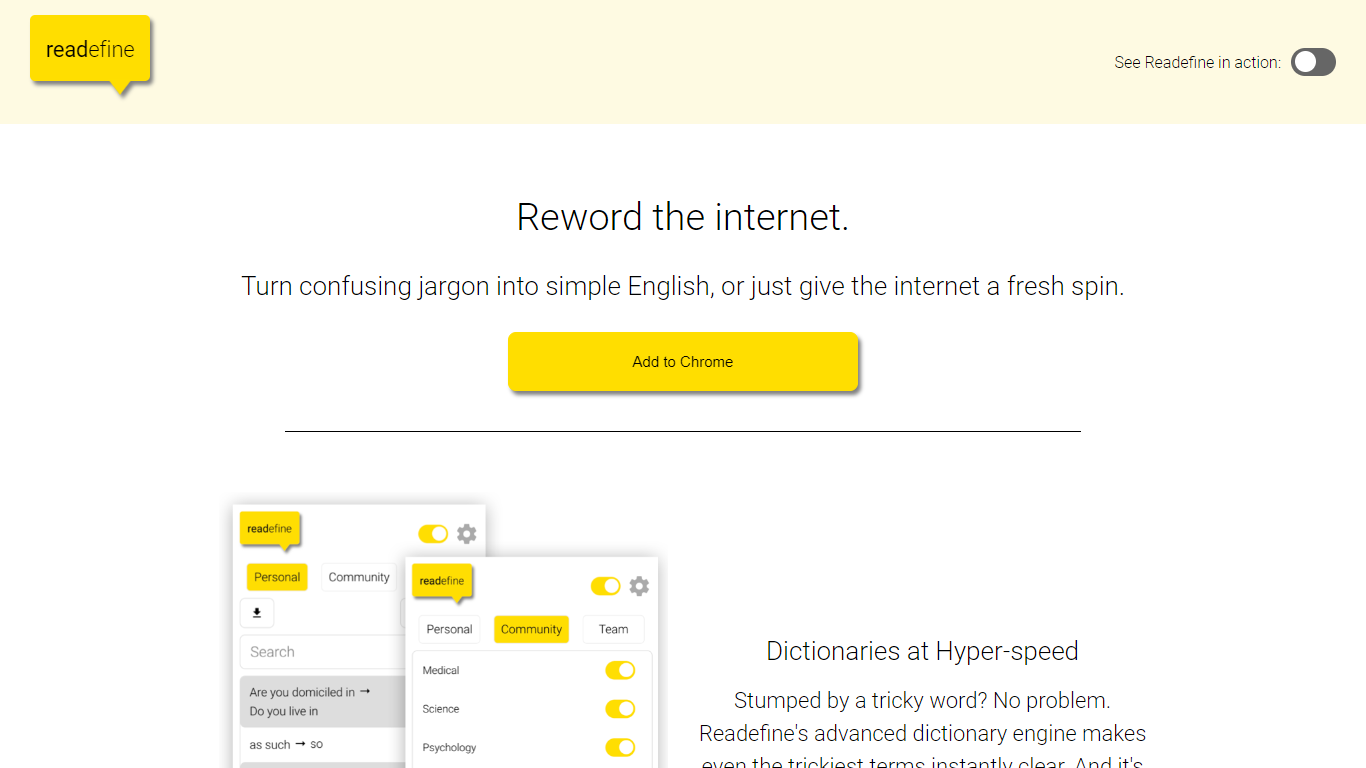
What is Readefine?
Readefine is a Chrome extension that rewords text on live webpages as you browse. It pairs a dictionary engine for instant word and phrase swaps with optional AI modes that simplify, summarize, translate, or restyle copy in place. You can load community-built dictionaries or write your own rules for jargon, units, and terminology.
Most paraphraser tools ask you to paste text into a separate editor. Readefine works directly on the page you are reading, which helps when you are scanning news, docs, or forums and want the site itself rewritten without copy-pasting. The trade-off is it is Chrome-only and depends on the extension staying active in your browser session.
ESL readers, students, and parents who want simpler language on everyday sites are the core audience. Researchers and professionals can use tone presets or custom AI prompts on a paid plan to reshape dense industry copy while they read.
re:write Upvotes
Readefine Upvotes
re:write Top Features
One-click rewrite of any selected text inside Chrome without leaving the page
Powered by the ChatGPT API for grammar and clarity improvements
Free Chrome Web Store extension with no paid tier listed on the homepage
Works in email compose windows and any text field in the browser
Install from Chrome Web Store listing pjifjiphadppnphhcmkiempbimcbhjoo
Readefine Top Features
Chrome extension v6.0.1 rewords live web pages in place without copy-pasting
Custom or community dictionary engine swaps thousands of words and phrases automatically
AI modes simplify text for Children, Average Adults, or ESL readers on any page
Built-in unit conversion for temperatures, distances, and currencies
Paid subscription unlocks custom AI prompts for personalized rewording styles
Extension size 3.82 MiB with a 4.5-star rating from 6 Chrome Web Store reviews
re:write Category
- Paraphraser
Readefine Category
- Paraphraser
re:write Pricing Type
- Free
Readefine Pricing Type
- Freemium