Sheet Copilot vs AI Excel Bot
In the battle of Sheet Copilot vs AI Excel Bot, which AI Excel tool comes out on top? We compare reviews, pricing, alternatives, upvotes, features, and more.
Between Sheet Copilot and AI Excel Bot, which one is superior?
Upon comparing Sheet Copilot with AI Excel Bot, which are both AI-powered excel tools, The upvote count reveals a draw, with both tools earning the same number of upvotes. You can help us determine the winner by casting your vote and tipping the scales in favor of one of the tools.
Does the result make you go "hmm"? Cast your vote and turn that frown upside down!
Sheet Copilot

What is Sheet Copilot?
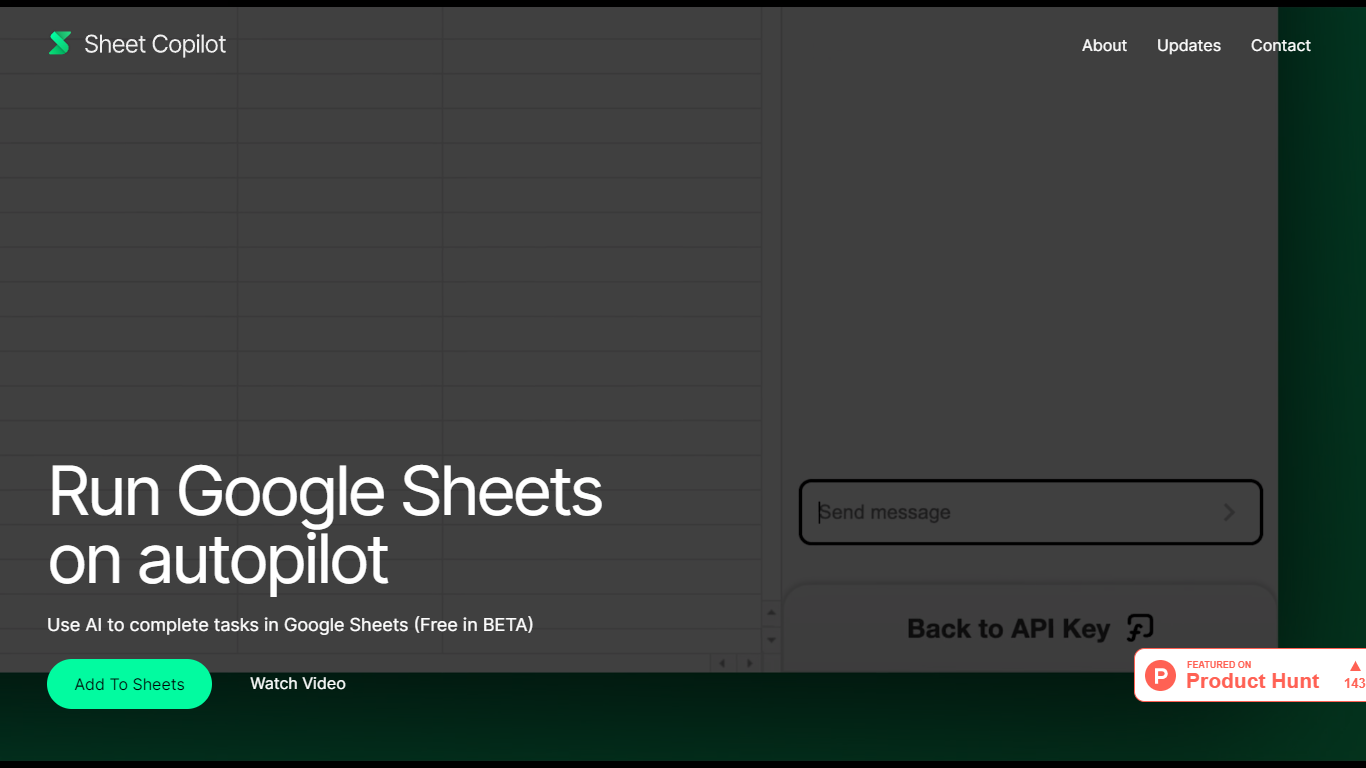
Sheet Copilot is a Google Sheets add-on that turns plain-language instructions into spreadsheet work. Install it from the Google Workspace Marketplace, connect your own OpenAI API key, and ask it to handle formulas, formatting, and charts while you stay inside the sheet.
The listing describes GPT-4 driving each task, with changes applied in real time so you can watch the assistant work step by step. You describe the outcome you want in chat, and Sheet Copilot carries out the spreadsheet operations needed to get there.
The add-on is free during its beta period on the marketplace, though you bring your own OpenAI API key and pay OpenAI for model usage. The listing states your key is stored in your Google account and is not kept on Sheet Copilot servers.
The marketplace listing shows more than 81,000 installations and was last updated in September 2024. Support contact listed there is [email protected]. The developer site sheetcopilot.ai is currently unreachable.
AI Excel Bot
What is AI Excel Bot?
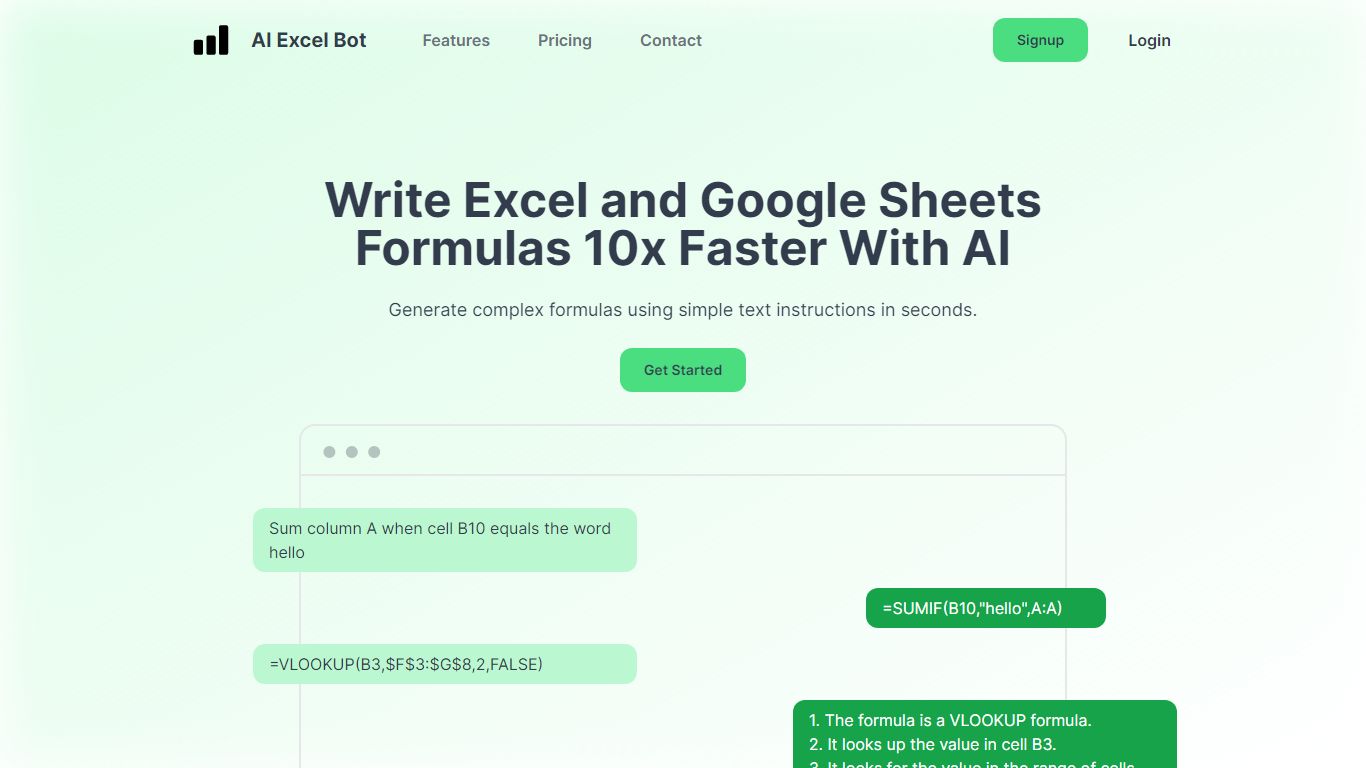
AI Excel Bot turns plain-English instructions into Excel and Google Sheets formulas in seconds. It is built for spreadsheet users who know the outcome they want but do not want to hunt through function syntax to get there.
The product also explains existing formulas in plain language and handles VBA code generation and explanation. According to the site, formula output runs on a GPT-3 model. Query Labs operates the service from India.
You can work from the web app or install the Chrome extension to stay inside Google Sheets. Pro subscribers also get an Excel add-in. The site documents support across array, database, date, financial, lookup, logical, math, statistical, text, and other formula families.
Sheet Copilot Upvotes
AI Excel Bot Upvotes
Sheet Copilot Top Features
Describe tasks in chat and Sheet Copilot executes them inside your spreadsheet
Uses GPT-4 to build formulas, apply formatting, and create visualizations
Shows changes in real time as the assistant works through your sheet
Free during beta on the Google Workspace Marketplace
Your OpenAI API key stays in your Google account, not on Sheet Copilot servers
AI Excel Bot Top Features
Describe the calculation you need in plain English and get a working Excel or Sheets formula back fast
Paste a complex formula and receive a step-by-step explanation of what each part does
Generate VBA snippets or get plain-language breakdowns of existing macro code
Chrome extension keeps formula help inside Google Sheets without leaving the spreadsheet
Pro adds an Excel add-in plus unlimited formula, VBA, and task generations each month
Sheet Copilot Category
- Excel
AI Excel Bot Category
- Excel
Sheet Copilot Pricing Type
- Freemium
AI Excel Bot Pricing Type
- Freemium