SheetXAI vs GPT Excel
When comparing SheetXAI vs GPT Excel, which AI Excel tool shines brighter? We look at pricing, alternatives, upvotes, features, reviews, and more.
In a comparison between SheetXAI and GPT Excel, which one comes out on top?
When we put SheetXAI and GPT Excel side by side, both being AI-powered excel tools, The upvote count favors GPT Excel, making it the clear winner. GPT Excel has 8 upvotes, and SheetXAI has 6 upvotes.
Not your cup of tea? Upvote your preferred tool and stir things up!
SheetXAI
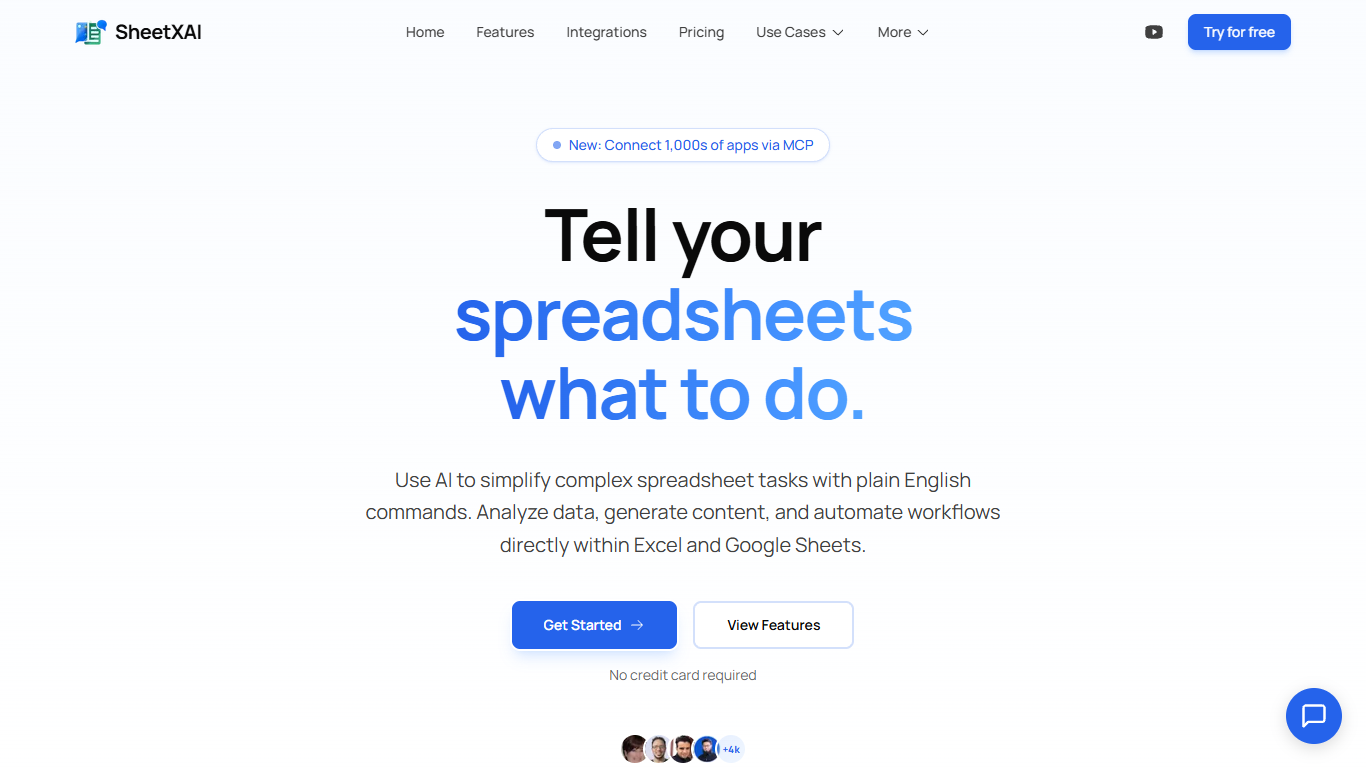

What is SheetXAI?
SheetXAI adds a plain-English assistant inside Excel and Google Sheets so you can sort columns, build formulas, extract invoice data, and generate content without memorizing VLOOKUP syntax. Highlight a range, describe what you want, and the add-in runs light or heavy AI operations across entire tabs in one charge.
Built-in spreadsheet copilots often stop at single-cell suggestions. SheetXAI also connects to 500-plus apps like Shopify, Stripe, HubSpot, and Jira, pulls PDFs and images into structured tables through OCR, and prices work in flat-fee operations rather than per-row analysis, which matters when you are cleaning thousands of leads or rewriting hundreds of product descriptions.
Operations teams, sales analysts, solo creators, and AppSumo buyers use it for deduping email lists, merging multi-tab reports, highlighting campaign trends, and bulk-generating SEO copy. A 7-day free trial is available on every paid tier, and a BYOK plan lets you bring your own API keys for $15 per month.
GPT Excel
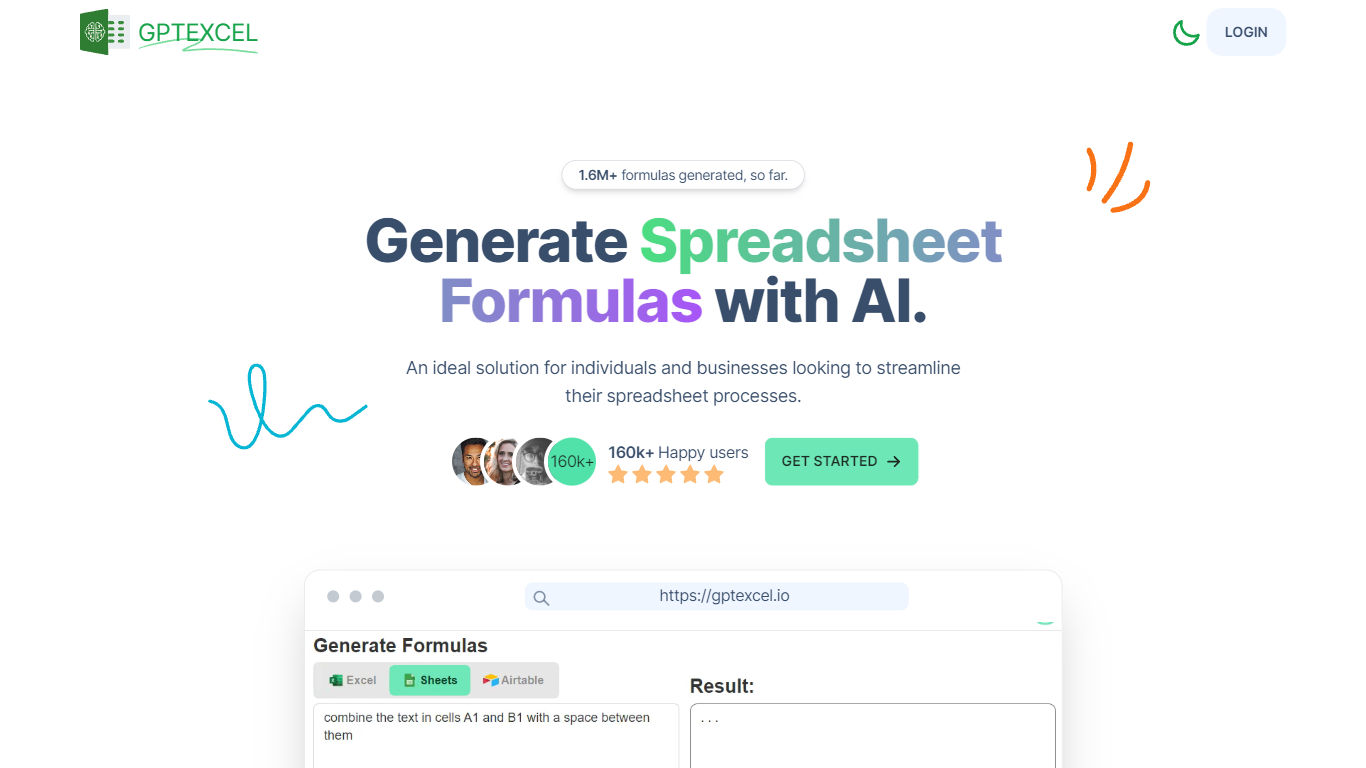
What is GPT Excel?
GPT Excel turns plain-language prompts into spreadsheet formulas, pivot tables, charts, SQL queries, regex patterns, and automation scripts for Excel, Google Sheets, and Airtable. Upload a workbook or start in chat, and it returns the formula or script you can paste back into your file.
Most spreadsheet copilots stop at single-cell formulas. GPT Excel bundles pivot builders, VBA and Apps Script generation, SQL helpers, and template creation in one web app, which saves context switching when a analysis task jumps from a SUMIFS fix to a pivot refresh to a reporting query.
Analysts, operators, and small business teams use it to speed up recurring spreadsheet work. The free plan covers light daily usage, while Pro and Pro Plus raise chat and tool limits for heavier monthly workloads.
SheetXAI Upvotes
GPT Excel Upvotes
SheetXAI Top Features
Runs light operations at about 10 credits and heavy analysis at about 50 credits per action
Extracts structured tables from PDFs, images, and scanned invoices with OCR
Connects to 500-plus apps including Shopify, Stripe, HubSpot, and Jira through OAuth
Professional plan includes 5,000 monthly credits, roughly 500 light operations or 2,500 content rows
Flat-fee operations can touch large ranges without per-row analysis charges
Available on Google Workspace and Microsoft AppSource with a 7-day free trial on paid plans
GPT Excel Top Features
Generates formulas for Excel, Google Sheets, LibreOffice Calc, and Airtable
Builds and modifies pivot tables from chat prompts
Creates VBA, Google Apps Script, and Airtable automation scripts
Writes and debugs SQL queries plus regex patterns for data validation
Free plan includes 10 AI chat messages every 30 days and 4 tool runs every 12 hours
Pro Plus supports up to 10,000 chat messages and 100 MB uploads per file
SheetXAI Category
- Excel
GPT Excel Category
- Excel
SheetXAI Pricing Type
- Freemium
GPT Excel Pricing Type
- Freemium