SheetXAI vs Sheet Copilot
In the clash of SheetXAI vs Sheet Copilot, which AI Excel tool emerges victorious? We assess reviews, pricing, alternatives, features, upvotes, and more.
When we put SheetXAI and Sheet Copilot head to head, which one emerges as the victor?
Let's take a closer look at SheetXAI and Sheet Copilot, both of which are AI-driven excel tools, and see what sets them apart. Neither tool takes the lead, as they both have the same upvote count. Since other aitools.fyi users could decide the winner, the ball is in your court now to cast your vote and help us determine the winner.
Feeling rebellious? Cast your vote and shake things up!
SheetXAI
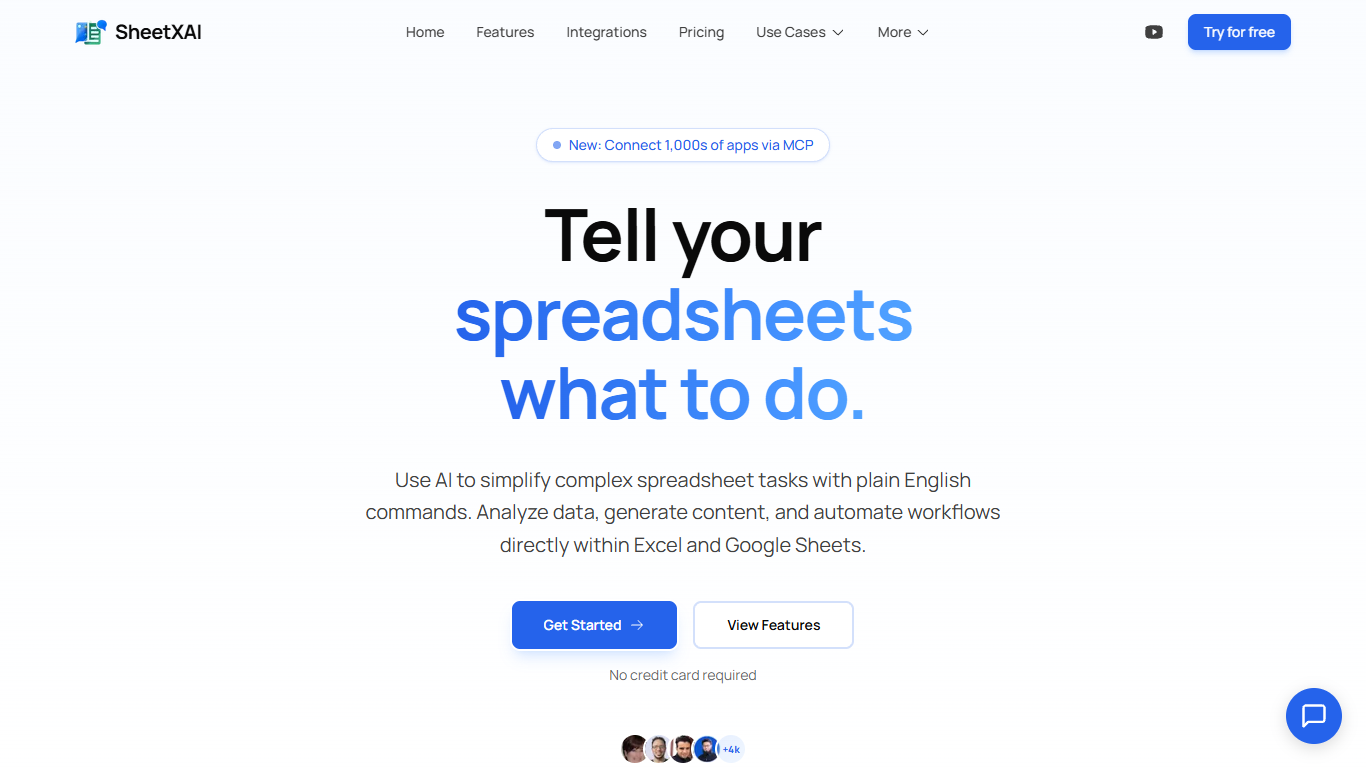

What is SheetXAI?
SheetXAI adds a plain-English assistant inside Excel and Google Sheets so you can sort columns, build formulas, extract invoice data, and generate content without memorizing VLOOKUP syntax. Highlight a range, describe what you want, and the add-in runs light or heavy AI operations across entire tabs in one charge.
Built-in spreadsheet copilots often stop at single-cell suggestions. SheetXAI also connects to 500-plus apps like Shopify, Stripe, HubSpot, and Jira, pulls PDFs and images into structured tables through OCR, and prices work in flat-fee operations rather than per-row analysis, which matters when you are cleaning thousands of leads or rewriting hundreds of product descriptions.
Operations teams, sales analysts, solo creators, and AppSumo buyers use it for deduping email lists, merging multi-tab reports, highlighting campaign trends, and bulk-generating SEO copy. A 7-day free trial is available on every paid tier, and a BYOK plan lets you bring your own API keys for $15 per month.
Sheet Copilot
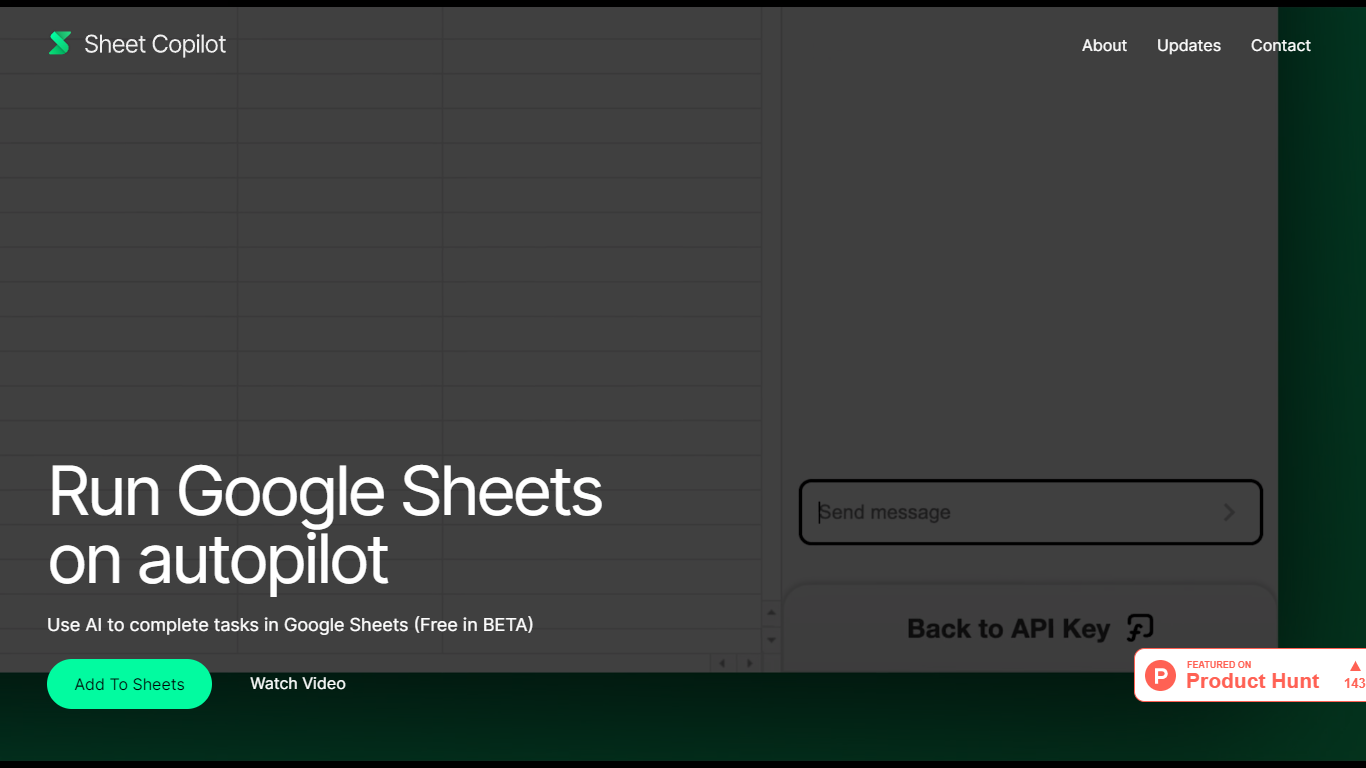
What is Sheet Copilot?
Sheet Copilot is a Google Sheets add-on that turns plain-language instructions into spreadsheet work. Install it from the Google Workspace Marketplace, connect your own OpenAI API key, and ask it to handle formulas, formatting, and charts while you stay inside the sheet.
The listing describes GPT-4 driving each task, with changes applied in real time so you can watch the assistant work step by step. You describe the outcome you want in chat, and Sheet Copilot carries out the spreadsheet operations needed to get there.
The add-on is free during its beta period on the marketplace, though you bring your own OpenAI API key and pay OpenAI for model usage. The listing states your key is stored in your Google account and is not kept on Sheet Copilot servers.
The marketplace listing shows more than 81,000 installations and was last updated in September 2024. Support contact listed there is [email protected]. The developer site sheetcopilot.ai is currently unreachable.
SheetXAI Upvotes
Sheet Copilot Upvotes
SheetXAI Top Features
Runs light operations at about 10 credits and heavy analysis at about 50 credits per action
Extracts structured tables from PDFs, images, and scanned invoices with OCR
Connects to 500-plus apps including Shopify, Stripe, HubSpot, and Jira through OAuth
Professional plan includes 5,000 monthly credits, roughly 500 light operations or 2,500 content rows
Flat-fee operations can touch large ranges without per-row analysis charges
Available on Google Workspace and Microsoft AppSource with a 7-day free trial on paid plans
Sheet Copilot Top Features
Describe tasks in chat and Sheet Copilot executes them inside your spreadsheet
Uses GPT-4 to build formulas, apply formatting, and create visualizations
Shows changes in real time as the assistant works through your sheet
Free during beta on the Google Workspace Marketplace
Your OpenAI API key stays in your Google account, not on Sheet Copilot servers
SheetXAI Category
- Excel
Sheet Copilot Category
- Excel
SheetXAI Pricing Type
- Freemium
Sheet Copilot Pricing Type
- Freemium