SQL Genius vs Avanty
Dive into the comparison of SQL Genius vs Avanty and discover which AI SQL tool stands out. We examine alternatives, upvotes, features, reviews, pricing, and beyond.
When comparing SQL Genius and Avanty, which one rises above the other?
When we compare SQL Genius and Avanty, two exceptional sql tools powered by artificial intelligence, and place them side by side, several key similarities and differences come to light. There's no clear winner in terms of upvotes, as both tools have received the same number. The power is in your hands! Cast your vote and have a say in deciding the winner.
Think we got it wrong? Cast your vote and show us who's boss!
SQL Genius

What is SQL Genius?
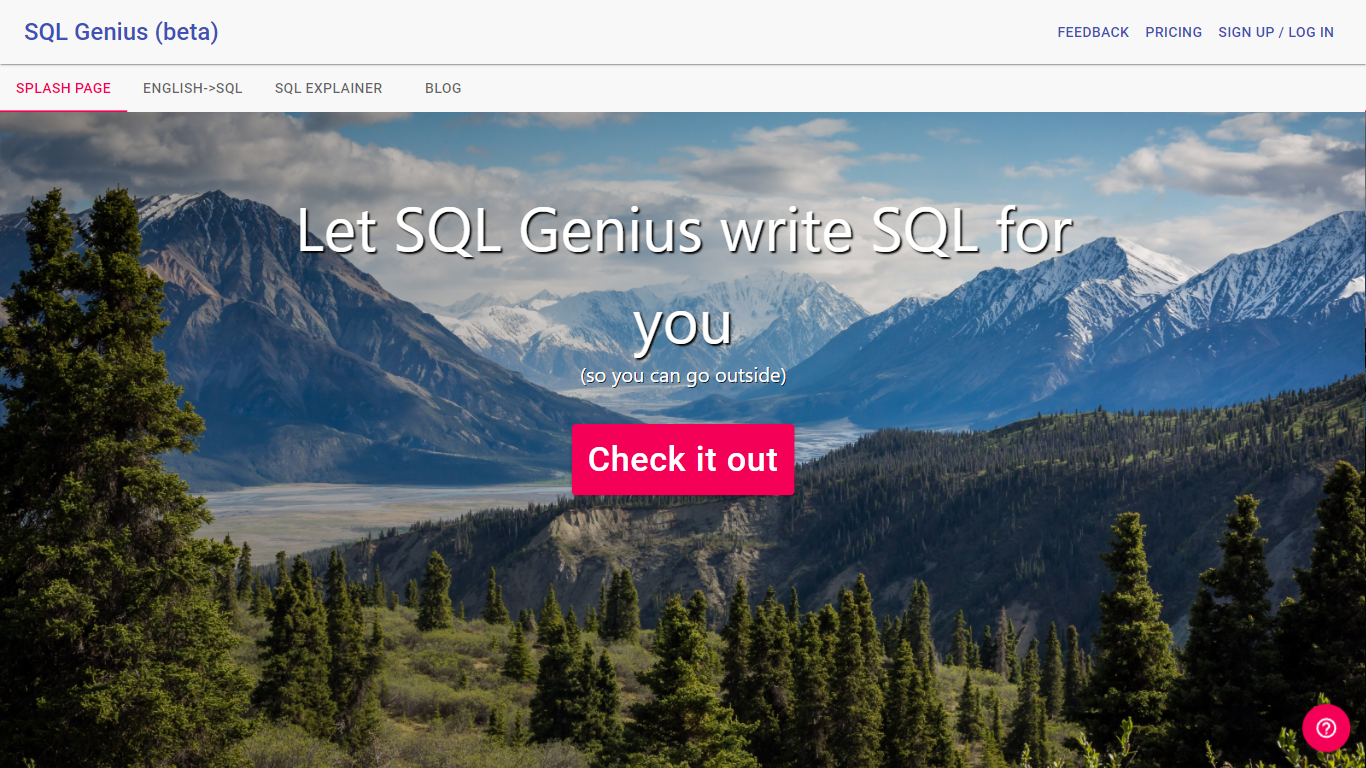
Type an English question into SQL Genius and it returns a Postgres SQL query built from the table schemas you define on the page. You add one or more tables with column names and types, describe the result you want in plain language, and hit Write SQL to generate the statement. A separate SQL Explainer panel lets you paste existing SQL and read a plain-language breakdown of what each clause does.
Dedicated text-to-SQL tools usually assume you already know your schema. SQL Genius keeps schema editing in the same workspace as query generation, with sample hospital tables like patients, doctors, and admissions preloaded so you can test queries immediately. The Advanced SQL Type selector targets Postgres SQL specifically, which narrows the output compared with generators that claim every database dialect.
Analysts, researchers, and junior developers who know their data model but not SQL syntax use it to draft queries faster and sanity-check statements before running them in a database client. The site labels the product as beta and routes English-to-SQL, SQL Explainer, and a blog from the top navigation.
Avanty
What is Avanty?
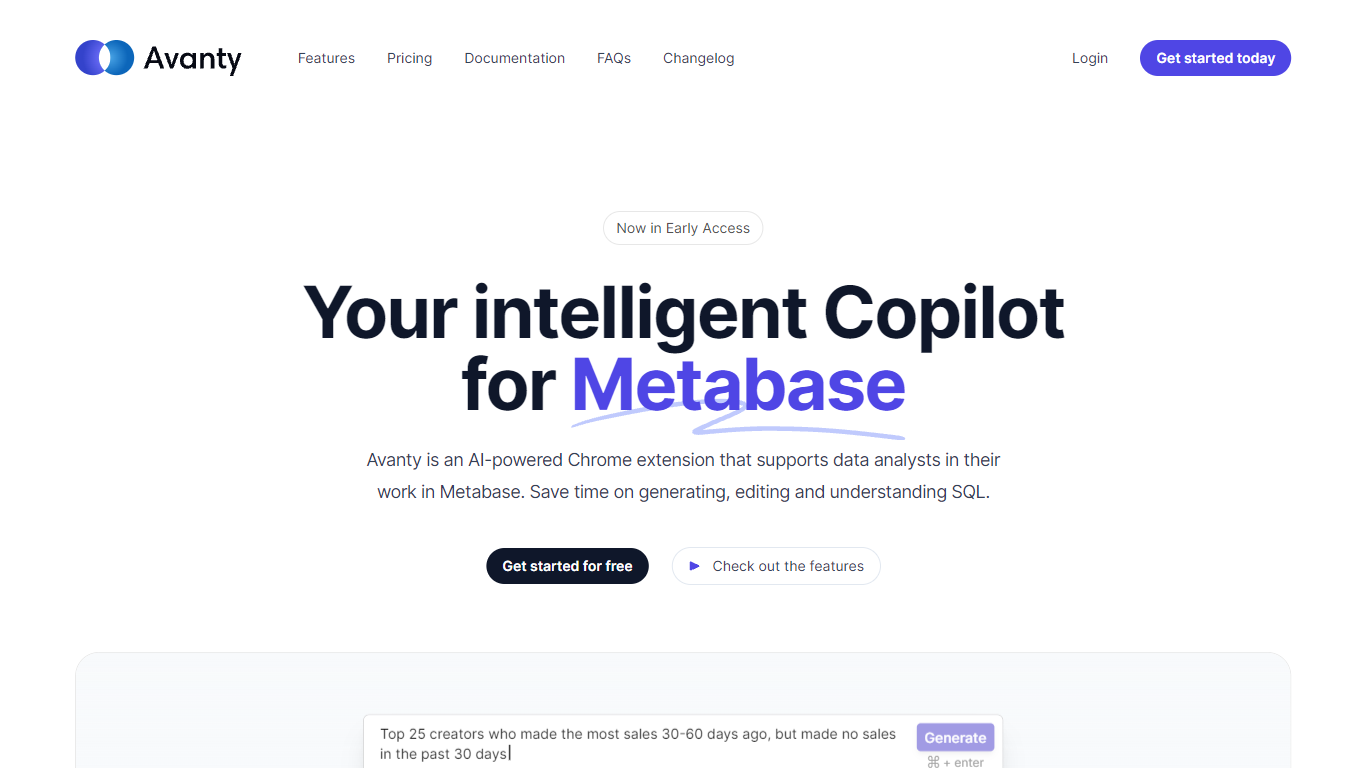
Avanty sits inside Metabase as a Chrome extension and writes SQL from plain English prompts. It reads your connected schema, drafts queries in the editor, and explains existing SQL step by step so analysts spend less time fighting syntax.
Generic SQL copilots work in a blank editor. Avanty is scoped to Metabase: it knows your tables, respects custom schema names like datawarehouse.users, and opens from a command panel with Cmd Shift period on macOS or Ctrl Shift period on Windows. An inline diff viewer shows proposed edits before you accept them.
Data analysts and analytics engineers who live in Metabase get the most from Avanty. Business questions that used to mean a Slack ping and a half-written query can start as a natural language prompt, land in Metabase as a draft question, and move through review faster. A preview Slack integration even surfaces matching Metabase questions from channel messages.
SQL Genius Upvotes
Avanty Upvotes
SQL Genius Top Features
Define multiple table schemas with column names and data types before generating SQL
English-to-SQL writer targets Postgres SQL via the Advanced SQL Type selector
SQL Explainer panel formats pasted queries and returns plain-language explanations
Preloaded sample tables include patients, doctors, and admissions schemas
Add New Table button builds multi-table joins without leaving the editor
Sign Up and Log In accounts gate access beyond the public demo workspace
Avanty Top Features
Generates SQL from natural language using your live Metabase schema
Inline diff viewer shows AI-suggested query edits before you accept them
Command panel opens with Cmd Shift period on macOS or Ctrl Shift period on Windows
History tab at dashboard.avanty.app stores past prompts and explanations
Supports custom schema names such as datawarehouse.users in generated queries
Preview Slack integration finds or drafts Metabase questions from channel messages
SQL Genius Category
- SQL
Avanty Category
- SQL
SQL Genius Pricing Type
- Freemium
Avanty Pricing Type
- Freemium