SubtitleGen vs FastCut
Dive into the comparison of SubtitleGen vs FastCut and discover which AI Video Editing tool stands out. We examine alternatives, upvotes, features, reviews, pricing, and beyond.
When comparing SubtitleGen and FastCut, which one rises above the other?
When we compare SubtitleGen and FastCut, two exceptional video editing tools powered by artificial intelligence, and place them side by side, several key similarities and differences come to light. The upvote count is neck and neck for both SubtitleGen and FastCut. The power is in your hands! Cast your vote and have a say in deciding the winner.
Does the result make you go "hmm"? Cast your vote and turn that frown upside down!
SubtitleGen

What is SubtitleGen?
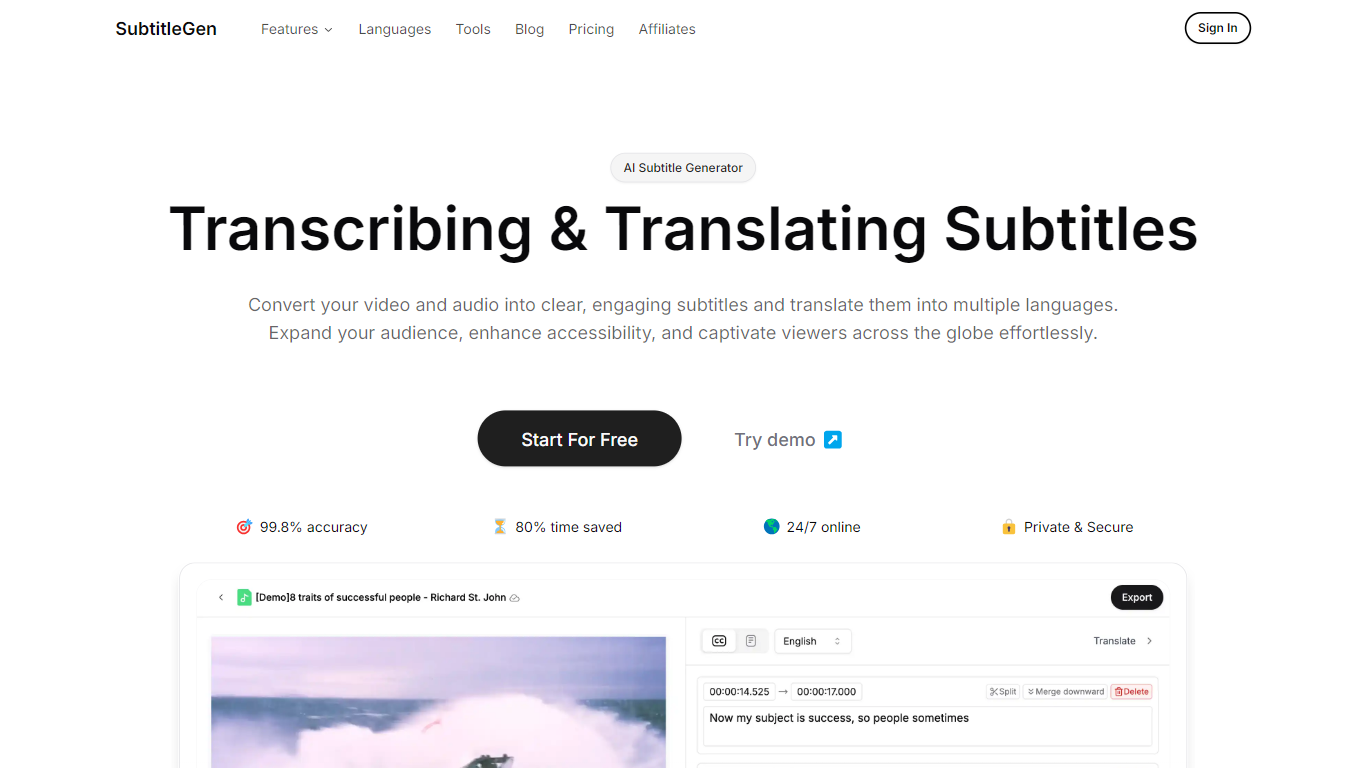
SubtitleGen is an advanced AI-powered subtitle generator designed to transcribe and translate audio and video content into accurate subtitles. Its core functionality revolves around converting spoken language into text, enabling users to create engaging subtitles that enhance accessibility and viewer engagement. The platform is tailored for content creators, educators, and businesses looking to reach a broader audience by providing multilingual subtitles for their media.
The unique value proposition of SubtitleGen lies in its high accuracy rate of 99.8% and the significant time savings it offers, allowing users to generate subtitles in a matter of minutes rather than hours. Key differentiators include its intuitive online subtitle editor, which facilitates easy adjustments to generated subtitles, and its support for a wide range of languages, making it an ideal solution for global outreach. Additionally, SubtitleGen ensures enterprise-grade security, providing users with peace of mind regarding the privacy of their content.
FastCut
What is FastCut?
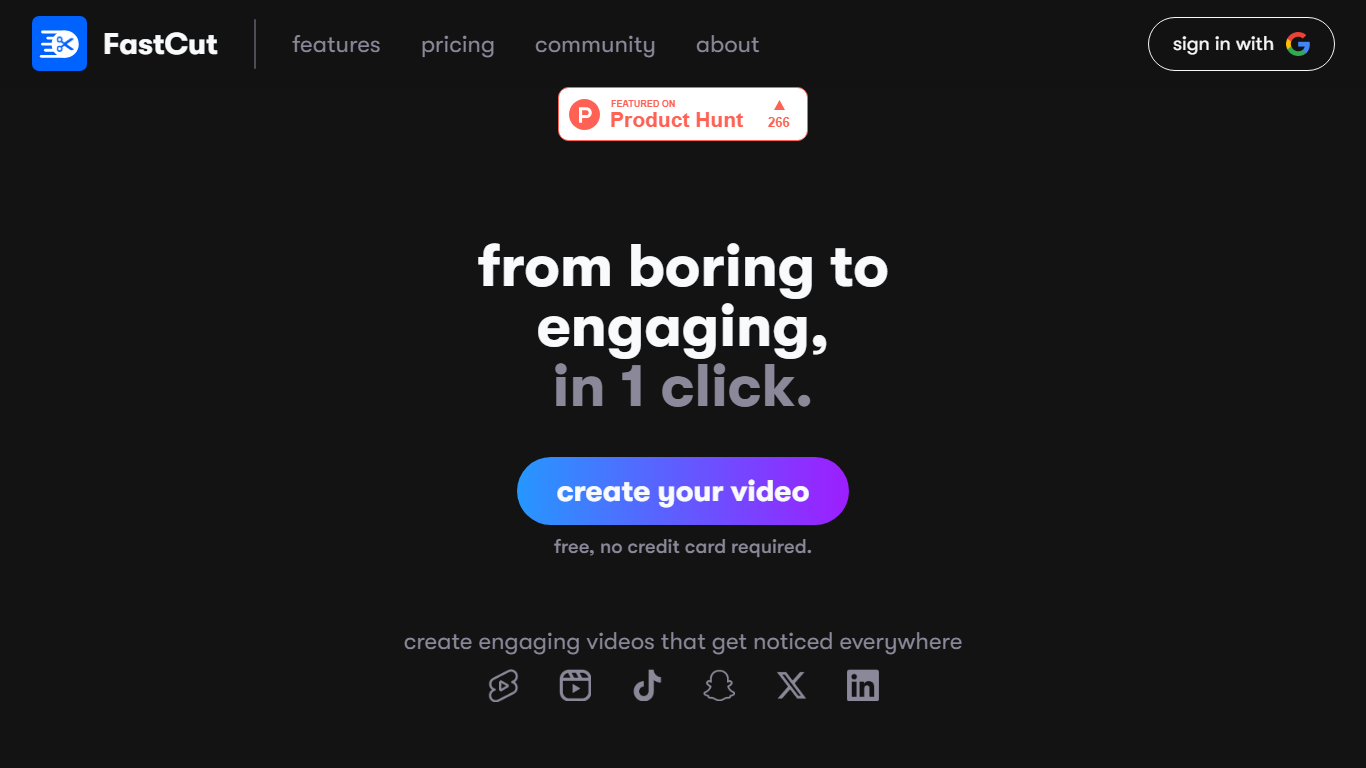
Transform your video content from mundane to magnetic with FastCut, the one-click solution for creating captivating reels that stand out on all platforms. FastCut streamlines the video editing process, enabling you to emulate the style of top creators effortlessly and ensure your videos grab the attention they deserve. Dive into our user-friendly interface to utilize features designed for speed and efficiency. Enjoy precise auto-captions in over 40 languages, trendy templates that follow current caption styles, intelligent keyword highlighting for emphasizing main points, and auto emojis that enrich viewer engagement — all without requiring a credit card to start. Whether you are a beginner eager to explore FastCut or a professional seeking to expand your audience, our flexible pricing plans cater to your specific needs. Backed by a passionate team and crafted with love by BITSians, FastCut is committed to simplifying content creation. Any questions? Our FAQ section is ready to assist, and our priority support is always at your service.
SubtitleGen Upvotes
FastCut Upvotes
SubtitleGen Top Features
AI-Powered Subtitle Generation: Automatically transcribes audio and video content into text with 99.8% accuracy, significantly reducing manual effort and time.
Multi-Language Translation: Supports translation of subtitles into various languages, enabling content creators to reach a global audience and overcome language barriers.
Intuitive Online Subtitle Editor: Allows users to easily review and edit generated subtitles directly in their browser, ensuring high-quality output.
Format Flexibility: Exports subtitles in multiple formats, including .srt, for seamless integration with various video platforms such as YouTube.
24/7 Online Access: Operates entirely online with no software installation required, making it accessible from any device with a web browser.
FastCut Top Features
Auto Captions: Accurate automatic captions available in more than 40 languages including Hinglish.
Trendy Templates: Access to popular caption styles that are pre-built into FastCut for immediate use.
Keyword Highlight: Intelligent keyword highlighting to emphasize important points within your content.
Auto Emojis: Automatically inserted relevant emojis to help maintain high viewer retention.
Affordable Pricing: Flexible plans starting at $12/month for beginners and $49/month for professionals with no credit card required for starting.
SubtitleGen Category
- Video Editing
FastCut Category
- Video Editing
SubtitleGen Pricing Type
- Freemium
FastCut Pricing Type
- Freemium