SubtitleGen vs quso.ai (formerly Vidyo AI)
When comparing SubtitleGen vs quso.ai (formerly Vidyo AI), which AI Video Editing tool shines brighter? We look at pricing, alternatives, upvotes, features, reviews, and more.
In a comparison between SubtitleGen and quso.ai (formerly Vidyo AI), which one comes out on top?
When we put SubtitleGen and quso.ai (formerly Vidyo AI) side by side, both being AI-powered video editing tools, The upvote count shows a clear preference for quso.ai (formerly Vidyo AI). The upvote count for quso.ai (formerly Vidyo AI) is 7, and for SubtitleGen it's 6.
Think we got it wrong? Cast your vote and show us who's boss!
SubtitleGen
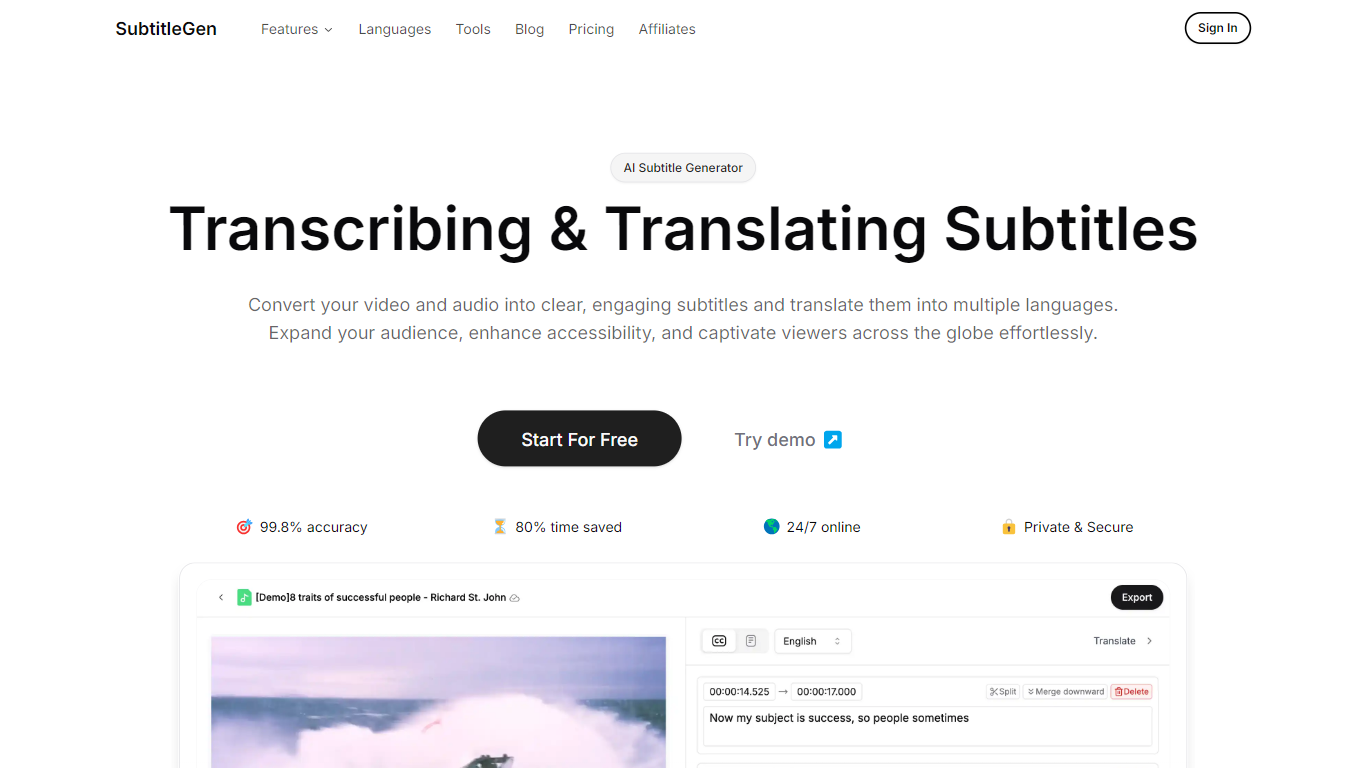

What is SubtitleGen?
SubtitleGen turns uploaded audio and video into timed subtitles you can export for YouTube and other platforms. Upload a file, let it transcribe speech, then review or tweak captions in an online editor before downloading SRT, VTT, ASS, or TXT files.
Where a full video editor buries subtitles inside a timeline, SubtitleGen keeps the workflow narrow: transcription, caption editing, and translation in one place. Paid plans bundle AI translation at no extra charge, which matters if you publish the same clip in multiple languages without hiring a separate localization step.
The free tier gives you 30 credits and a 30-minute per-file cap, so you can test accuracy on a short clip before upgrading. Content creators, educators, and marketing teams use it when they need readable captions fast without installing desktop software.
quso.ai (formerly Vidyo AI)
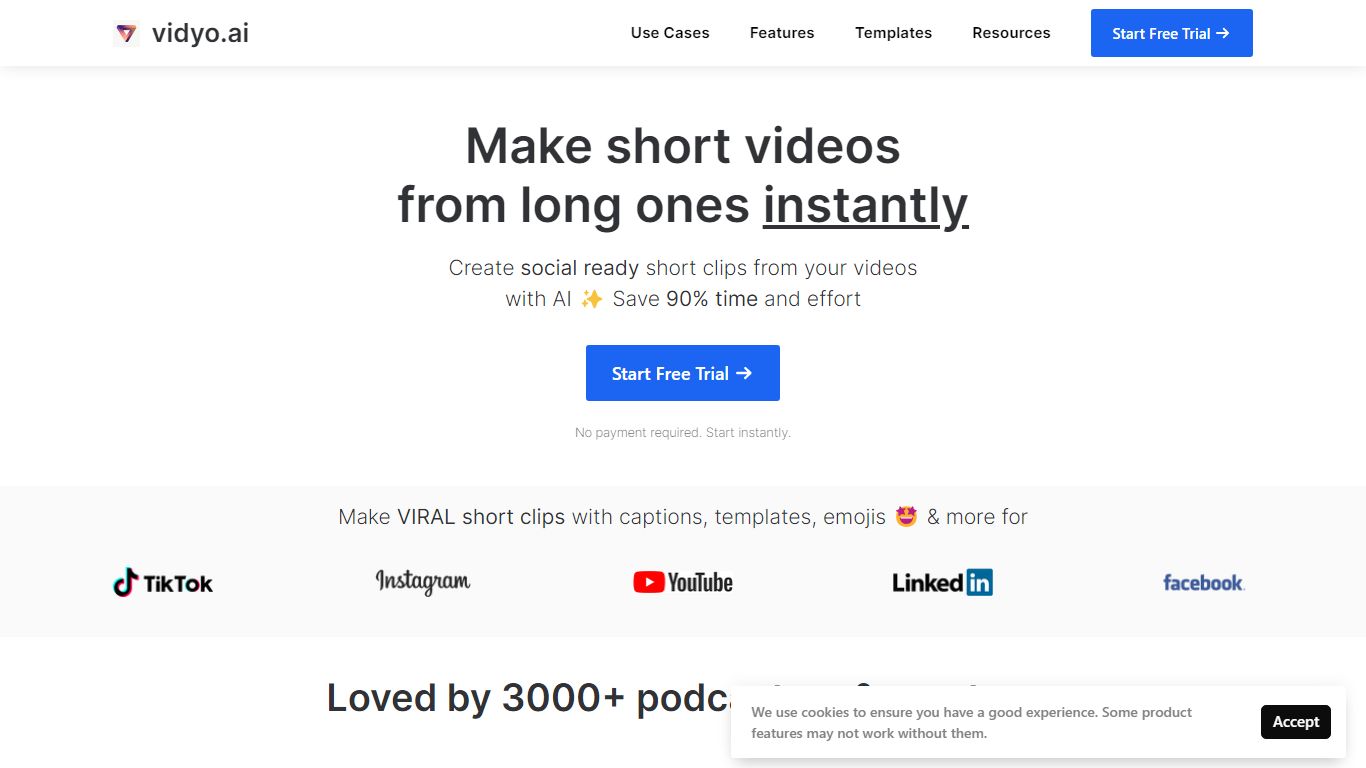
What is quso.ai (formerly Vidyo AI)?
quso.ai helps creators turn one long video into a batch of short, vertical clips with captions, reframing, and scheduling built in. The homepage headline promises one long upload can yield about ten clips in a single pass, and the product bundles clipping, subtitles, a text-based editor, and a social calendar instead of stitching together separate apps.
For podcasters and YouTube-first teams, the workflow matters as much as the headline. quso.ai imports from YouTube, Zoom, Twitch, Loom, and file uploads on the free tier, then scores moments for virality before you publish to TikTok, Reels, Shorts, LinkedIn, and X from one place. That end-to-end path is what separates it from clip-only tools that stop after export.
The site now presents quso.ai as the active brand while keeping Vidyo.ai URLs in circulation, which can confuse bookmarks but keeps legacy links working. Pricing starts free without a credit card, with paid plans from $29 per month across three tiers.
SubtitleGen Upvotes
quso.ai (formerly Vidyo AI) Upvotes
SubtitleGen Top Features
Claims 99.8% transcription accuracy on marketing pages, with high-accuracy mode on paid plans
Exports subtitles as SRT, VTT, ASS, or TXT for YouTube and other video platforms
Supports 35 languages for transcription, subtitles, and translation including English, Spanish, Japanese, and Hindi
Free plan includes 30 credits and files up to 30 minutes; Starter at $9 per month raises the cap to 2 hours per file
Browser-based subtitle editor lets you adjust timing and text without desktop software
Accepts MP3, MP4, AAC, WAV, FLAC, M4A, OGG, and WEBM uploads
quso.ai (formerly Vidyo AI) Top Features
AI clip generator that scores moments for virality from one long upload
Word-level animated captions and subtitles in 100+ languages with filler-word removal
Imports from YouTube, Zoom, Twitch, Loom, LinkedIn, Google Drive, Dropbox, and local files
Social media scheduler for TikTok, Instagram Reels, YouTube Shorts, LinkedIn, Facebook, and X
Text-based video editor with CutMagic scene detection and Intelliclips moment picking
Brand Kit to lock fonts, colors, and logo across exported clips
SubtitleGen Category
- Video Editing
quso.ai (formerly Vidyo AI) Category
- Video Editing
SubtitleGen Pricing Type
- Freemium
quso.ai (formerly Vidyo AI) Pricing Type
- Freemium