Talk to Jo vs CX Analytics
In the battle of Talk to Jo vs CX Analytics, which AI Analytics tool comes out on top? We compare reviews, pricing, alternatives, upvotes, features, and more.
Between Talk to Jo and CX Analytics, which one is superior?
Upon comparing Talk to Jo with CX Analytics, which are both AI-powered analytics tools, Both tools are equally favored, as indicated by the identical upvote count. You can help us determine the winner by casting your vote and tipping the scales in favor of one of the tools.
Not your cup of tea? Upvote your preferred tool and stir things up!
Talk to Jo

What is Talk to Jo?
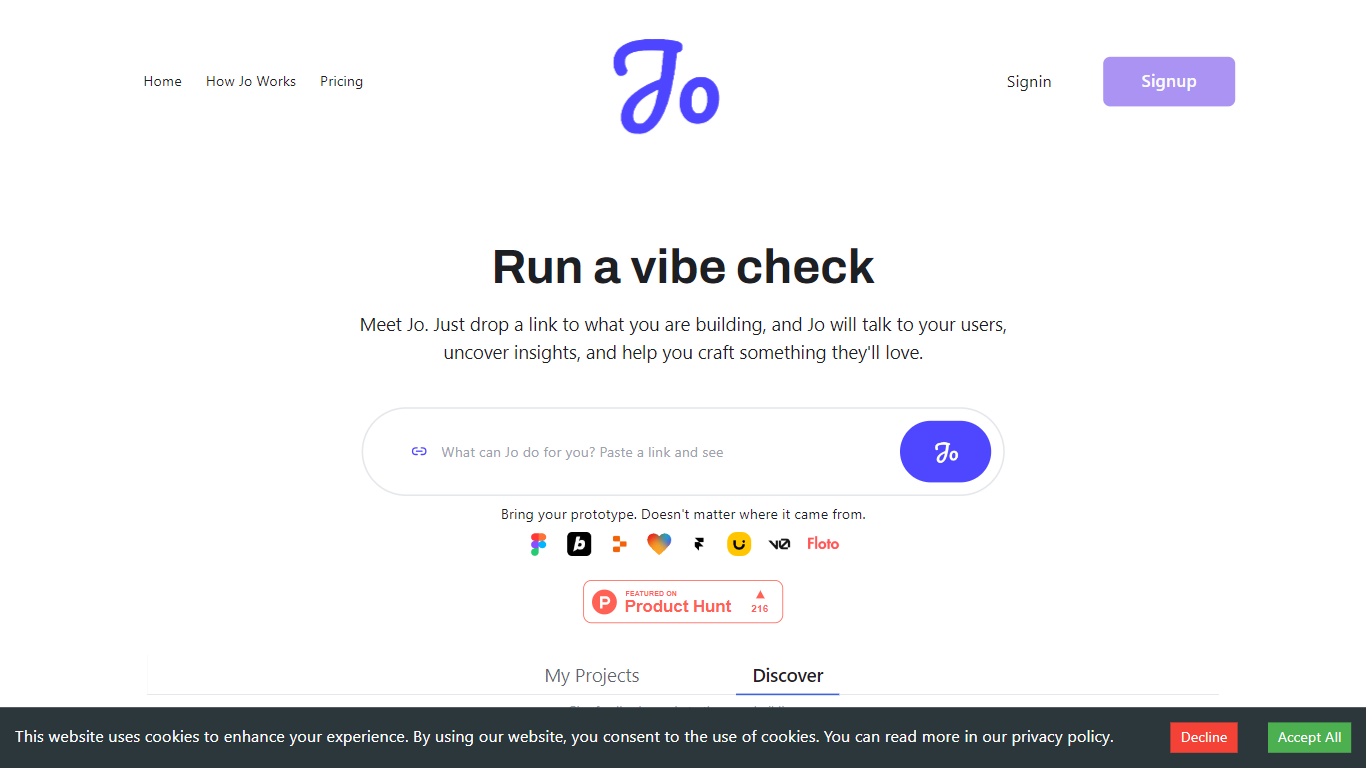
Talk to Jo runs design audits, persona simulations, flow checks, and user interview synthesis from inside Figma or through a shareable project link. Floto built it so product teams get structured feedback analytics without scheduling live research sessions for every iteration.
Most Figma feedback plugins stop at generic AI commentary. Jo layers credit-priced actions (audits at 20 credits, persona tests at 50, flow tests at 75) with a link-based user research mode where Jo interviews real people and synthesizes their answers. Product Hunt listings describe a Feedback Team of PM, design, and user-research agents that react instantly while live interviews run in the background.
Product teams and UX designers who ship in Figma are the core audience. The free tier grants 200 credits per week; Pro is $10 per month for 1,500 credits. Teams plans pool 2,500 credits per seat at $10 each with a three-seat minimum. Floto reports 8,000+ designers on the platform with installs via Figma Community and a Chrome extension.
CX Analytics
What is CX Analytics?
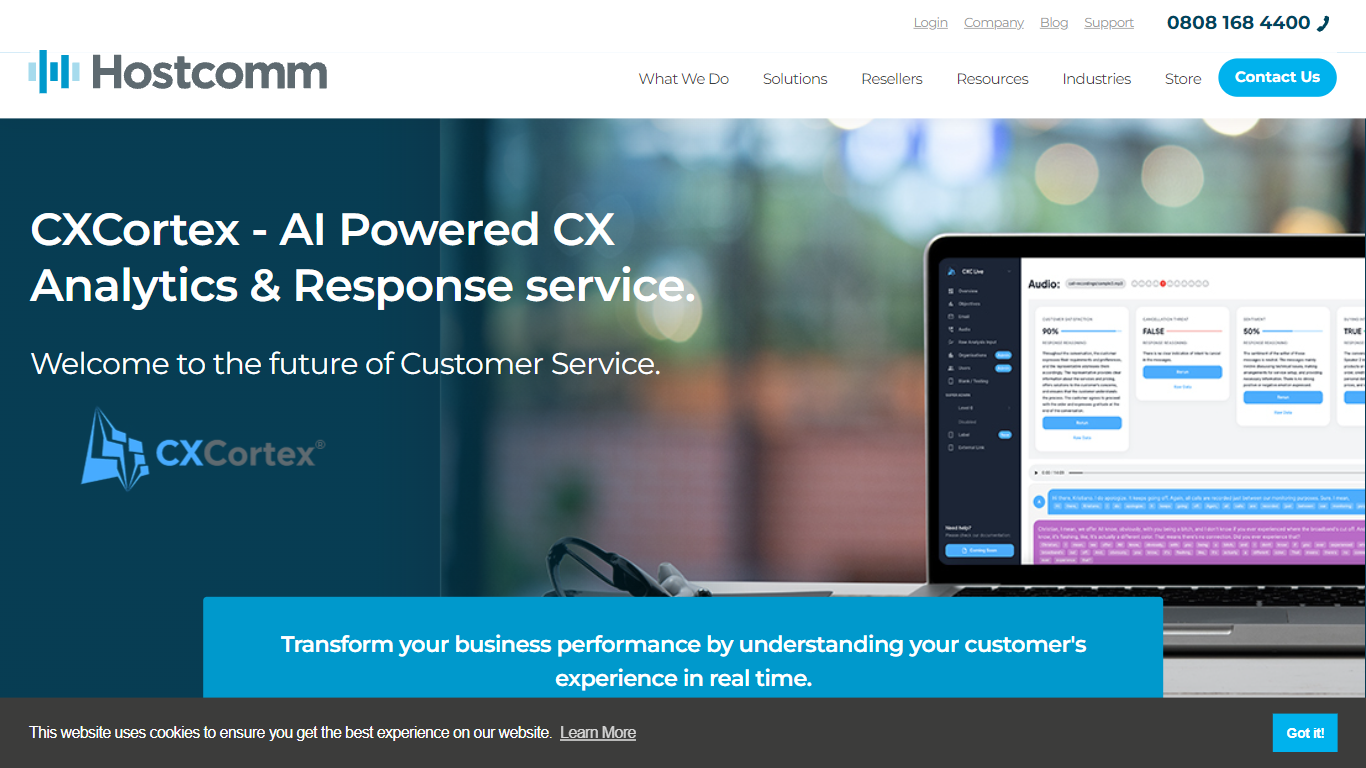
CX Analytics is a platform that uses AI to analyze customer interactions across voice, email, chat, and messaging channels. It processes call recordings, emails, and texts to provide a clear view of customer experience. The platform uses natural language processing and machine learning to detect patterns, sentiment, and trends, helping businesses understand customer needs and preferences. New features include AI-powered voice agents that operate 24/7, handling many more inquiries than human agents while maintaining consistent quality. It supports multilingual automated responses and can escalate from voice calls to video for faster resolutions. CX Analytics also integrates real-time business data and advanced graph memory technology to personalize interactions and deliver tailored responses. Its dashboards offer detailed reporting to track key customer experience metrics and measure improvements. This tool suits businesses aiming to enhance customer support efficiency and satisfaction through AI-driven insights and automation.
Talk to Jo Upvotes
CX Analytics Upvotes
Talk to Jo Top Features
Design Audit costs 20 credits per run and critiques UI with specific fix recommendations
Persona Testing costs 50 credits and simulates user reactions to your Figma frames
Flow and Prototype Testing costs 75 credits to trace how users move through a prototype
Free plan includes 200 credits per week covering audits, persona tests, flow analysis, and design diff
Pro plan is $10 per month with 1,500 credits and no rate limits
Teams plan pools 2,500 credits per seat at $10 per seat with a 3-seat minimum
Figma Community plugin and Chrome extension installs for in-canvas feedback
CX Analytics Top Features
📞 24/7 AI Voice Agents handle 15x more inquiries than humans, reducing wait times and improving service availability.
🌐 Multichannel Support unifies voice, email, chat, and messaging for consistent customer service across platforms.
🤖 Real-time Personalization uses graph memory to remember customer history and deliver tailored responses.
🎥 Seamless Escalation lets agents switch from voice calls to video for quicker problem solving.
📊 Interactive Dashboards provide clear insights into customer interactions and service performance.
Talk to Jo Category
- Analytics
CX Analytics Category
- Analytics
Talk to Jo Pricing Type
- Freemium
CX Analytics Pricing Type
- Paid