Talk to Jo vs flowpoint.ai
Dive into the comparison of Talk to Jo vs flowpoint.ai and discover which AI Analytics tool stands out. We examine alternatives, upvotes, features, reviews, pricing, and beyond.
When comparing Talk to Jo and flowpoint.ai, which one rises above the other?
When we compare Talk to Jo and flowpoint.ai, two exceptional analytics tools powered by artificial intelligence, and place them side by side, several key similarities and differences come to light. The upvote count favors flowpoint.ai, making it the clear winner. flowpoint.ai has 15 upvotes, and Talk to Jo has 6 upvotes.
You don't agree with the result? Cast your vote to help us decide!
Talk to Jo
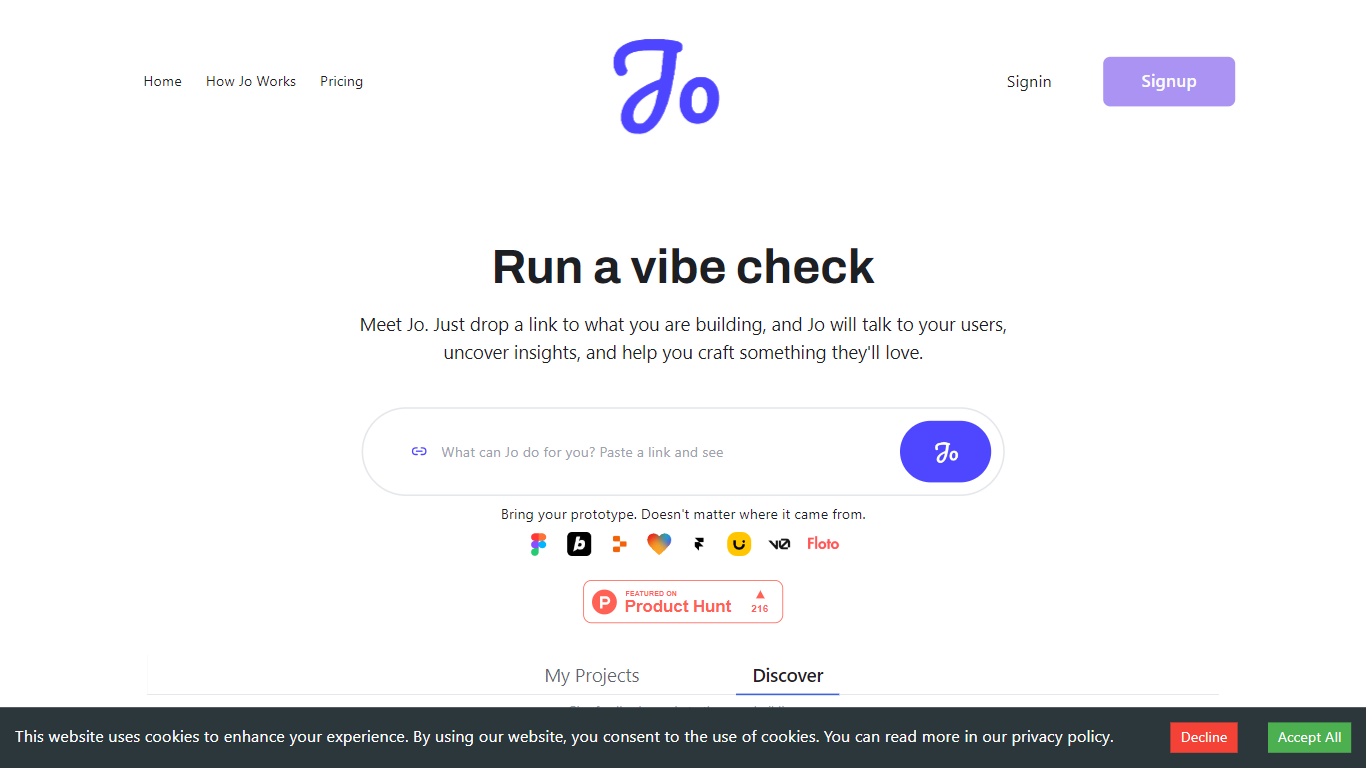

What is Talk to Jo?
Talk to Jo runs design audits, persona simulations, flow checks, and user interview synthesis from inside Figma or through a shareable project link. Floto built it so product teams get structured feedback analytics without scheduling live research sessions for every iteration.
Most Figma feedback plugins stop at generic AI commentary. Jo layers credit-priced actions (audits at 20 credits, persona tests at 50, flow tests at 75) with a link-based user research mode where Jo interviews real people and synthesizes their answers. Product Hunt listings describe a Feedback Team of PM, design, and user-research agents that react instantly while live interviews run in the background.
Product teams and UX designers who ship in Figma are the core audience. The free tier grants 200 credits per week; Pro is $10 per month for 1,500 credits. Teams plans pool 2,500 credits per seat at $10 each with a three-seat minimum. Floto reports 8,000+ designers on the platform with installs via Figma Community and a Chrome extension.
flowpoint.ai
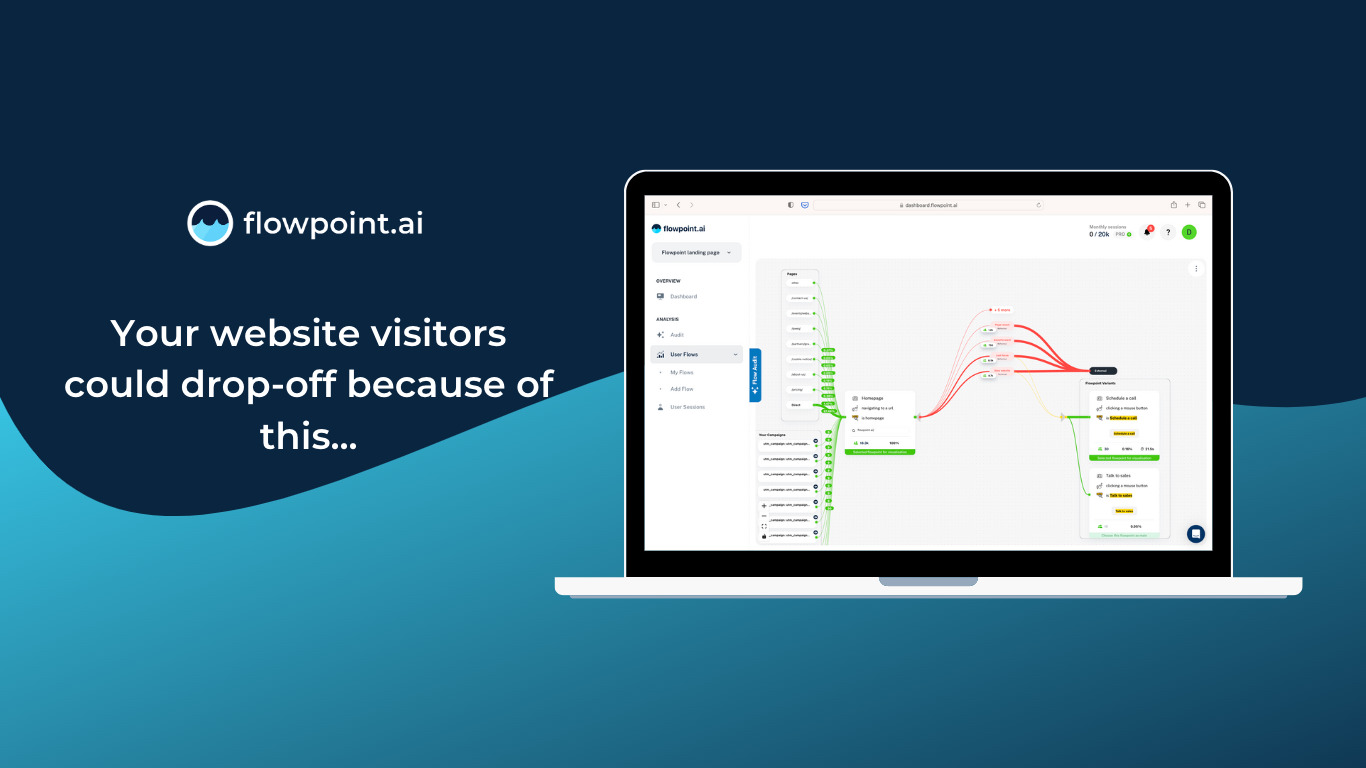
What is flowpoint.ai?
Flowpoint.ai is an AI-driven platform designed to automate and enhance website intelligence through agentic workflows. It enables users to build millions of no-code processes that analyze website data, identify issues, and optimize user journeys with minimal manual effort. The platform integrates seamlessly with Google Analytics and supports CSV data uploads, making it accessible for marketers and analysts without technical expertise.
The tool focuses on delivering precise, actionable insights by generating AI-powered reports in under 10 minutes. These reports highlight key website performance metrics, user behavior, and conversion funnels, helping businesses prioritize improvements based on ROI. Users can customize and refine reports manually or with AI assistance to align with specific goals.
Flowpoint's value lies in its ability to orchestrate complex workflows using AI agents that automate repetitive tasks such as website audits, campaign optimization, and real-time data analysis. This approach reduces guesswork and accelerates decision-making for marketing teams and website managers.
The platform supports multi-domain funnel tracking and event capturing, providing a comprehensive view of user interactions across websites. Its AI-powered recommendations cover technical, UX/UI, and content enhancements, empowering users to take meaningful actions that improve website performance.
Technically, Flowpoint employs an AI credit system to measure and manage tasks within workflows, allowing users to control usage and scale automation efficiently. It offers flexible subscription plans with options to purchase additional AI credits and volume-based discounts for larger needs.
Overall, Flowpoint.ai stands out by combining no-code workflow building with AI-driven analytics, making website intelligence accessible, scalable, and actionable for businesses of all sizes.
Talk to Jo Upvotes
flowpoint.ai Upvotes
Talk to Jo Top Features
Design Audit costs 20 credits per run and critiques UI with specific fix recommendations
Persona Testing costs 50 credits and simulates user reactions to your Figma frames
Flow and Prototype Testing costs 75 credits to trace how users move through a prototype
Free plan includes 200 credits per week covering audits, persona tests, flow analysis, and design diff
Pro plan is $10 per month with 1,500 credits and no rate limits
Teams plan pools 2,500 credits per seat at $10 per seat with a 3-seat minimum
Figma Community plugin and Chrome extension installs for in-canvas feedback
flowpoint.ai Top Features
🤖 AI-Powered Workflow Builder: Create millions of no-code automated processes to analyze and optimize your website without coding skills.
📊 Fast Analytics Reports: Generate detailed Google Analytics reports in under 10 minutes to quickly understand website performance.
🔗 Seamless Data Integration: Easily connect Google Analytics or upload CSV files to centralize your website data for analysis.
⚙️ Customizable AI Agents: Tailor AI-driven reports and insights to match your team’s goals and priorities with manual adjustments or AI guidance.
💳 Flexible AI Credit System: Manage and scale your automation tasks efficiently with a clear credit system and options to purchase extra credits.
Talk to Jo Category
- Analytics
flowpoint.ai Category
- Analytics
Talk to Jo Pricing Type
- Freemium
flowpoint.ai Pricing Type
- Paid