Tinkercad vs Meshy
In the battle of Tinkercad vs Meshy, which AI 3D Generation tool comes out on top? We compare reviews, pricing, alternatives, upvotes, features, and more.
Between Tinkercad and Meshy, which one is superior?
Upon comparing Tinkercad with Meshy, which are both AI-powered 3d generation tools, With more upvotes, Meshy is the preferred choice. Meshy has garnered 114 upvotes, and Tinkercad has garnered 6 upvotes.
Think we got it wrong? Cast your vote and show us who's boss!
Tinkercad

What is Tinkercad?
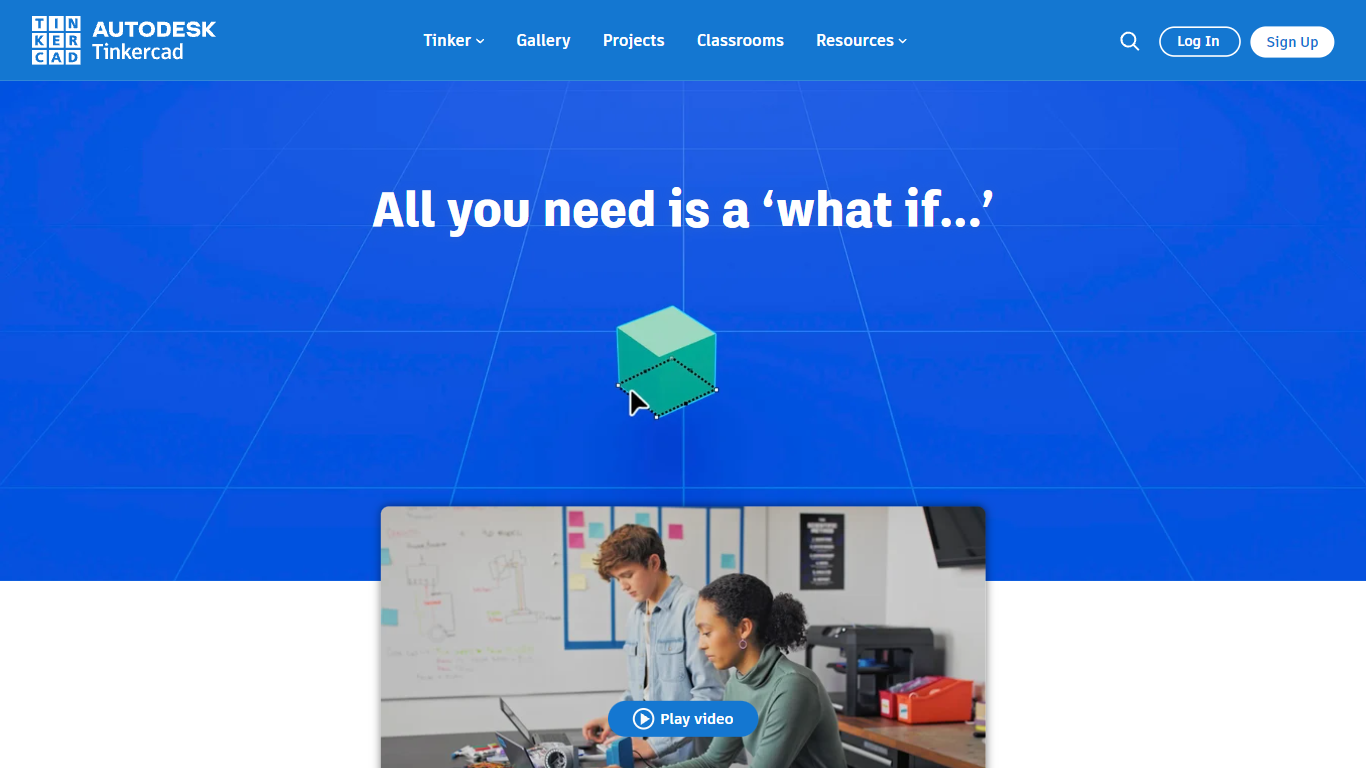
Tinkercad is a free, easy-to-use web app that lets anyone create 3D designs, electronic circuits, and coding projects. It serves beginners, educators, students, and hobbyists by providing a simple platform to bring ideas to life quickly. Trusted by over 100 million users worldwide, Tinkercad supports project-based learning that builds confidence and problem-solving skills. The app is kidSAFE-certified and ad-free, ensuring a safe environment for all ages. It aligns with educational standards like Common Core and NGSS, making it a valuable tool for classrooms across subjects including computer science, math, and social studies. Users can design 3D models ready for printing, simulate circuits, and write block-based code to create dynamic designs. Tinkercad works best on desktops, laptops, and tablets, and requires no downloads or installations. As part of Autodesk, it introduces users to professional design and make technology through an accessible, hands-on approach.
Meshy
What is Meshy?
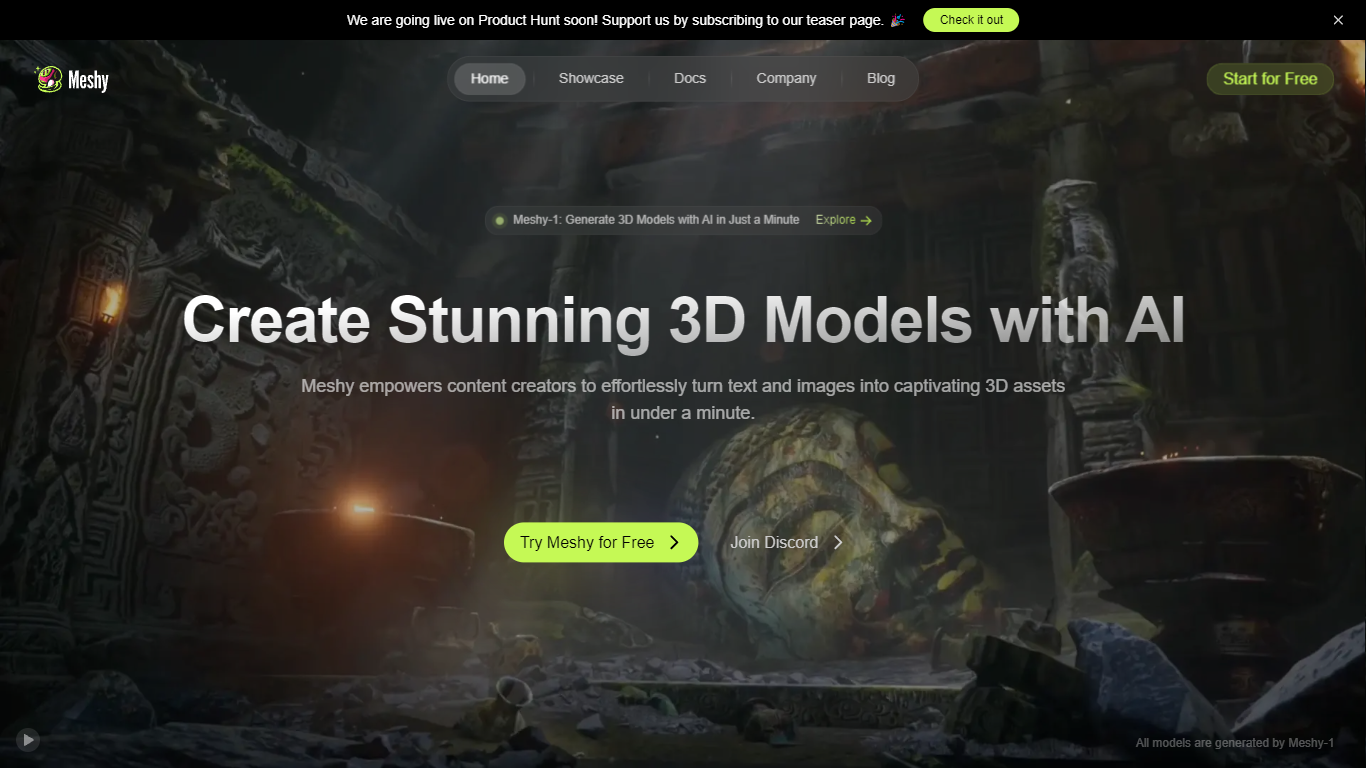
Meshy is a versatile 3D AI toolkit that lets users create detailed 3D models from text prompts, images, or 2D concepts quickly and easily. It serves a wide range of creators including game developers, 3D artists, educators, and product designers by simplifying the 3D content creation process. Users can generate production-ready models in seconds, cutting down the time and cost compared to traditional methods.
The platform supports multiple input types such as text-to-3D and image-to-3D, offering high fidelity and sharp, well-defined geometry that faithfully replicates original concepts. Meshy also provides control over mesh settings, texture richness, and supports AI-powered texture editing to refine details. This flexibility helps users tailor models to their specific project needs.
Meshy integrates smoothly into professional workflows with support for multiple 3D file formats, API access, and plugins. It offers enterprise-grade security features including SOC2 Type II and ISO27001 certifications, single sign-on, and centralized billing, making it suitable for teams and organizations. Collaboration is enhanced through shared workspaces and multi-team management.
The tool supports a variety of art styles like realistic, cartoon, low poly, and voxel, with more styles planned. It also includes an animation library and rigging tools to bring models to life. Multilingual support and an AI prompt helper make the platform accessible to a global audience.
Meshy’s value lies in enabling fast, scalable 3D asset creation without sacrificing quality or creative control. It democratizes 3D modeling by removing technical barriers and providing a rich set of features that cater to both beginners and professionals. The vibrant community and ongoing updates ensure users have access to the latest advancements in AI-driven 3D design.
Tinkercad Upvotes
Meshy Upvotes
Tinkercad Top Features
🎨 Easy 3D modeling tools to create printable designs quickly
🔌 Circuit simulation lets you build and test electronics virtually
💻 Block-based coding to add interactivity and logic to projects
📚 Curriculum-aligned lessons support classroom teaching needs
🔒 KidSAFE-certified platform ensures a safe learning space
Meshy Top Features
⚡ Instant 3D model creation from text or images saves time
🎨 Multiple art styles like realistic and cartoon for diverse projects
🛠️ Mesh editor with polycount control for precise model adjustments
🎭 Built-in animation library and rigging tools to animate models
🔒 Enterprise-grade security with SOC2 and ISO27001 certifications
Tinkercad Category
- 3D Generation
Meshy Category
- 3D Generation
Tinkercad Pricing Type
- Freemium
Meshy Pricing Type
- Freemium