TranscribeAudio vs Superpowered
Compare TranscribeAudio vs Superpowered and see which AI Meeting Assistant tool is better when we compare features, reviews, pricing, alternatives, upvotes, etc.
Which one is better? TranscribeAudio or Superpowered?
When we compare TranscribeAudio with Superpowered, which are both AI-powered meeting assistant tools, The upvote count reveals a draw, with both tools earning the same number of upvotes. Be a part of the decision-making process. Your vote could determine the winner.
Don't agree with the result? Cast your vote and be a part of the decision-making process!
TranscribeAudio

What is TranscribeAudio?
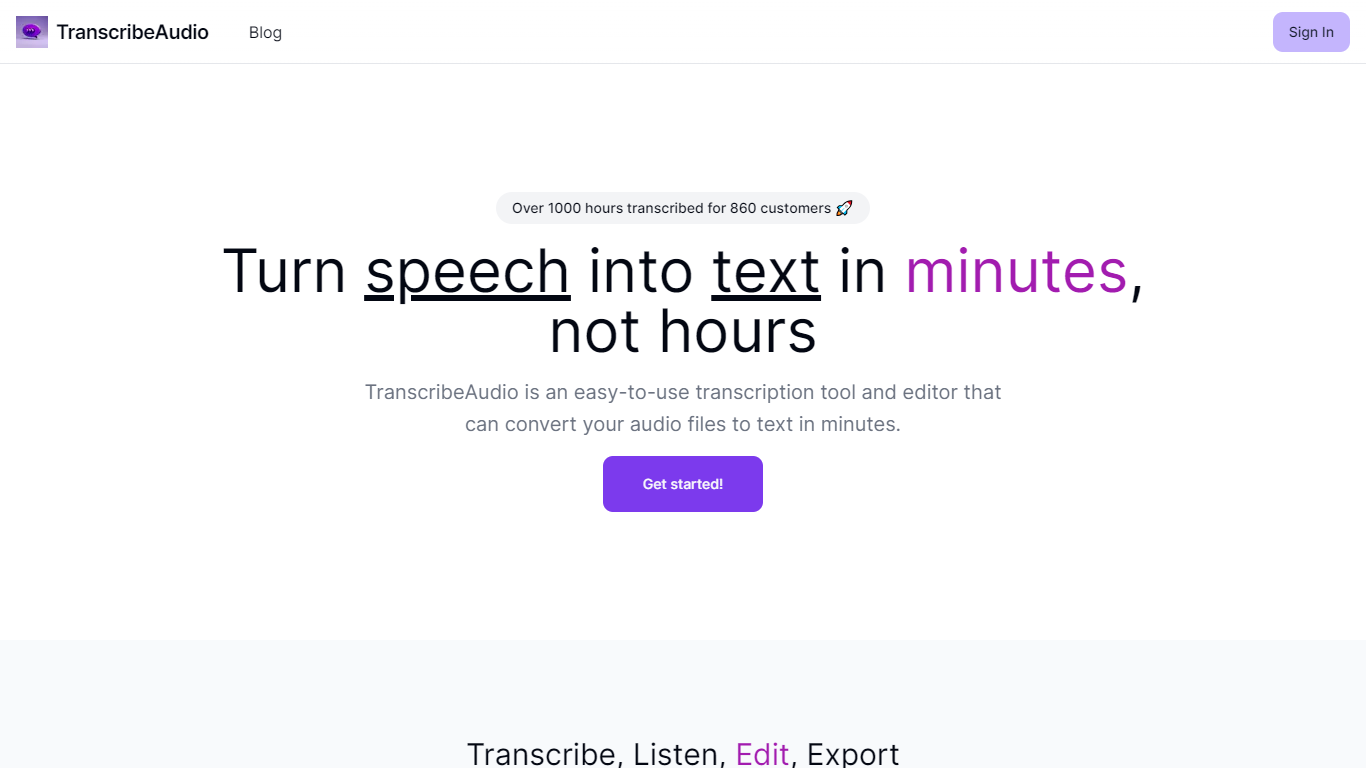
TranscribeAudio is a Chrome extension that turns any audio playing in your browser into live text. Instead of uploading recordings or inviting a bot into your meeting, you click Start on a tab and captions appear in a floating overlay you can drag anywhere on screen.
The extension captures audio directly from the browser tab, so it works with Zoom, Google Meet, YouTube, podcasts, and any other site playing sound in Chrome. Transcription runs on OpenAI's Whisper-based speech recognition and supports 57 languages.
It fits anyone who wants real-time captions during meetings, lectures, or videos without managing separate recording files or waiting for upload-based transcripts to process.
Superpowered
What is Superpowered?
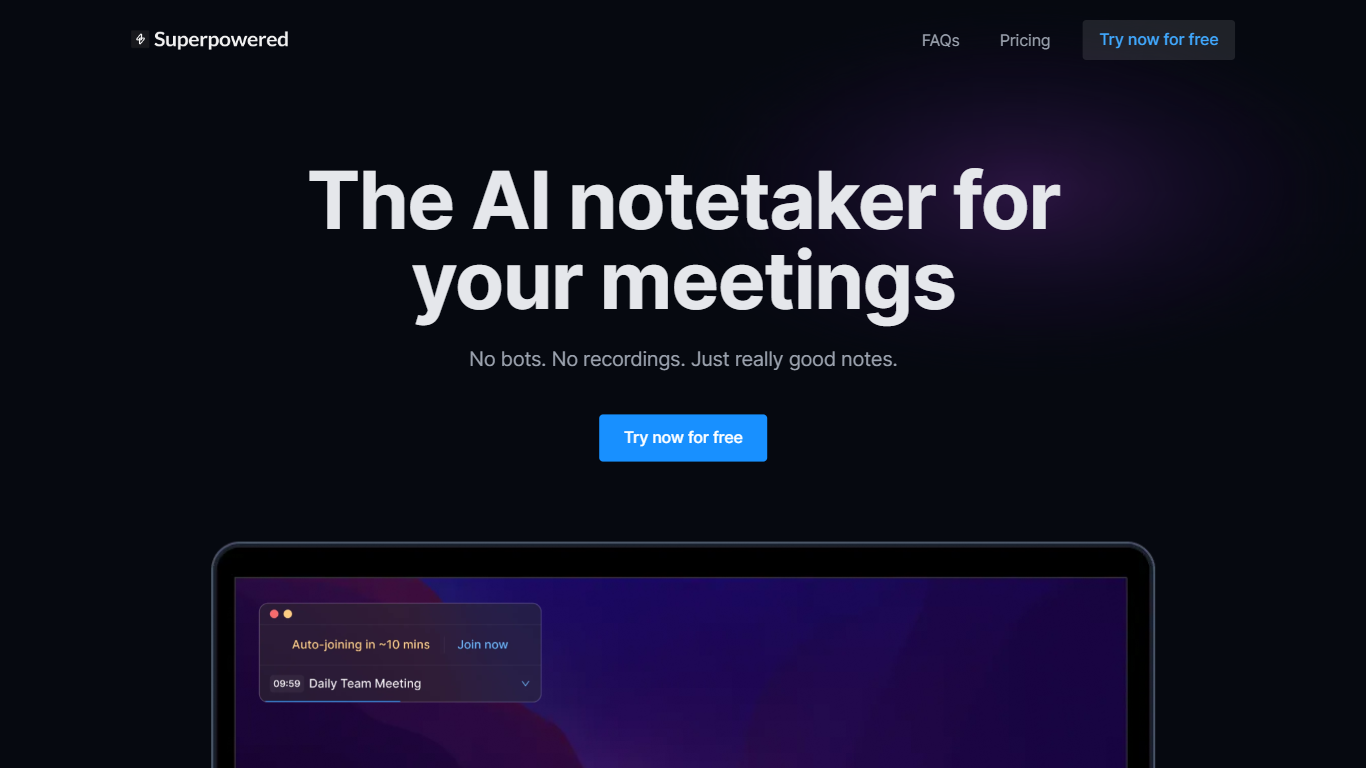
Superpowered is your ultimate AI-powered assistant for seamless notetaking during meetings. This AI notetaker skillfully transcribes meetings in real-time without the need for bots or recordings, ensuring privacy and efficiency. Superpowered offers features like AI Templates and AI Chat, enhancing note accuracy and providing you with the perfect memory for all your meetings. It's designed to work with various meeting platforms and supports a diverse range of languages. Trusted by a wide range of companies worldwide, Superpowered ensures industry-standard compliance with SOC-2 Type II and GDPR, guaranteeing security and privacy. With varying pricing plans, including a free option, it caters to individual preferences and offers integrations with popular services such as Slack, Notion, Google Drive, and more. Embrace the power of AI and never worry about meeting notes again!
TranscribeAudio Upvotes
Superpowered Upvotes
TranscribeAudio Top Features
Captures audio from any Chrome tab and streams live captions without using your microphone
Whisper-based speech recognition with support for 57 languages and regional accents
Floating overlay you can drag anywhere while watching videos or joining calls
Works with Zoom, Google Meet, YouTube, Vimeo, and other sites playing audio in Chrome
Export transcriptions as TXT files for notes and sharing
No meeting bots or participant notifications when transcribing calls
Superpowered Top Features
AI Notetaker: Transcribe meetings in real time without bots or recordings.
AI Templates: Enforce notetaking best practices with customizable templates.
AI Chat: A chat feature that lets you interact with an AI that 'attended' your meetings.
No Recordings: Everything is transcribed live and no recordings are stored to ensure privacy.
Multi-Language Support: Supports an extensive list of languages for transcription.
TranscribeAudio Category
- Meeting Assistant
Superpowered Category
- Meeting Assistant
TranscribeAudio Pricing Type
- Freemium
Superpowered Pricing Type
- Freemium