Lexibird (formerly Translatium for Mac & PC) vs Readable
In the clash of Lexibird (formerly Translatium for Mac & PC) vs Readable, which AI Translation tool emerges victorious? We assess reviews, pricing, alternatives, features, upvotes, and more.
When we put Lexibird (formerly Translatium for Mac & PC) and Readable head to head, which one emerges as the victor?
Let's take a closer look at Lexibird (formerly Translatium for Mac & PC) and Readable, both of which are AI-driven translation tools, and see what sets them apart. There's no clear winner in terms of upvotes, as both tools have received the same number. The power is in your hands! Cast your vote and have a say in deciding the winner.
Feeling rebellious? Cast your vote and shake things up!
Lexibird (formerly Translatium for Mac & PC)
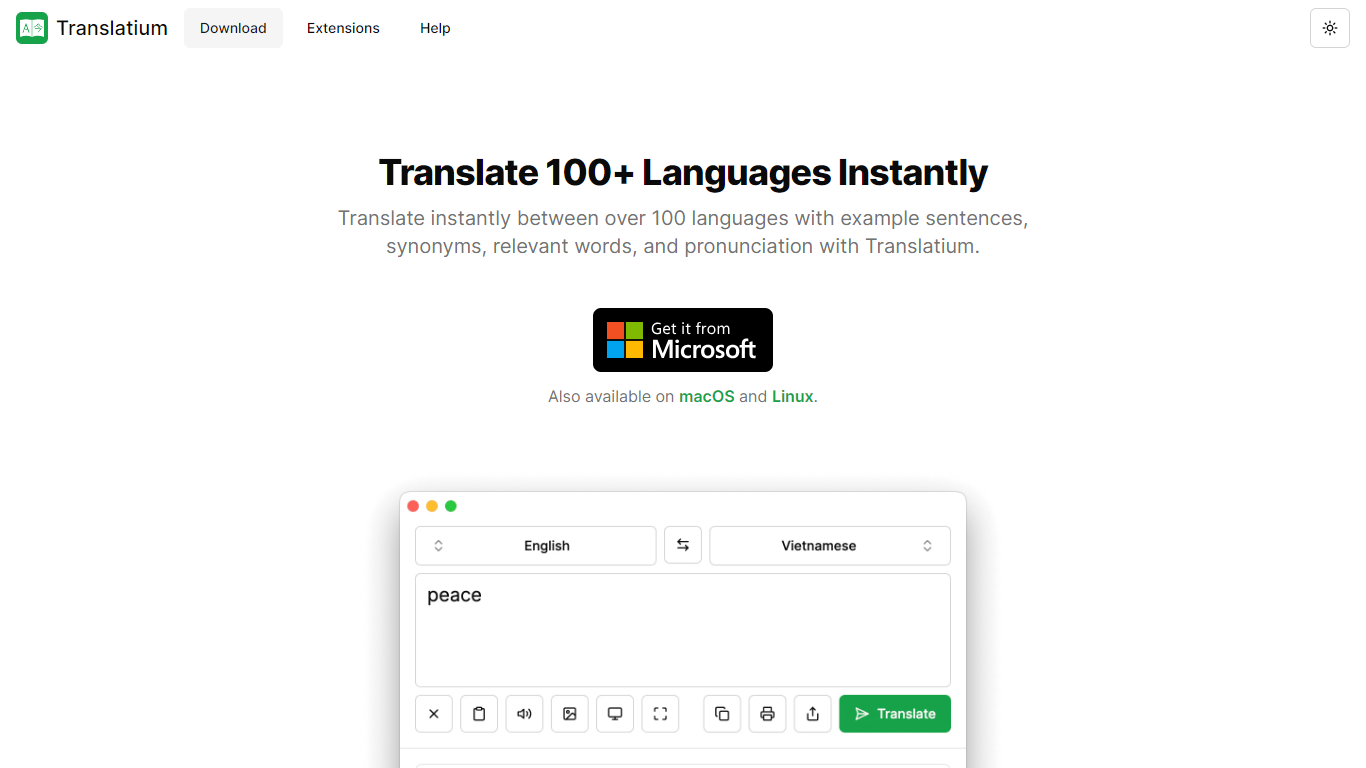

What is Lexibird (formerly Translatium for Mac & PC)?
Lexibird is the translation platform from WebCatalog that replaced Translatium. It targets businesses and professionals who need secure, accurate translation across text, images, audio, and documents in more than 200 languages.
The product runs as native desktop apps on macOS and Windows, with browser extensions for Chrome, Firefox, Edge, Opera, Brave, and Vivaldi, plus a PopClip extension for translating selected text in other apps. Beyond straight translation, Lexibird bundles a dictionary with definitions and synonyms, OCR for images and screenshots, real-time voice dictation, text-to-speech, and audio transcription.
Lexibird fits teams and individuals who translate constantly during their workday: support staff handling multilingual tickets, writers working across languages, and anyone who needs quick lookups without opening a separate browser tab. Credit-based plans scale from a free tier to Pro and Business subscriptions with higher monthly limits.
Readable
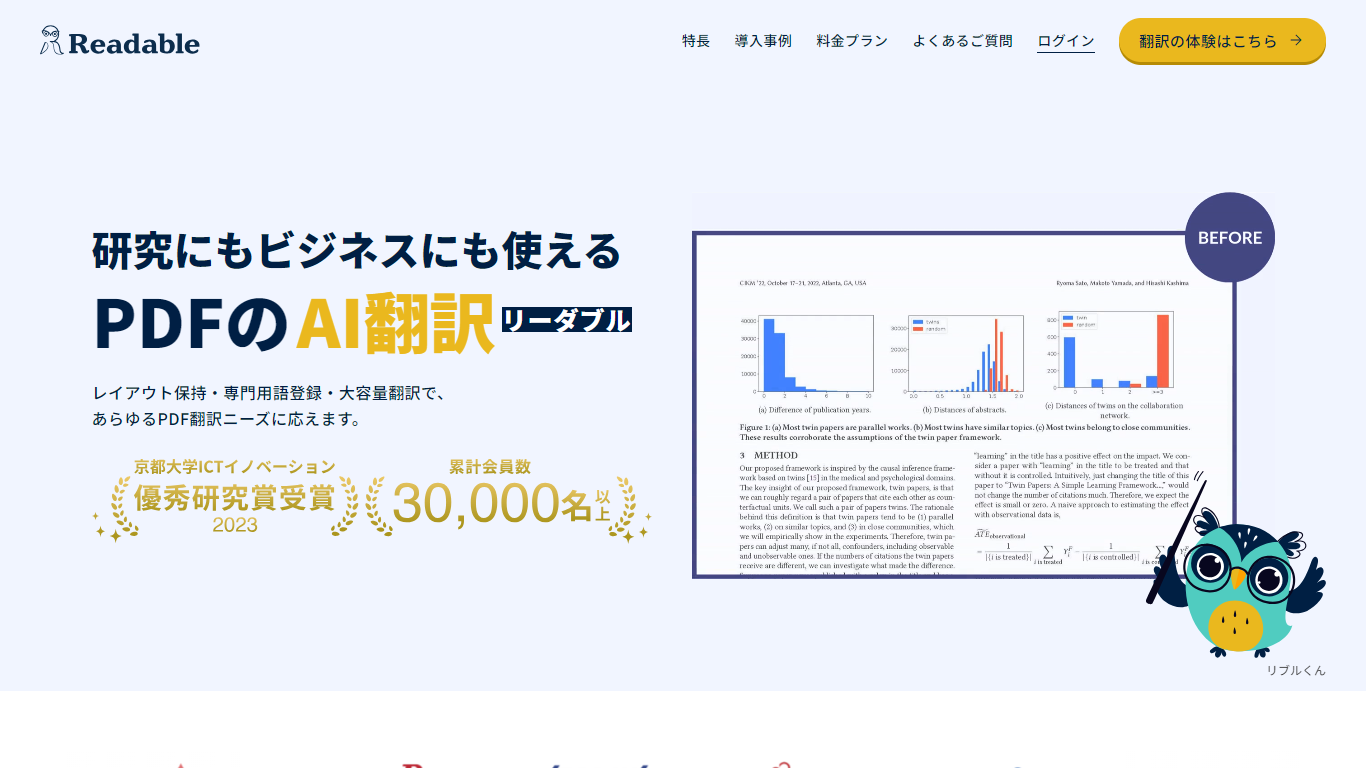
What is Readable?
Readable translates PDF files into Japanese while keeping the original layout intact, including tables, figures, and images. Built by NextLab Inc., it targets researchers reading academic papers and business teams working through manuals, reports, and contracts without rebuilding documents by hand.
The reader shows original and translated text side by side so you can scan a translation and jump back to the source line when something needs a closer look. Premium users can register custom dictionaries so product names, abbreviations, and field-specific terms translate the same way every time.
Readable runs in the browser and through a Chrome extension for quick file translation. Pro Standard focuses on English-to-Japanese PDFs, while Pro Premium adds 200+ source languages, larger file limits, and optional ChatGPT-based translation engines.
Lexibird (formerly Translatium for Mac & PC) Upvotes
Readable Upvotes
Lexibird (formerly Translatium for Mac & PC) Top Features
200+ languages for text, images, audio, and document translation
OCR extracts and translates text from screenshots and photos
Real-time voice dictation with audio transcription built in
Natural text-to-speech voices read translations aloud
Dictionary lookups with definitions, synonyms, and usage examples
Native macOS and Windows apps plus extensions for six browsers and PopClip
Readable Top Features
Tables, charts, and images stay in place in the translated PDF
Original and Japanese text sit side by side for faster research reading
Custom dictionaries pin product names and technical terms to your preferred wording
Premium translates up to 1,000 pages or 200 MB in a single upload
Chrome extension handles one-click translation for online files
Lexibird (formerly Translatium for Mac & PC) Category
- Translation
Readable Category
- Translation
Lexibird (formerly Translatium for Mac & PC) Pricing Type
- Freemium
Readable Pricing Type
- Freemium