UI to Code vs Continue
In the battle of UI to Code vs Continue, which AI Code Assistant tool comes out on top? We compare reviews, pricing, alternatives, upvotes, features, and more.
Between UI to Code and Continue, which one is superior?
Upon comparing UI to Code with Continue, which are both AI-powered code assistant tools, There's no clear winner in terms of upvotes, as both tools have received the same number. Be a part of the decision-making process. Your vote could determine the winner.
Think we got it wrong? Cast your vote and show us who's boss!
UI to Code
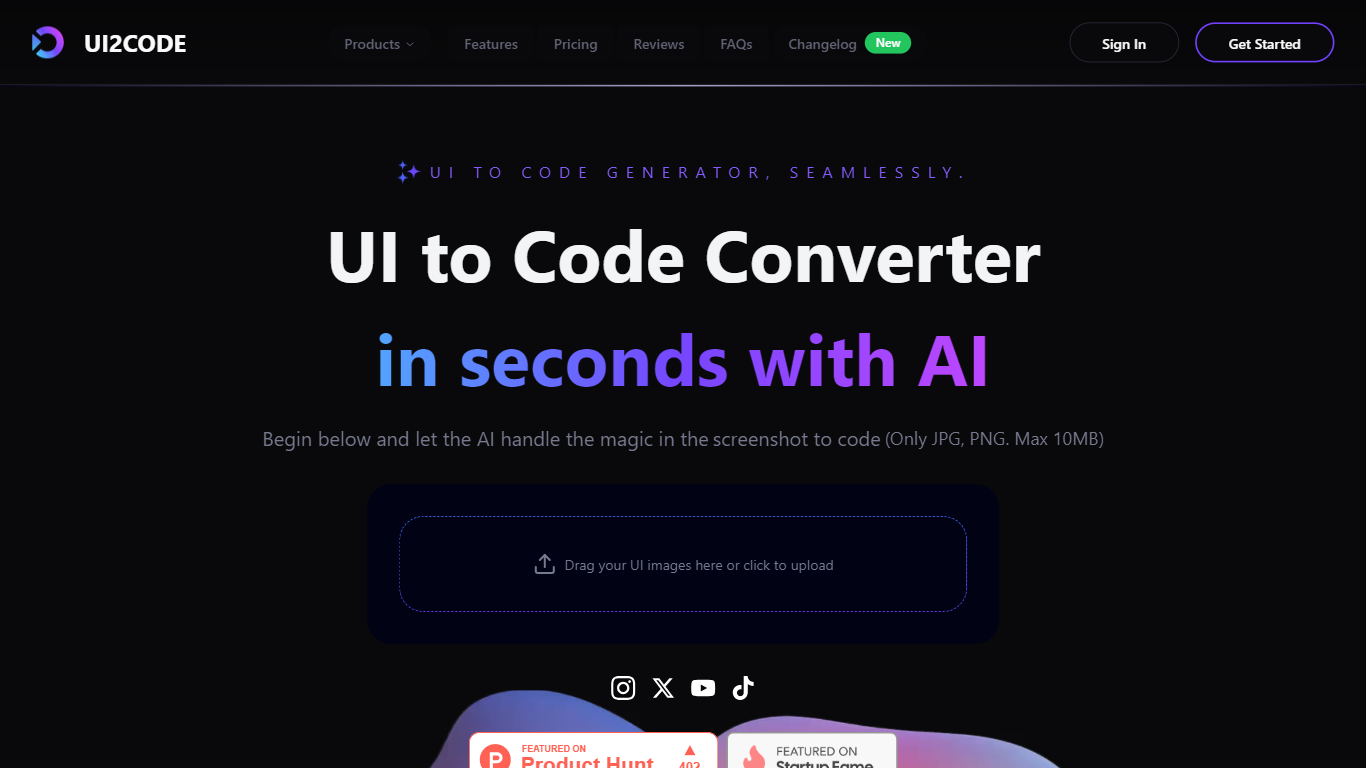

What is UI to Code?
UI to Code AI is a powerful tool designed to transform user interface designs into production-ready code without requiring any coding knowledge. The core functionality of this tool allows users to upload their design files, such as JPG or PNG images, and instantly receive clean, optimized code in various programming languages like Flutter, Swift, Kotlin, and HTML. This process is facilitated by advanced AI technology that automates the coding workflow, making it accessible to both designers and developers alike.
The target audience for UI to Code AI includes designers, developers, and anyone involved in creating user interfaces who may not have extensive coding skills. This tool is particularly beneficial for those who want to save time and reduce development costs by automating the coding process. By providing a user-friendly interface, it allows users to focus on their design work while the AI handles the technical aspects of code generation.
One of the unique value propositions of UI to Code AI is its ability to deliver accurate and efficient code generation in a matter of seconds. Users can expect high-quality output that requires minimal adjustments, making it a reliable choice for professionals in the field. The tool's ability to handle complex layouts and produce production-ready code sets it apart from other similar solutions in the market.
Key differentiators include the tool's multi-language support, which allows users to generate code in various popular programming languages, and its quick setup process that enables users to start generating code within just one minute. Additionally, the positive testimonials from users highlight the tool's effectiveness and user-friendliness, reinforcing its reputation as a game-changer in the coding landscape.
In terms of technical implementation, UI to Code AI leverages cutting-edge AI technology to interpret design inputs and convert them into precise code snippets. This innovative approach not only enhances the accuracy of the generated code but also streamlines the overall development process, making it an essential tool for modern designers and developers. The AI's ability to understand and translate complex images into functional code is a testament to its advanced capabilities and commitment to quality.
Continue
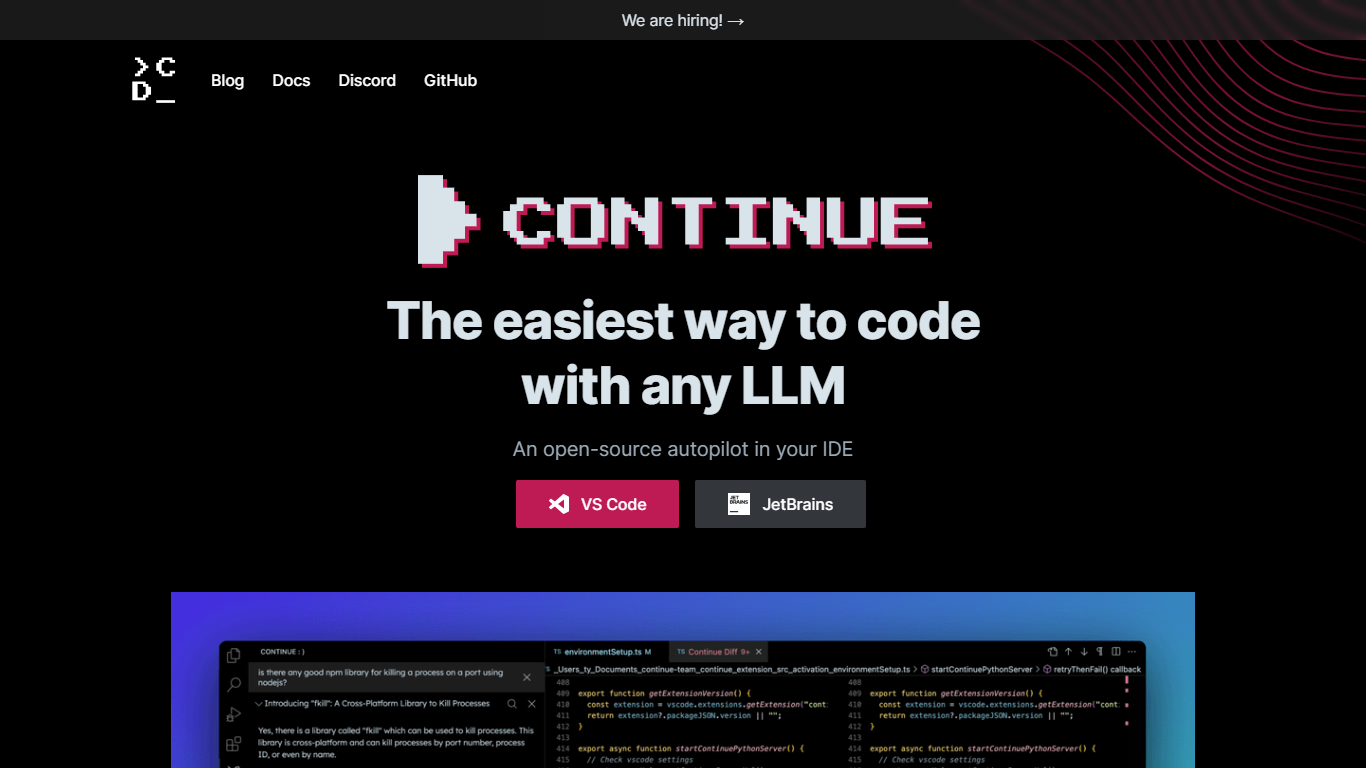
What is Continue?
Continue is an open source AI coding assistant that plugs into VS Code and JetBrains. It adds chat, inline autocomplete, targeted edits, and agent mode inside the editor you already use, so you can ask questions, refactor code, and run multi-step tasks without switching apps.
You bring your own model provider. Continue supports OpenAI, Anthropic, Google, Mistral, Azure, Amazon Bedrock, Ollama, and many others, and lets you assign different models to different roles like chat, edit, autocomplete, and embeddings. Configuration lives in a YAML file you can version with your repo.
Continue also ships a terminal CLI called cn for AI-assisted workflows outside the IDE. In 2026, Continue announced it was acquired by Cursor. The open source codebase and documentation remain available, and the VS Code and JetBrains extensions still install from their marketplaces.
UI to Code Upvotes
Continue Upvotes
UI to Code Top Features
Instant Code Generation: Upload your design and receive ready-to-use code in seconds, saving you time and effort.
Multi-Language Support: Generate clean code in popular programming languages like Flutter, Swift, Kotlin, and HTML, catering to diverse development needs.
User-Friendly Interface: The platform is designed for ease of use, allowing anyone to upload designs and generate code without technical skills.
High Accuracy: The AI produces precise and efficient code, requiring minimal adjustments, which enhances productivity for developers.
Quick Setup: Get started in just one minute with a simple upload process, making it easy to integrate into your workflow.
Continue Top Features
Agent mode handles multi-step development tasks with tool calling and MCP server support
Chat mode answers questions about your codebase without leaving the editor
Edit mode rewrites selected code sections from natural language instructions
Autocomplete suggests inline completions as you type
Continue CLI (cn) brings the same agent workflows to the terminal
Connect any supported LLM provider or run local models through Ollama
Customize prompts, rules, and model roles through config.yaml
UI to Code Category
- Code Assistant
Continue Category
- Code Assistant
UI to Code Pricing Type
- Freemium
Continue Pricing Type
- Freemium