UI to Code vs Omnipilot
Compare UI to Code vs Omnipilot and see which AI Code Assistant tool is better when we compare features, reviews, pricing, alternatives, upvotes, etc.
Which one is better? UI to Code or Omnipilot?
When we compare UI to Code with Omnipilot, which are both AI-powered code assistant tools, The upvote count is neck and neck for both UI to Code and Omnipilot. You can help us determine the winner by casting your vote and tipping the scales in favor of one of the tools.
Disagree with the result? Upvote your favorite tool and help it win!
UI to Code
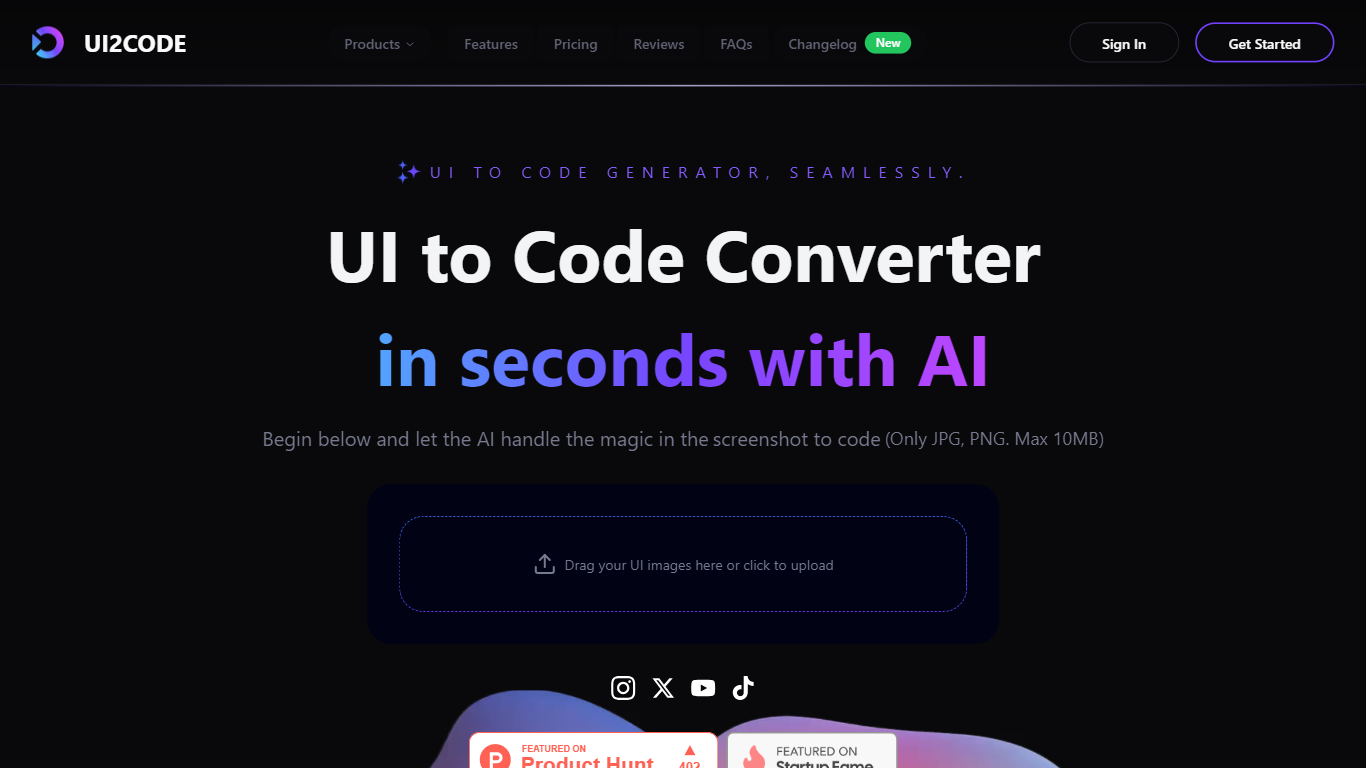

What is UI to Code?
UI to Code AI is a powerful tool designed to transform user interface designs into production-ready code without requiring any coding knowledge. The core functionality of this tool allows users to upload their design files, such as JPG or PNG images, and instantly receive clean, optimized code in various programming languages like Flutter, Swift, Kotlin, and HTML. This process is facilitated by advanced AI technology that automates the coding workflow, making it accessible to both designers and developers alike.
The target audience for UI to Code AI includes designers, developers, and anyone involved in creating user interfaces who may not have extensive coding skills. This tool is particularly beneficial for those who want to save time and reduce development costs by automating the coding process. By providing a user-friendly interface, it allows users to focus on their design work while the AI handles the technical aspects of code generation.
One of the unique value propositions of UI to Code AI is its ability to deliver accurate and efficient code generation in a matter of seconds. Users can expect high-quality output that requires minimal adjustments, making it a reliable choice for professionals in the field. The tool's ability to handle complex layouts and produce production-ready code sets it apart from other similar solutions in the market.
Key differentiators include the tool's multi-language support, which allows users to generate code in various popular programming languages, and its quick setup process that enables users to start generating code within just one minute. Additionally, the positive testimonials from users highlight the tool's effectiveness and user-friendliness, reinforcing its reputation as a game-changer in the coding landscape.
In terms of technical implementation, UI to Code AI leverages cutting-edge AI technology to interpret design inputs and convert them into precise code snippets. This innovative approach not only enhances the accuracy of the generated code but also streamlines the overall development process, making it an essential tool for modern designers and developers. The AI's ability to understand and translate complex images into functional code is a testament to its advanced capabilities and commitment to quality.
Omnipilot
What is Omnipilot?
Omnipilot enables users to type and automate tasks across any application on macOS by understanding the full context of the screen. It assists with writing emails, generating code, and running terminal commands, reducing repetitive work through intelligent autocompletion and context-aware suggestions.
What distinguishes Omnipilot from other tools is its deep integration with macOS and its ability to adapt suggestions based on visible screen content. Unlike simpler text completion tools, it offers automation capabilities such as terminal command generation and execution, making it valuable for developers and professionals.
Omnipilot is available for immediate download without a waitlist, emphasizing quick access and ease of use. While it focuses exclusively on macOS, its versatility spans from simple text generation to complex automation tasks. The tool has joined Highlight, another AI desktop assistant, which continues to provide AI assistance to its users.
UI to Code Upvotes
Omnipilot Upvotes
UI to Code Top Features
Instant Code Generation: Upload your design and receive ready-to-use code in seconds, saving you time and effort.
Multi-Language Support: Generate clean code in popular programming languages like Flutter, Swift, Kotlin, and HTML, catering to diverse development needs.
User-Friendly Interface: The platform is designed for ease of use, allowing anyone to upload designs and generate code without technical skills.
High Accuracy: The AI produces precise and efficient code, requiring minimal adjustments, which enhances productivity for developers.
Quick Setup: Get started in just one minute with a simple upload process, making it easy to integrate into your workflow.
Omnipilot Top Features
Context-aware typing assistance anywhere on macOS 🖥️ helps you write and automate tasks in any app.
Automated email drafting 📧 speeds up communication by generating relevant responses and messages.
Terminal command generation and execution 🖥️ simplifies complex Bash commands for developers.
Instant access with no waitlist ⏱️ download and start using immediately without delays.
Screen context understanding 👀 adapts suggestions based on what’s visible on your screen for smarter help.
UI to Code Category
- Code Assistant
Omnipilot Category
- Code Assistant
UI to Code Pricing Type
- Freemium
Omnipilot Pricing Type
- Freemium