
Last updated 07-15-2026
Category:
Reviews:
Join thousands of AI enthusiasts in the World of AI!
Doclingo
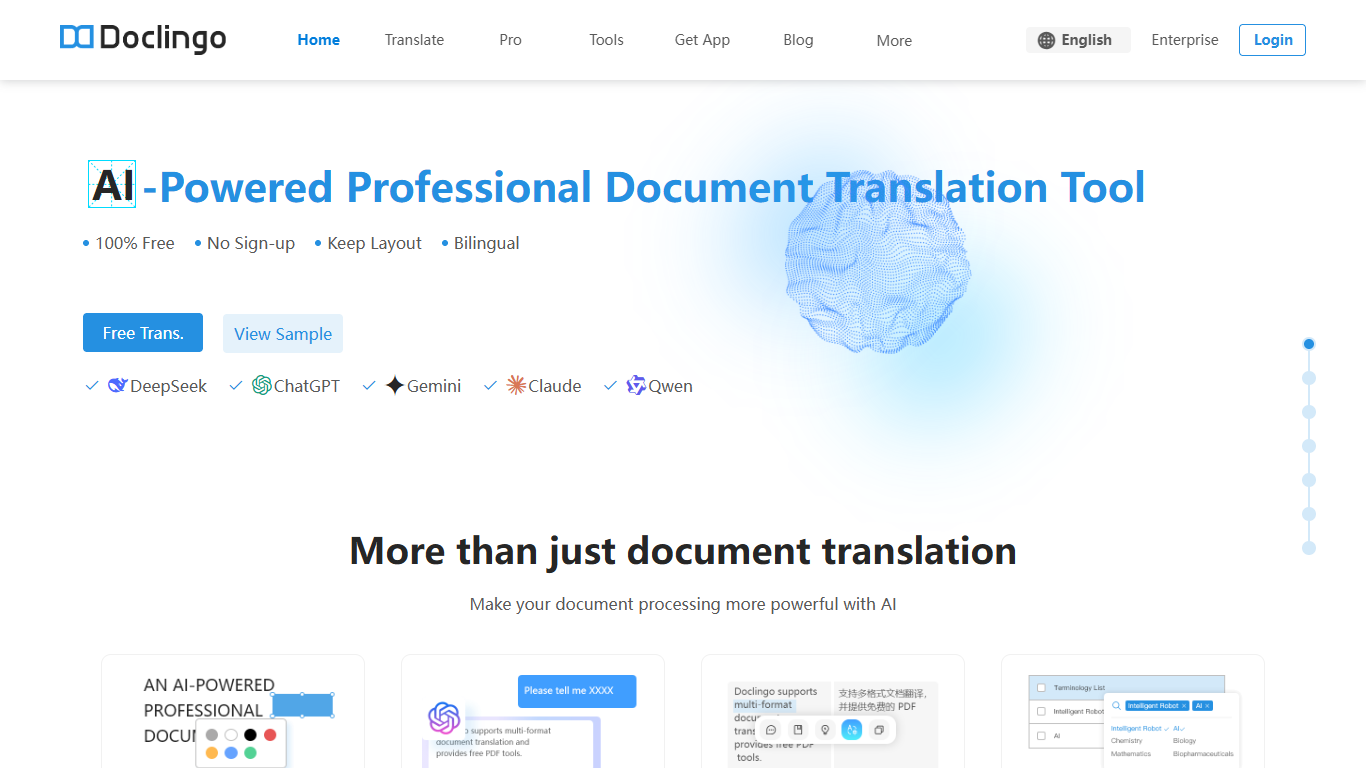
Doclingo translates PDF and Office documents while keeping the original layout intact. It handles PDF, Word, PowerPoint, Excel, scanned files, and images, with bilingual side-by-side output and support for 90+ languages. No sign-up is required to start on the free tier.
The platform routes work through several large language models, including DeepSeek, ChatGPT, Gemini, Claude, and Qwen, and uses its own layout recovery algorithm to reconstruct tables, images, and complex formatting after translation. PDF PRO adds smart OCR for text embedded in images, highlight-to-translate, glossaries, and online editing for post-translation tweaks.
Researchers reading academic papers, legal teams working through contracts, and foreign trade designers translating PDF drawings are the core users. The platform also ships iOS and Android apps, a suite of PDF utilities, and an API for enterprise batch processing.
Doclingo reports ISO 27001, SOC 2, HIPAA, and GDPR compliance certifications on its homepage, and serves over 500,000 users according to site statistics.
Keeps original PDF and Office layout after translation, tables and images included
Switch between DeepSeek, ChatGPT, Gemini, Claude, and Qwen per document
OCR reads scanned PDFs and translates text locked inside images
Bilingual side-by-side downloads plus highlight-to-translate in the viewer
Batch upload handles multiple PDFs, DOCX, PPTX, and XLSX files at once
Built-in PDF merge, split, compress, and 15+ editing utilities on one site
Free tier requires no sign-up and advertises unlimited translation times
Layout preservation handles complex PDFs including tables and embedded images
Multiple translation engines and domain-specific styles for academic, legal, and business documents
Includes 15+ PDF utilities beyond translation, including merge, split, and compression
Mobile apps on iOS and Android with photo and voice translation
Guest users can only translate one file before logging in to save history
Premium subscription dollar amounts load dynamically and were not visible during this scrape
Enterprise pricing and API rate limits require contacting the team separately
Is Doclingo free to use?
Yes. Doclingo offers a free document translation tier with no sign-up required and unlimited translation times on the free translator page. Premium and Premium+ subscriptions unlock higher limits, glossaries, and advanced engines.
What file formats does Doclingo support?
Doclingo accepts PDF, DOCX, PPTX, XLSX, SRT, EPUB, TXT, PNG, JPG, and JPEG files on its free translator. The homepage also lists scanned documents and additional Office formats for professional translation workflows.
Which AI engines does Doclingo use?
Doclingo lets users switch between DeepSeek, ChatGPT, Gemini, Claude, and Qwen depending on the document and plan. The Pro page also references ChatGPT-4o mini for visitor-tier translations.
Does Doclingo have a mobile app?
Yes. Doclingo offers iOS and Android apps with photo translation, real-time voice conversations, and sync with the web version. Downloads are listed on the App Store and Google Play.
Do I need an account to use Doclingo?
No account is required to start translating on Doclingo. Guest users can translate one file before logging in to permanently save history and sync across devices.
Does Doclingo offer an API?
Yes. Doclingo provides a PDF Translation API for developers and enterprises, supporting multiple document formats, batch processing, and high-fidelity layout preservation according to its API documentation page.
What translation styles does Doclingo support?
Doclingo offers translation style presets for general documents, academic papers, legal regulations, and business documents. An AI proofreading feature flags errors and inconsistencies after translation.