
Last updated 08-22-2026
Category:
Reviews:
Join thousands of AI enthusiasts in the World of AI!
Dokie AI
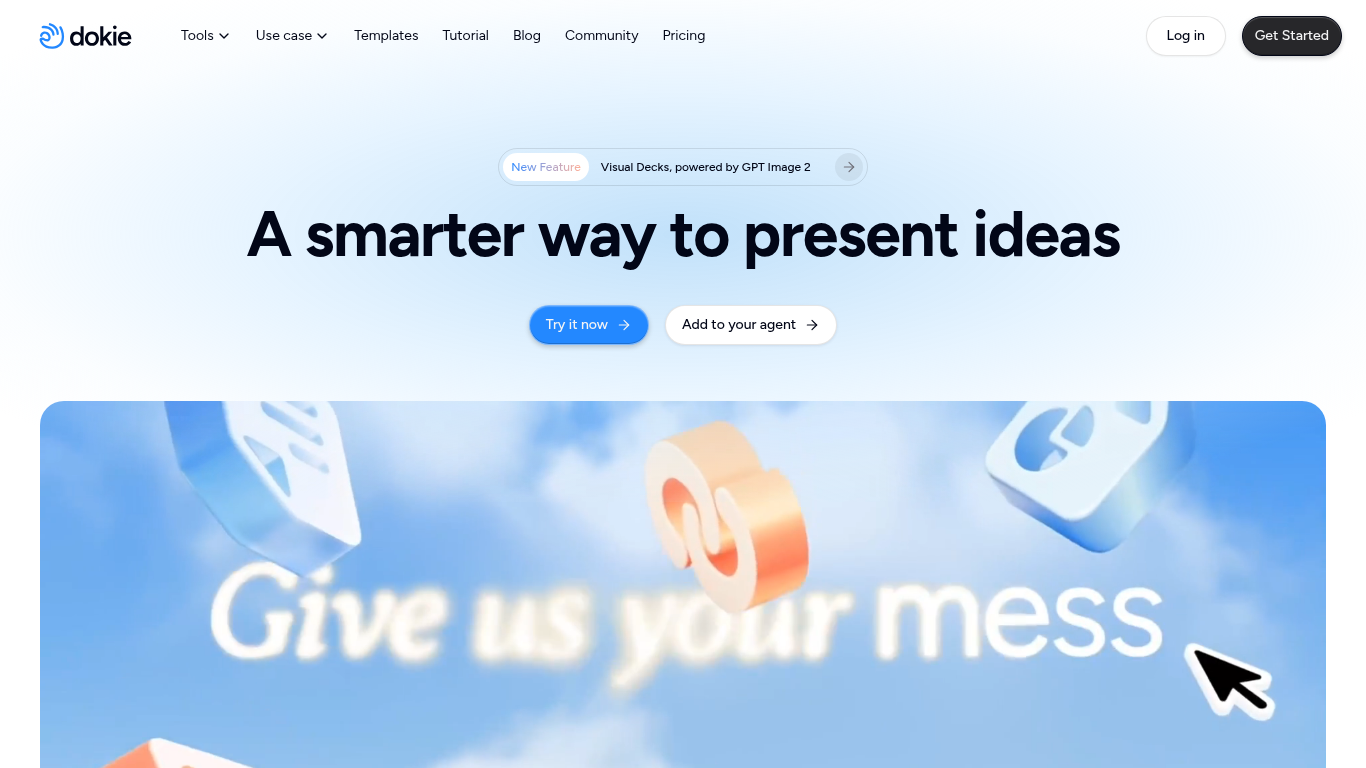
Dokie AI builds and edits presentation decks from text prompts, uploaded PDFs, Word files, Excel sheets, and images. You describe the story or drop in source files, and it structures slides, applies layouts, generates or finds visuals, and turns data into charts without manual formatting in PowerPoint first.
Template-first slide tools give you a theme and leave rewriting to you. Dokie AI acts more like a presentation agent: you refine slides in plain language, upload company templates on paid tiers for on-brand output, and connect it to external agents so decks spawn directly from a chat thread. Visual Decks also supports GPT Image 2 for richer slide graphics.
Marketing managers, consultants, educators, and founders use it for pitch decks, client proposals, lecture slides, and deadline-driven reports. Credits cover generation and edits, with about 100 credits for a new deck and 20 credits to modify one slide.
Converts PDF, Word, Excel, text, and images into structured presentation slides
Natural-language edits update layouts, visuals, and structure without manual design work
Connects to external agents to generate interactive decks from live conversations
Visual Decks mode uses GPT Image 2 for generated slide imagery
Template library covers business, education, and marketing themes with 16:9 layouts
Paid plans unlock custom brand templates and expanded export options
Credit costs average 100 credits for a new deck and 20 credits per slide edit
Uploads PDF, Word, Excel, and images instead of starting from blank slides.
Natural-language edits handle layout and visual changes in one step.
Agent integration builds decks inside an ongoing conversation workflow.
Free tier includes daily credits plus a 300-credit welcome bonus.
Heavy deck creation burns credits quickly at roughly 100 per new presentation.
Custom brand templates require a paid Plus plan or higher.
Enterprise pricing and limits need a sales conversation with no public rates.
What is Dokie AI?
Dokie AI is a presentation agent that generates, converts, and edits PowerPoint-style decks from text, files, and data. It handles slide structure, layout refinement, and design styling across the full workflow.
Is Dokie AI free to use?
Yes. Dokie AI Starter is free with 200 daily credits plus 300 welcome credits on signup valid for one year. Paid plans add larger monthly credit pools and advanced export features.
What are Dokie AI subscription prices?
Dokie AI Plus is $19 per month with 2,000 credits. Pro is $59 per month with 6,000 credits, and Ultra is $199 per month with 20,000 credits. Enterprise offers custom pricing and credit limits.
How many credits does a Dokie AI deck use?
Dokie AI estimates about 100 credits to generate a new presentation and around 20 credits to modify a single slide. Exact usage varies with request complexity.
What file types does Dokie AI accept?
Dokie AI works with text input, PDF, Word, Excel, images, and existing PowerPoint files. Uploads are converted or refined into structured slides inside the editor.
Can Dokie AI match company branding?
Yes. Dokie AI paid plans let you upload custom templates and themes so generated decks follow your brand guidelines instead of generic stock layouts.
Does Dokie AI work with AI agents?
Yes. Dokie AI offers an agent integration that generates structured, designed decks directly from a conversation without copy-pasting content between tools.