
Last updated 08-22-2026
Category:
Reviews:
Join thousands of AI enthusiasts in the World of AI!
Dr.Fone by Wondershare
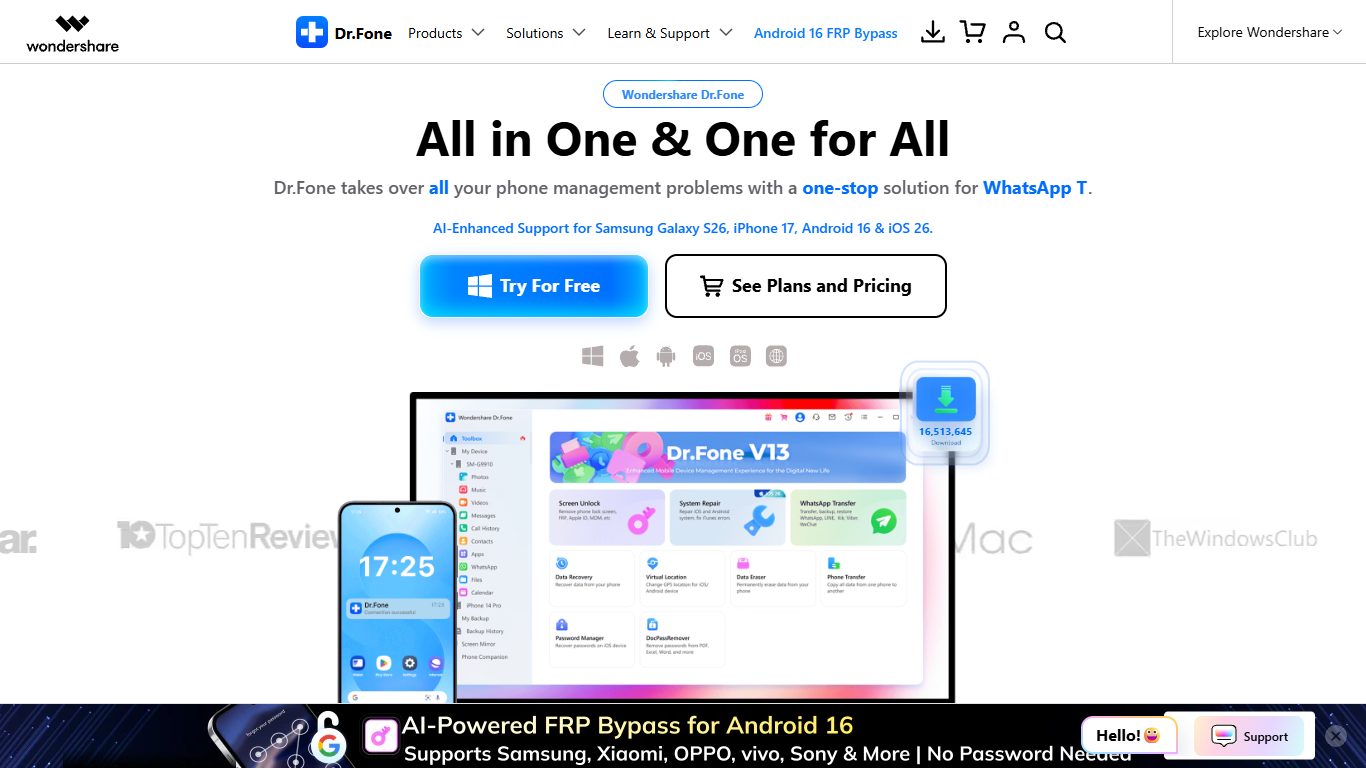
Dr.Fone by Wondershare unlocks phones, recovers deleted files, and migrates data between iOS and Android from one desktop app. Screen Unlock covers FRP bypass, iCloud activation locks, and Apple ID removal, while WhatsApp Transfer, Phone Transfer, Data Eraser, and Virtual Location sit in the same toolkit. You can try core features free before buying the Full Toolkit subscription.
Most competitors sell separate unlock, recovery, and migration apps with separate licenses. Dr.Fone keeps those workflows in one Wondershare account, which matters when a repair shop handles both a locked Samsung and an iPhone migration the same afternoon. The 2026 Gold Award from Cybersecurity Insiders cites zero-data-retention processing, GDPR compliance, and AES-256 encryption across 9.5 million secure operations.
The toolkit fits IT help desks, phone repair shops, and everyday users locked out of a device or trying to migrate between iOS and Android. Families switching phones use Phone Transfer and WhatsApp Transfer, while privacy-conscious owners rely on Data Eraser before selling hardware.
Screen Unlock removes iOS and Android lock screens, FRP, iCloud activation, and Apple ID locks
Full Toolkit covers 1 to 5 mobile devices plus 5 PCs and 2 Macs on one license
Data Recovery pulls deleted photos, messages, and WhatsApp chats from broken phones
WhatsApp Transfer backs up and restores chats for WhatsApp, Viber, LINE, and WeChat
System Repair fixes boot loops, black screens, and other iOS and Android OS failures
Virtual Location changes GPS coordinates on iOS and Android without a jailbreak
AES-256 encryption with zero-data-retention architecture and GDPR compliance
Bundles unlock, recovery, transfer, repair, and erasure in one Wondershare toolkit
Supports both iOS and Android with dedicated modules for each platform
Full Toolkit license covers up to 5 phones, 5 PCs, and 2 Macs
Security architecture earned a 2026 Gold Award from Cybersecurity Insiders
Includes online unlock tools and Dr.Fone Air screen mirroring access
Full Toolkit monthly pricing at $79.95 is steep compared to single-feature utilities
Some advanced unlock paths vary by device model and OS version
Heavy marketing pages can make finding exact plan limits harder than the buy page
What is Dr.Fone by Wondershare?
Dr.Fone by Wondershare is a desktop mobile toolkit for iOS and Android. It unlocks screens, recovers deleted files, transfers WhatsApp chats, repairs system errors, erases data securely, and changes GPS locations from one Wondershare application.
How much does Dr.Fone cost?
Dr.Fone Full Toolkit starts at $79.95 per month, $99.95 per year, or $115.95 for a perpetual license. Each plan covers 1 to 5 phones, 5 PCs, and 2 Macs and includes a Dr.Fone Air screen-mirroring license.
Can Dr.Fone unlock an iPhone without a password?
Yes. Dr.Fone Screen Unlock can remove iOS lock screens, iCloud activation locks, MDM profiles, SIM locks, and Apple ID accounts when you forget credentials. Android Screen Unlock also bypasses Google FRP on supported devices.
Does Dr.Fone recover WhatsApp messages?
Yes. Dr.Fone Data Recovery and WhatsApp Transfer both handle WhatsApp chats and attachments. WhatsApp Transfer also supports Viber, LINE, and WeChat backup, restore, and cross-device migration.
Is there a free trial for Dr.Fone?
Yes. Dr.Fone lets you try core tools free from the homepage download links. The Full Toolkit store page also includes a 3-day free trial for the Dr.Fone mobile app before any subscription charge applies.
Can Dr.Fone transfer data between iPhone and Android?
Yes. Dr.Fone Phone Transfer moves contacts, photos, messages, and other local files between iOS and Android in one click. It also imports cloud backups when you switch operating systems.