
Last updated 07-27-2026
Category:
Reviews:
Join thousands of AI enthusiasts in the World of AI!
easyfill ai
EasyFill.ai turns paper forms, PDFs, and scans into fillable digital forms you can share by link or QR code. Upload an existing document or describe a form in plain language, and the platform maps fields, adds logic, and publishes a working form without manual drag-and-drop setup. It targets businesses still buried in enrollment packets, consent forms, and registration paperwork.
Most form builders assume you start with a blank canvas. EasyFill.ai is built around documents you already have. Its PDF mapping and Magic Map features read an uploaded file and place fillable fields automatically, then let you collect Stripe payments, branch respondents through Smart Paths, and back up submissions to Google Drive or OneDrive. That narrow focus suits childcare centers, clinics, and small businesses replacing printed packets more than lightweight survey tools.
Daycare operators use it to digitize parent enrollment and cut payroll hours spent helping families fill out paper. Professional services and healthcare offices use it for intake forms, document uploads, and fee collection in one flow. Plans scale by form count, from a 14-day trial with 3 forms to paid tiers supporting up to 150 forms and unlimited responses.
Upload PDF, PNG, or JPG files up to 10 MB and auto-map fillable fields with Magic Map
Silver plan includes 20 forms; Gold and Platinum offer 80 to 150 forms with unlimited responses
Collect registration fees and donations through built-in Stripe payment forms
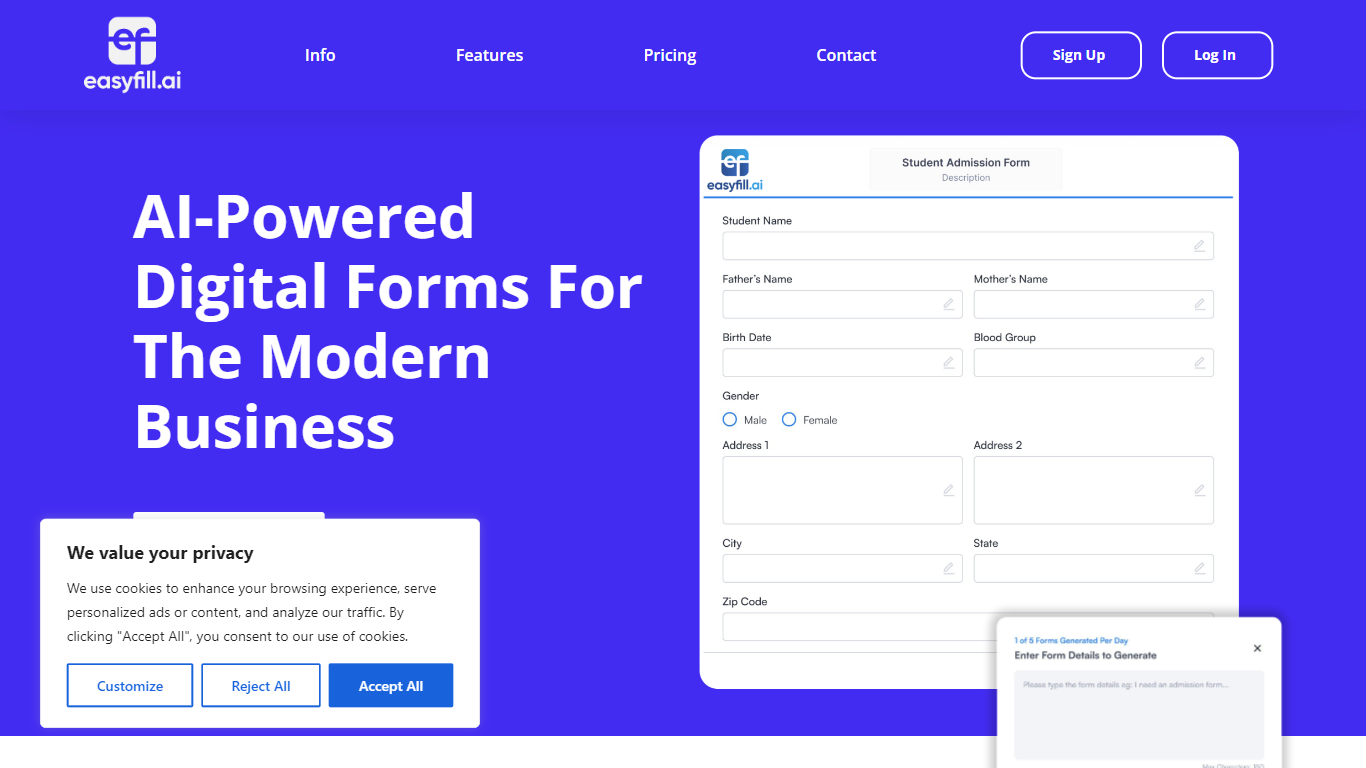
Generate up to 5 AI forms per day by describing the form you need in plain language
Gold plan adds a WordPress plugin, Zapier integration, and a REST API for 6,000+ apps
Share forms via QR codes, embed links, or route answers through Smart Paths branching
Converts existing PDFs and scans to fillable forms without rebuilding from scratch.
Built-in Stripe payments let you charge deposits or fees inside forms.
Google Drive, OneDrive, and Dropbox backup keeps submission copies synced.
Case studies show childcare centers cutting $50 to $100 monthly printing costs.
Upload limit is 10 MB per file with a 20-page soft cap on large documents.
Full integrations, WordPress plugin, and Zapier require the $29 per month Gold plan or higher.
No native mobile app, though forms work in mobile browsers.
What is EasyFill.ai?
EasyFill.ai is a platform for converting PDF, PNG, and JPG documents into fillable digital forms. You upload a file or describe a form in plain language, publish it by link or QR code, and collect responses with optional Stripe payments and cloud backup.
Does EasyFill.ai have a free trial?
Yes. EasyFill.ai offers a 14-day free trial with 3 forms, sample AI credits, and up to 200 responses. No credit card is required to start the trial through app.easyfill.ai.
How much does EasyFill.ai cost?
EasyFill.ai Silver is $19 per month or $185 per year for 20 forms. Gold is $29 per month or $285 per year for 80 forms with all integrations. Platinum is $49 per month or $499 per year for 150 forms with early feature access.
What file types can EasyFill.ai upload?
EasyFill.ai accepts PDF, PNG, and JPG uploads with a 10 MB maximum file size. Documents over 20 pages are treated as large files, and the FAQ recommends splitting anything above 30 pages into separate forms.
Can EasyFill.ai collect payments?
Yes. EasyFill.ai lets you embed Stripe checkout inside published forms to collect deposits, registration fees, or donations. Failed payments appear on your dashboard so you can follow up.
Does EasyFill.ai integrate with other tools?
EasyFill.ai syncs submissions to Google Drive, OneDrive, and Dropbox. The Gold plan adds a WordPress plugin, Zapier access, and a REST API. Silver includes limited integrations only.
What are EasyFill.ai upload limits?
EasyFill.ai caps single file uploads at 10 MB and flags forms over 20 pages as large documents. The platform also limits AI form generation to 5 forms per day on standard plans.