
Last updated 07-30-2026
Category:
Reviews:
Join thousands of AI enthusiasts in the World of AI!
Fill Genius
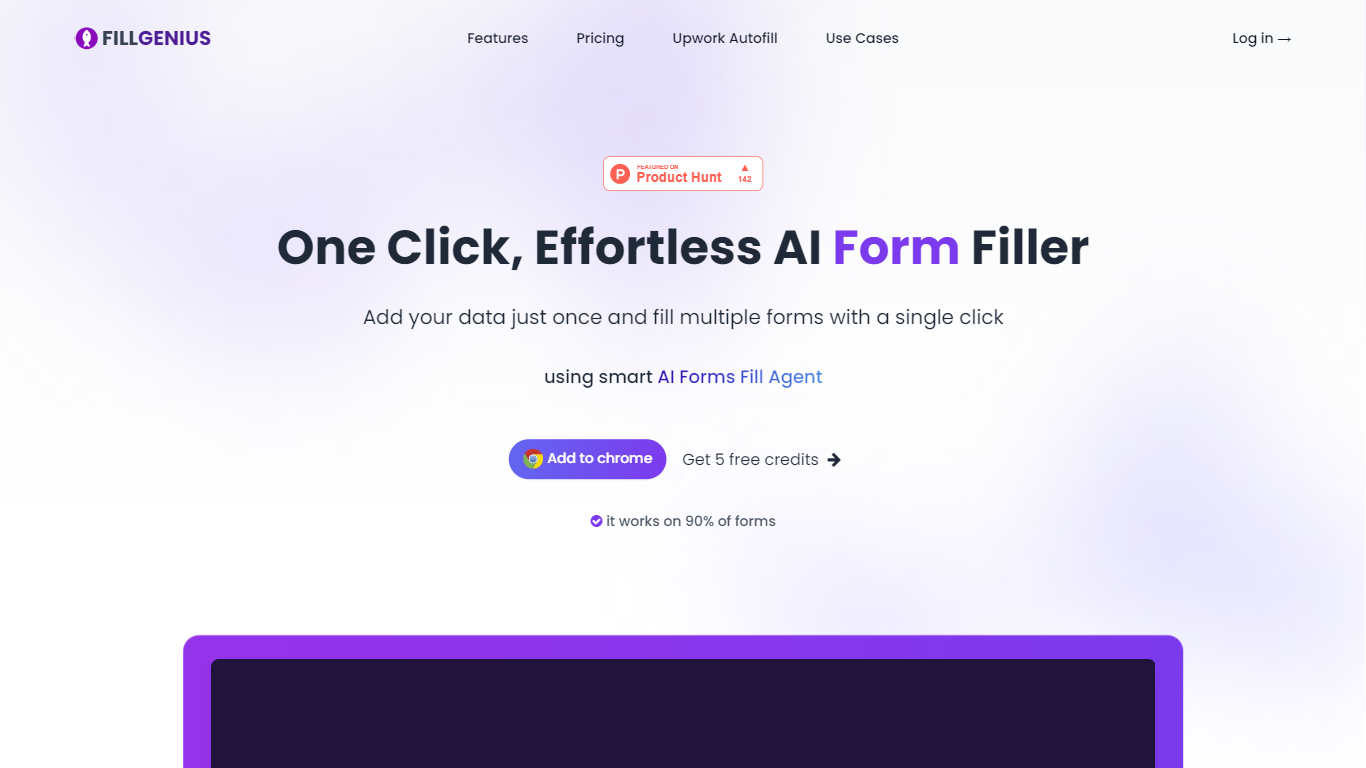
Fill Genius is a productivity Chrome extension that autofills web forms using profiles you set up once. You store names, emails, addresses, and work details in saved profiles, then click the extension on any page and it maps your data to the detected fields in under a second.
Unlike rigid autofill tools tied to one workflow, Fill Genius targets repetitive cross-site data entry. The site lists compatibility with Salesforce, HubSpot, LinkedIn, Zendesk, Upwork, Gmail, Typeform, Notion, and thousands of other form-heavy tools, so one profile can cover job applications, CRM updates, support tickets, and marketplace listings without rebuilding integrations.
Fill Genius uses a credit model where each form fill costs one credit, with plans that start free. You can create multiple profiles (resume, business, side project), import data from PDFs, and keep information encrypted on Fill Genius servers until you trigger a fill. The Chrome Web Store listing shows 2,000+ users and reviews citing setup in about 60 seconds.
Fills detected form fields in under a second after you click the Fill Genius widget
Works across Salesforce, HubSpot, LinkedIn, Zendesk, Upwork, Gmail, Typeform, Notion, and thousands of other sites
Create unlimited data profiles for resume, business, or project-specific details
Import profile data from PDF files through the add-data screen
Credit-based pricing with one credit per form fill and free plans to start
Chrome Web Store listing shows 2,000+ users with no account required to install
One-click fills work across thousands of sites without custom integrations or API setup.
Multiple profiles and PDF import cut down repeat data entry for job seekers and founders.
Free starter credits and a no-account Chrome install lower the barrier to trying the extension.
Encrypted server-side profile storage keeps data off individual form pages until you trigger a fill.
Each form fill spends one credit, so heavy daily use can outgrow free tiers quickly.
The standalone /pricing page returned a 404, so bundle details require checking the homepage section.
Chrome extension only, with no support for non-browser form workflows outside the extension.
What is Fill Genius?
Fill Genius is an AI Chrome extension that detects form fields on websites and fills them from saved profiles. You enter your information once, then apply it across job applications, CRM forms, support tickets, and other web forms without retyping.
How does Fill Genius work?
Fill Genius lets you build one or more data profiles, optionally importing from a PDF. On any web form, click the Fill Genius widget and the extension reads each field, maps your profile data, and completes the form in under a second.
How much does Fill Genius cost?
Fill Genius uses credits where each form fill costs one credit. Plans start free on the Fill Genius site, with paid credit bundles and subscription options for heavier use. The dedicated pricing URL returned a 404 during research, so check the homepage pricing section for current bundles.
Is Fill Genius data stored securely?
Fill Genius stores profiles encrypted on its servers and accesses them only when you trigger a fill. The site states it does not share or sell user data to third parties.
Can Fill Genius import data from a PDF?
Yes. Fill Genius includes an Import from PDF option in the add-data screen. The extension extracts relevant fields and builds a profile you can reuse on future forms.
Which forms does Fill Genius support?
Fill Genius works on most browser forms, including job applications, VC pitch submissions, freelance proposals, product listings, and event registrations. If a page has standard input fields, Fill Genius can attempt to fill them.