
Last updated 07-03-2026
Category:
Reviews:
Join thousands of AI enthusiasts in the World of AI!
FlashAI
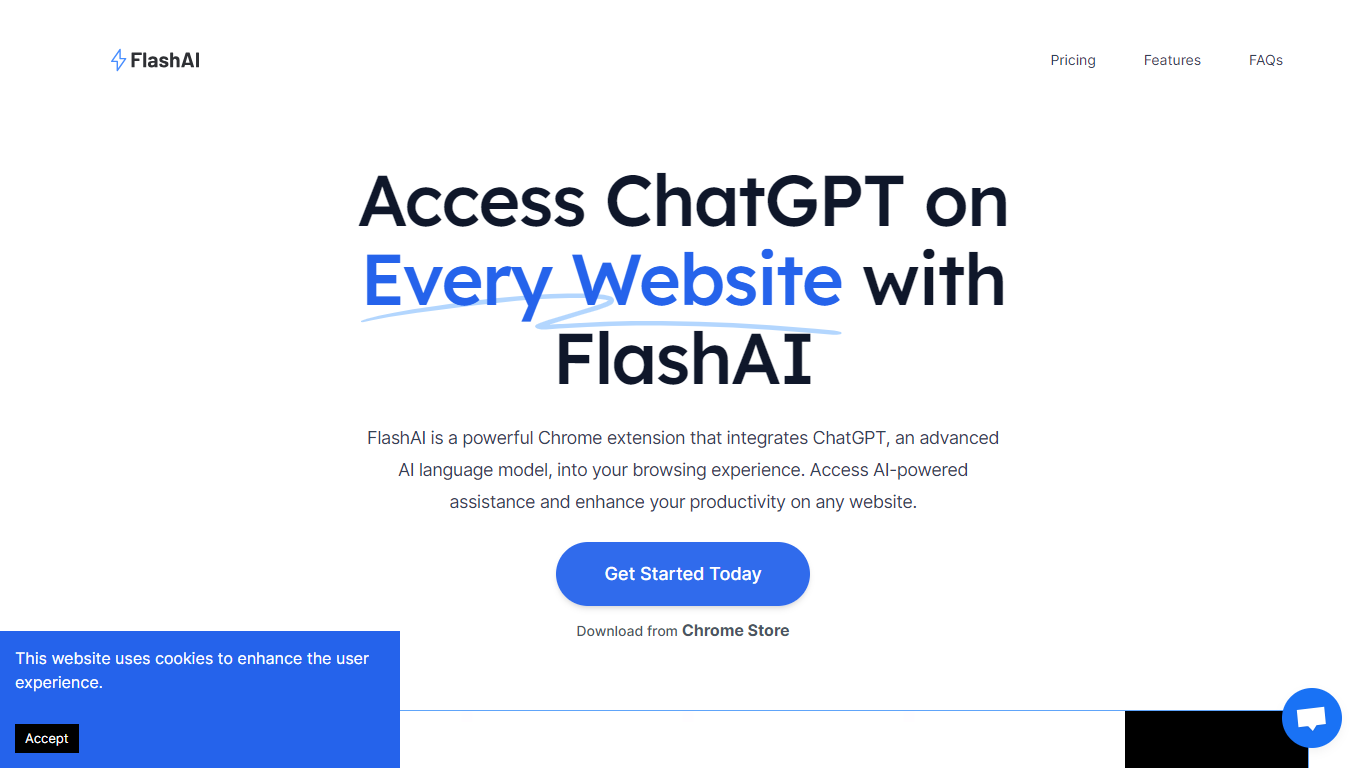
FlashAI is a Chrome extension that brings ChatGPT into your browser so you can use it on any website. Highlight text, run custom prompts, or summarize long articles without leaving the page. It connects to OpenAI through your own API key.
The extension stores your license and prompts locally in the browser. You can register prompts for specific tasks, then trigger them on selected text anywhere on the web. Summarization works with a single click or keyboard shortcut.
Built for researchers, writers, and anyone who reads a lot online. Useful when you need quick answers, condensed page summaries, or repeatable prompt workflows across different sites.
Run ChatGPT on any website through a Chrome extension sidebar
Summarize long articles and pages in one click or keystroke
Create and save custom prompts for reuse across any page
Highlight text on a page to run your saved prompts instantly
One license covers unlimited activations with your own OpenAI key
One-time $10 payment with no recurring subscription required.
License and API keys stay in your browser rather than on external servers.
Custom prompts let you tailor ChatGPT responses to specific workflows.
Requires your own OpenAI API key with separate usage costs from OpenAI.
Chrome-only extension with no Firefox, Safari, or Edge versions listed.
No free trial or free tier available before purchase.
Where is FlashAI accessible from?
FlashAI operates as a Chrome extension, directly from your browser. You can install it from the Chrome Web Store and use it on any website you visit.
How do I get an OpenAI API key for FlashAI?
You can secure an OpenAI API key by visiting https://platform.openai.com/account/api-keys. Sign up or log in to your OpenAI account to create one. FlashAI uses your key to connect to ChatGPT.
Can I create my own prompts in FlashAI?
Yes. FlashAI lets you design tailored prompts for your requirements and bookmark them for quick access in the extension dashboard. For example, you can create marketing-focused prompts and reuse them on any webpage.
How does FlashAI manage my license and OpenAI API key?
Your FlashAI license and OpenAI API key are stored within your browser. FlashAI does not share them externally. The extension functions locally without sending your keys to outside servers.
Does FlashAI collect personal information?
FlashAI functions solely within your browser and does not collect or save user browsing data. The only data collected at purchase is your email address via LemonSqueezy for license delivery.
How much does FlashAI cost?
FlashAI costs $10 as a one-time payment for lifetime access. You use your own OpenAI API key, so OpenAI usage charges apply separately based on your API consumption.
How do I contact FlashAI support?
For questions or feedback about FlashAI, contact [email protected]. You can also use that address to suggest features or report technical issues.