
Last updated 07-30-2026
Category:
Reviews:
Join thousands of AI enthusiasts in the World of AI!
Flow
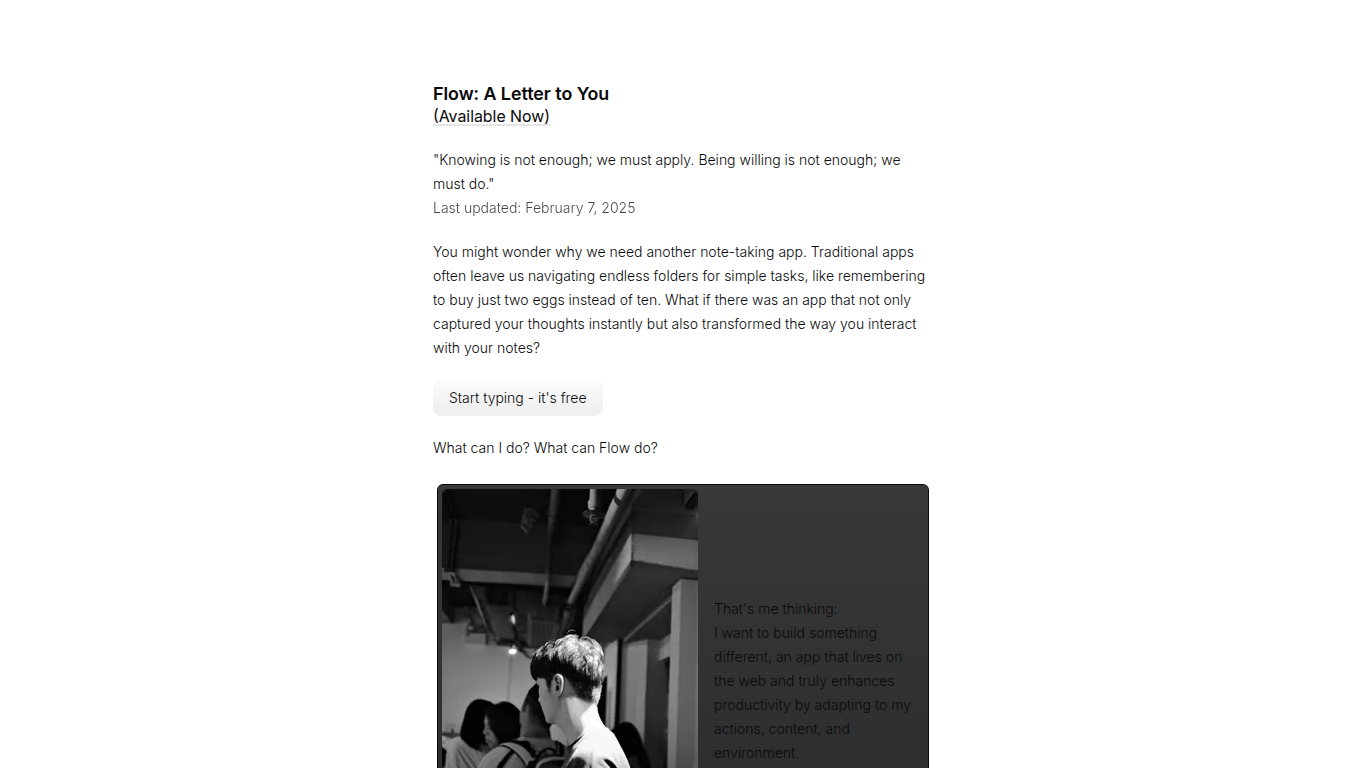
Flow captures notes in the browser and adapts to how you work instead of burying thoughts in folders. The app lives at app.flowapp.so where you can start typing for free, with no signup wall on the landing page. Flow is a note-taking tool built around the idea that your notes should respond to context, not sit static in a hierarchy.
Most note apps stop at storage. Flow is designing toward three capabilities that go further: dynamic content suggestions based on what you are writing, predictive task generation that spots action items in your notes, and an integrated learning mode with spaced repetition and auto-generated quizzes. Those features are on the roadmap rather than fully shipped, which makes Flow a bet on where note-taking heads next.
Students, knowledge workers, and anyone tired of folder gymnastics are the target audience. Flow suits people who want a lightweight web notebook today and plan to grow into AI-assisted recall and task extraction as those features roll out. The app runs in the browser at app.flowapp.so with a free entry point.
Web app at app.flowapp.so lets you start typing for free
Planned dynamic content suggestions based on note context
Predictive task generation to pull action items from notes
Integrated learning mode with spaced repetition and quiz creation
Browser-based with no desktop install required
Last product update noted on the site February 7, 2025
Free web access with no signup friction on the landing page
Planned AI features go beyond basic note storage
Browser-based with no install required
Focused on adaptive notes rather than folder hierarchies
AI features like task generation and learning mode are still planned
Web-only with no native mobile app listed on the site
Smaller product with limited public documentation
Is Flow free to use?
Yes, Flow offers free access through app.flowapp.so. The landing page invites users to start typing at no cost, with no credit card or signup mentioned on the main marketing site.
What is Flow?
Flow is a web-based note-taking app from flowapp.so that aims to adapt to your actions, content, and environment. Flow focuses on instant capture and planned AI features like task detection and learning mode.
Where do I use Flow?
Flow runs in the browser at app.flowapp.so. You access Flow through the web rather than a native desktop or mobile app listed on the marketing site.
What AI features does Flow plan to offer?
Flow plans dynamic content suggestions tailored to your notes, predictive task generation from written action items, and an integrated learning mode with spaced repetition and automated quiz creation.
How is Flow different from Notion or Evernote?
Flow avoids deep folder hierarchies and targets adaptive note interactions instead of static storage. Flow's roadmap emphasizes context-aware suggestions and automatic task extraction rather than database-style organization.
Who is Flow built for?
Flow targets students, knowledge workers, and anyone who wants faster note capture with future AI-assisted recall. Flow suits users who prefer a lightweight web notebook over a full workspace suite.