
Last updated 07-18-2026
Category:
Reviews:
Join thousands of AI enthusiasts in the World of AI!
Focu App
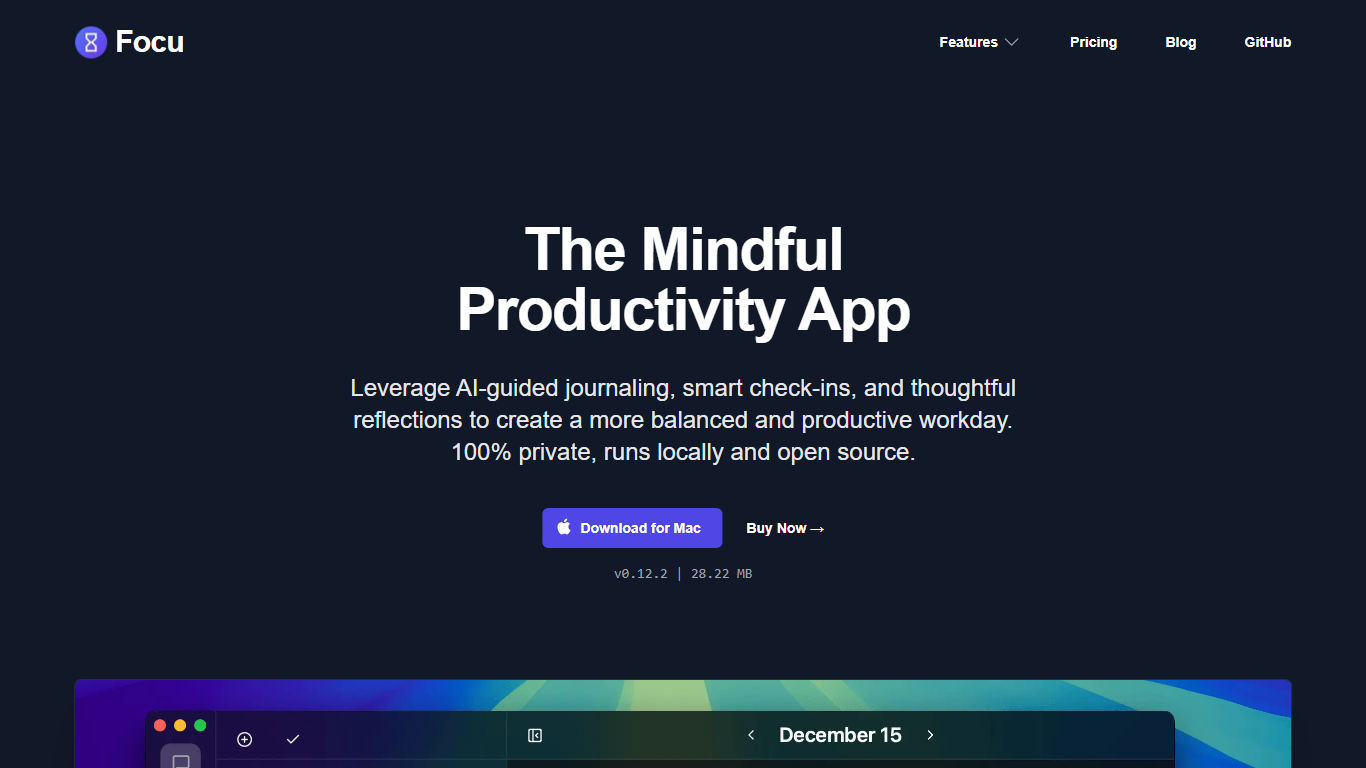
Focu App is a native Mac productivity app that blends journaling, task management, and periodic check-ins into one mindful workday routine. You talk through your goals, reflect on how the day is going, and keep a running task list without sending your personal notes to the cloud by default.
What sets Focu apart is local-first design. Journaling, check-ins, and task extraction can run entirely on your Mac using open-source LLM tooling such as Ollama, with optional cloud models through OpenAI or OpenRouter if you supply your own API keys. A menu-bar Pomodoro timer, keyboard shortcuts, and automatic backups to locations like iCloud round out the workflow.
Focu is built for Mac users who want structure without surveillance: freelancers, remote workers, and anyone who gets distracted easily and wants gentle nudges, interstitial journaling, and a private place to plan the day.
Guided check-ins you can start yourself or schedule throughout the day
Morning intention, evening reflection, and annual reflection sessions
Focus workspace with a task list and built-in Pomodoro timer
Pulls action items out of your journal conversations automatically
Local LLM support out of the box, plus OpenAI or OpenRouter with your own keys
Menu-bar Pomodoro timer that stays out of your way while you work
Automatic backups to iCloud or another location you choose
Runs locally by default so journal entries and tasks stay on your Mac.
Open source with source code available on GitHub.
Supports local LLMs through Ollama without requiring a cloud subscription for core use.
Menu-bar Pomodoro timer and keyboard shortcuts keep the app accessible during work.
Optional cloud AI via your own OpenAI or OpenRouter API keys.
Mac-only with no Windows version listed on the website.
No public pricing page with plan details or dollar amounts.
Cloud AI features require your own API keys and may incur third-party costs.
Internet connection needed for license activation and optional cloud features.
What is Focu App?
Focu App is a native Mac productivity app that combines AI-guided journaling, smart check-ins, task management, and a Pomodoro timer. It is designed to help you plan your day, stay focused, and reflect on your work while keeping data on your device by default.
What platforms does Focu App support?
Focu App is available for macOS only. The website offers a direct Mac download (v0.13.0 at time of research) and does not list Windows or mobile apps.
Does Focu App require an internet connection?
Focu App runs locally and does not require you to stay online for core use. The app connects to the internet for license key activation, optional subscription verification, downloading AI models through Ollama, and optional cloud AI features when enabled.
What AI options does Focu App support?
Focu App works out of the box with local AI through open-source LLM software such as Ollama, Llama, and LlamaCPP. You can also connect cloud models via OpenAI or OpenRouter using your own API keys.
How does Focu App handle privacy?
Focu App stores your content locally on your device and does not use analytics or tracking inside the app. When you use optional cloud features, data passes through Focu servers in transit but is not stored or sold, per the privacy policy.
Is Focu App open source?
Yes. Focu App is free and open source software. The project is published on GitHub at github.com/focu-app/focu under an open source license.
Can I back up my Focu App data?
Yes. Focu App supports automatic data backups to a location you choose, such as iCloud, along with import and export options so you can move or restore your journal and task data.