
Last updated 07-01-2026
Category:
Reviews:
Join thousands of AI enthusiasts in the World of AI!
gait
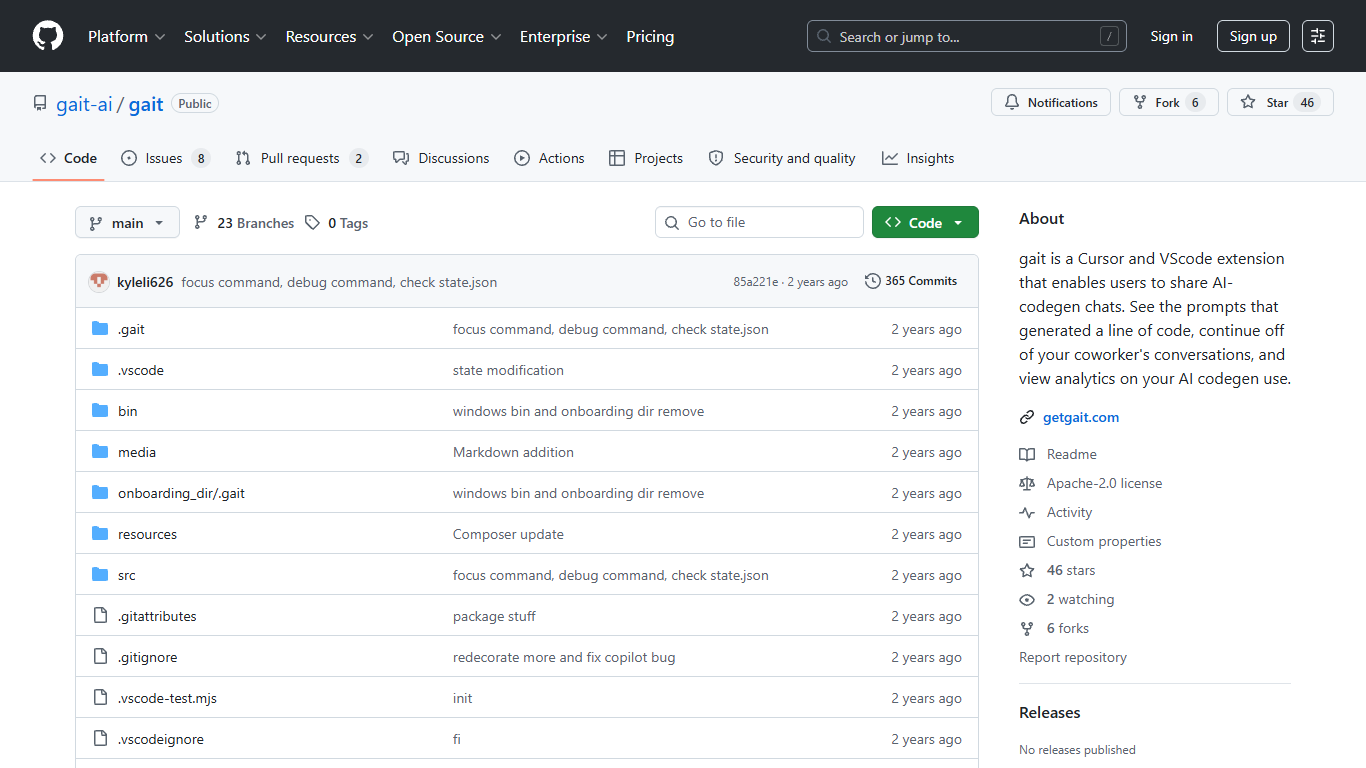
gait is a VS Code and Cursor extension that saves the prompts behind AI-generated code in a .gait folder inside your repo. Install it from the marketplace, code with GitHub Copilot or Cursor as usual, and gait records your chats so teammates can see how each line was produced.
Hover over AI-generated code to view the prompt that created it, with related lines highlighted in the editor. You can stage or hide chats before committing, resume a coworker's conversation from the panel view, and toggle inline decorations with Cmd+Shift+G.
The project is open source under Apache 2.0 and free on the Visual Studio Marketplace. It is built for engineering teams that use Cursor or Copilot and need shared context when reviewing large AI diffs in production codebases.
Hover any AI-generated line to see the prompt that wrote it
Stage and unstage chats like git files before you push
Resume a teammate's Cursor or Copilot thread from the panel view
Writes chat history into a
.gaitfolder your team can commitCmd+Shift+G toggles inline highlights on and off
Web dashboard shows codegen usage stats across your repos
Free and open source under Apache 2.0 on the Visual Studio Marketplace.
Links prompts to generated code so teams can review AI diffs with full context.
Works with both Cursor and GitHub Copilot in VS Code.
Inline chat metadata can take time to appear in Cursor and Copilot.
Inline chat diffs may be delayed or missing according to the project's known issues.
The getgait.com marketing site is currently unreachable, though the extension and GitHub repo remain available.
Is gait free to use?
Yes. gait is open source and listed as free on the Visual Studio Marketplace. The Open Source tier includes basic conversation capture and analytics at no cost.
Which code editors does gait support?
gait works as an extension in VS Code and Cursor. It captures chats from GitHub Copilot and Cursor inline or panel conversations.
How do teams share gait context?
gait writes chats to a `.gait` folder in your project. Commit and push that folder with `git add .gait/` so teammates can read the prompts tied to each change during review.
Does gait require an account?
No account is required to install and use the extension. gait also offers an optional web dashboard for codegen statistics, linked from the extension documentation.
What is AI Blame in gait?
AI Blame is gait's hover view that links a piece of generated code back to the prompt and chat that produced it, similar to git blame but for AI-assisted edits.
Where can I get help with gait?
gait lists support at [email protected] and hosts a community Discord linked from the GitHub README and Visual Studio Marketplace listing.