
Last updated 08-22-2026
Category:
Reviews:
Join thousands of AI enthusiasts in the World of AI!
Gemini Logo Remover
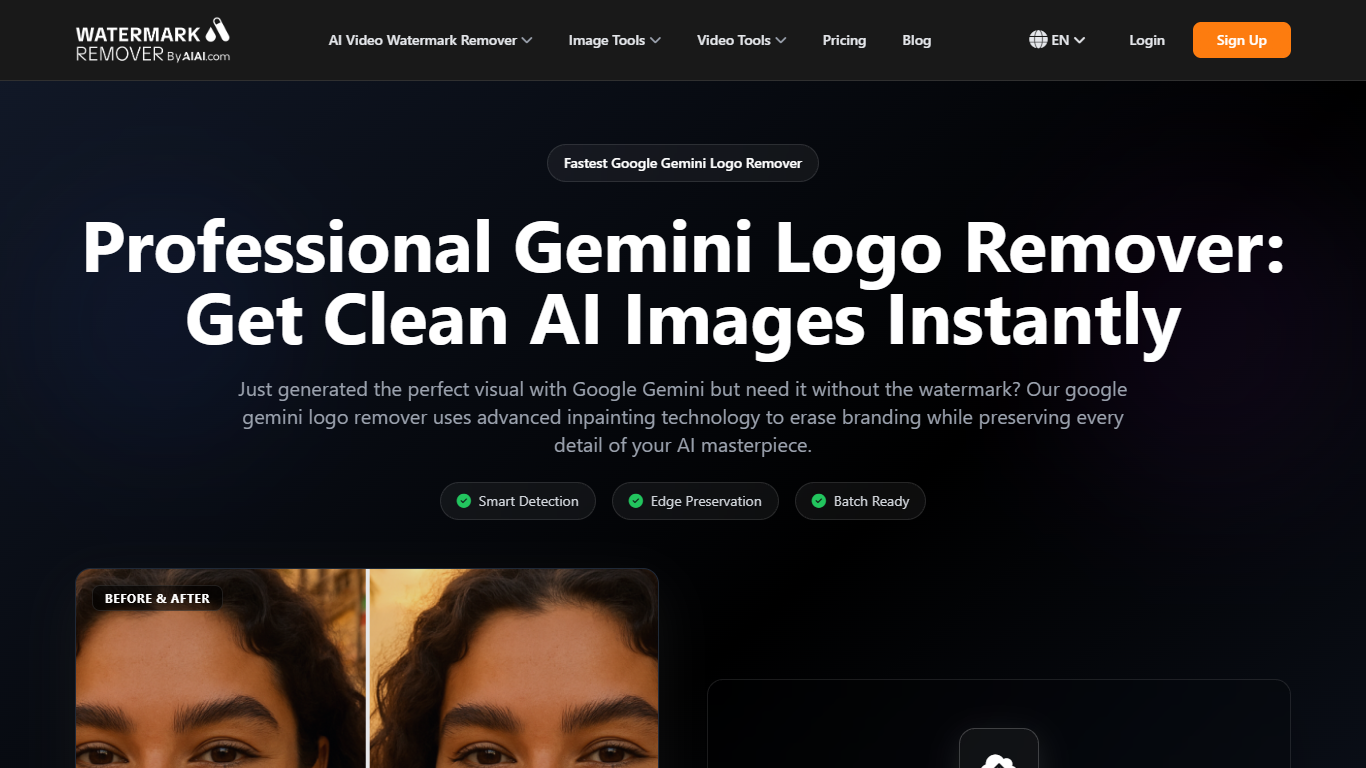
Gemini Logo Remover strips Google Gemini branding from AI-generated images through a browser upload flow on watermarkremover.aiai.com. You drop in JPG, JPEG, PNG, or WEBP files up to 20MB each, the tool auto-selects the logo area, and inpainting fills the gap while keeping surrounding texture and lighting intact.
Generic erasers tend to smear the soft gradients Gemini leaves behind. This remover is tuned for that watermark shape, supports up to 10 files per batch, and also lets you paint out other AI artifacts like stray objects or background clutter on the same canvas.
Content creators, digital artists, and social media managers use it when they need clean exports for blog posts, client decks, or ad creative without re-generating the whole image in Gemini. Paid work runs on credit packs listed on the pricing page, with a free tier to test output quality first.
Auto-detects Gemini logo gradients instead of relying on manual masking
Batch upload supports up to 10 images at once with a 20MB cap per file
Accepts JPG, JPEG, PNG, and WEBP formats from Gemini exports
Inpainting preserves surrounding texture and lighting after logo removal
Also removes unwanted AI artifacts and background objects on the same canvas
Detection is tuned for Gemini watermark gradients rather than generic blur tools.
Batch mode handles 10 files per run, which saves time on content batches.
Same canvas can clean logos and other AI artifacts without switching apps.
Each file is capped at 20MB, which blocks very large exports.
Ongoing use requires buying credits; heavy volume adds up quickly.
The tool only works in the browser with files you upload yourself.
What image formats does Gemini Logo Remover support?
Gemini Logo Remover accepts JPG, JPEG, PNG, and WEBP files. Each upload can be up to 20MB, and you can process up to 10 files in one batch.
Does Gemini Logo Remover keep the original resolution?
Yes. Gemini Logo Remover is built to keep the exported resolution intact after inpainting. The site states output stays lossless when you download the cleaned file.
Can Gemini Logo Remover handle multiple images at once?
Yes. Gemini Logo Remover supports batch uploads of up to 10 images per run. You upload the set, the tool auto-selects logo areas, and you download the cleaned files together.
Is there a free way to try Gemini Logo Remover?
Yes. Gemini Logo Remover offers a free tier on watermarkremover.aiai.com so you can test logo removal quality before buying credits from the pricing page.
How much do Gemini Logo Remover credits cost?
Gemini Logo Remover sells one-time credit packs on its pricing page, starting at $8 for 160 credits. The 300-credit pack is $13.50 and the 1000-credit pack is $40.
Can Gemini Logo Remover remove more than the Gemini logo?
Yes. Beyond the Gemini watermark, Gemini Logo Remover lets you select and erase other unwanted AI artifacts, extra objects, or background distractions on the same image.