
Last updated 07-25-2026
Category:
Reviews:
Join thousands of AI enthusiasts in the World of AI!
GetEles
GetEles is a browser extension tailored for front-end developers and designers to quickly access detailed webpage information. It provides essential data such as page title, description, and color schemes, helping users understand the design and structure of any webpage. The tool supports quick measurements between elements and converts CSS styles into Tailwind CSS classes, streamlining the development process.
Beyond basic inspection, GetEles offers advanced features like a structure tree for easy navigation of webpage elements and performance metrics including First Contentful Paint (FCP) and Largest Contentful Paint (LCP). It also supports API call monitoring to help developers analyze webpage behavior. Users can capture screenshots of elements or entire pages, with enhanced screenshot capabilities available in the Pro version.
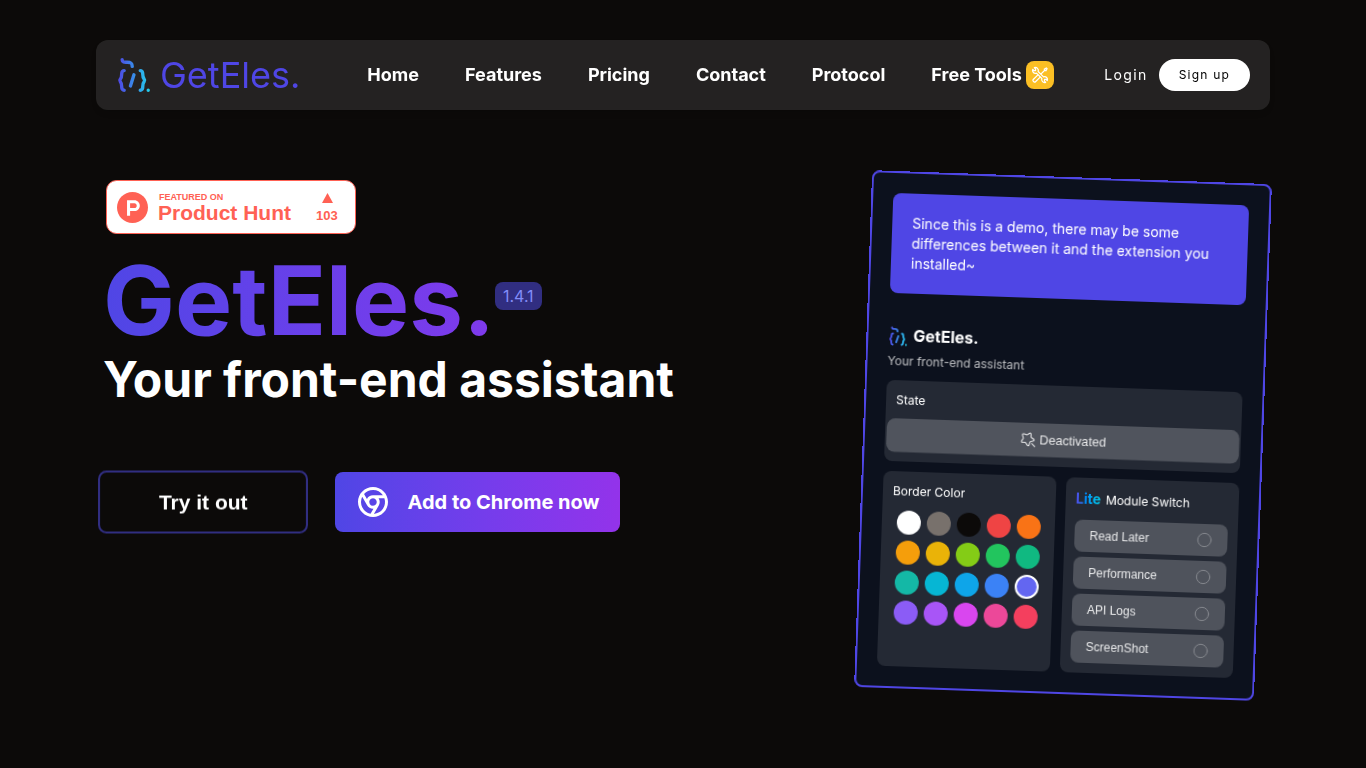
GetEles introduces multiple interaction modes, including a lightweight Lite Mode and a Read Later feature that lets users save webpages for future reference. Shortcut keys improve efficiency by enabling quick activation, module switching, and measurements without interrupting workflow.
The extension is designed to be user-friendly and lightweight, ensuring it integrates smoothly into existing development environments without slowing down browsing. It supports both free and Pro versions, with the Pro offering additional tools like Tailwind CSS conversion, structure tree, advanced screenshots, and performance monitoring.
GetEles also provides a suite of free web development tools such as Tailwind Colors, Tailwind Playground, Lazy Git commands, Status Code Dictionary, and Simple Chart for data visualization, making it a comprehensive assistant for front-end work.
Overall, GetEles stands out by combining essential front-end inspection tools with performance insights and developer conveniences, making it a practical assistant for improving web design and debugging workflows.
Quickly retrieve webpage info like title, description, and colors 🎨
Measure distances between elements with simple mouse movements 📏
Convert CSS styles into Tailwind CSS classes automatically ⚡
View webpage structure tree for easy element navigation 🌳
Capture element or full-page screenshots with advanced options 📸
Combines essential front-end inspection with performance monitoring
Supports Tailwind CSS style conversion to speed up coding
Offers multiple interaction modes including lightweight Lite Mode
Includes screenshot and API call monitoring features
Free version provides robust basic tools with optional Pro upgrade
Advanced screenshot features may not work well on highly dynamic sites
Some features require Pro purchase, limiting free version capabilities
What does GetEles stand for?
GetEles is short for GetElementsBy(EveryThing), inspired by a JavaScript method to fetch webpage elements.
Which browsers support GetEles?
GetEles is available as a browser extension and can be installed from various extension stores, with Chrome support highlighted.
Can I measure distances between webpage elements?
Yes, GetEles allows quick measurement of distances between elements by simply moving the mouse, making layout inspection easy.
Does GetEles support Tailwind CSS?
The Pro version can automatically convert element styles into Tailwind CSS classes to speed up development.
What performance metrics does GetEles provide?
GetEles shows key webpage performance metrics like First Contentful Paint (FCP) and Largest Contentful Paint (LCP) to help optimize loading.
Can I save webpages to read later?
Yes, the ProLite Mode includes a Read Later feature to save and quickly access webpages for future reference.
Are there shortcut keys to use GetEles features?
GetEles supports multiple shortcuts such as Alt/Option + Shift + G to activate the extension and others for quick operations.