
Last updated 07-23-2026
Category:
Reviews:
Join thousands of AI enthusiasts in the World of AI!
GetESP
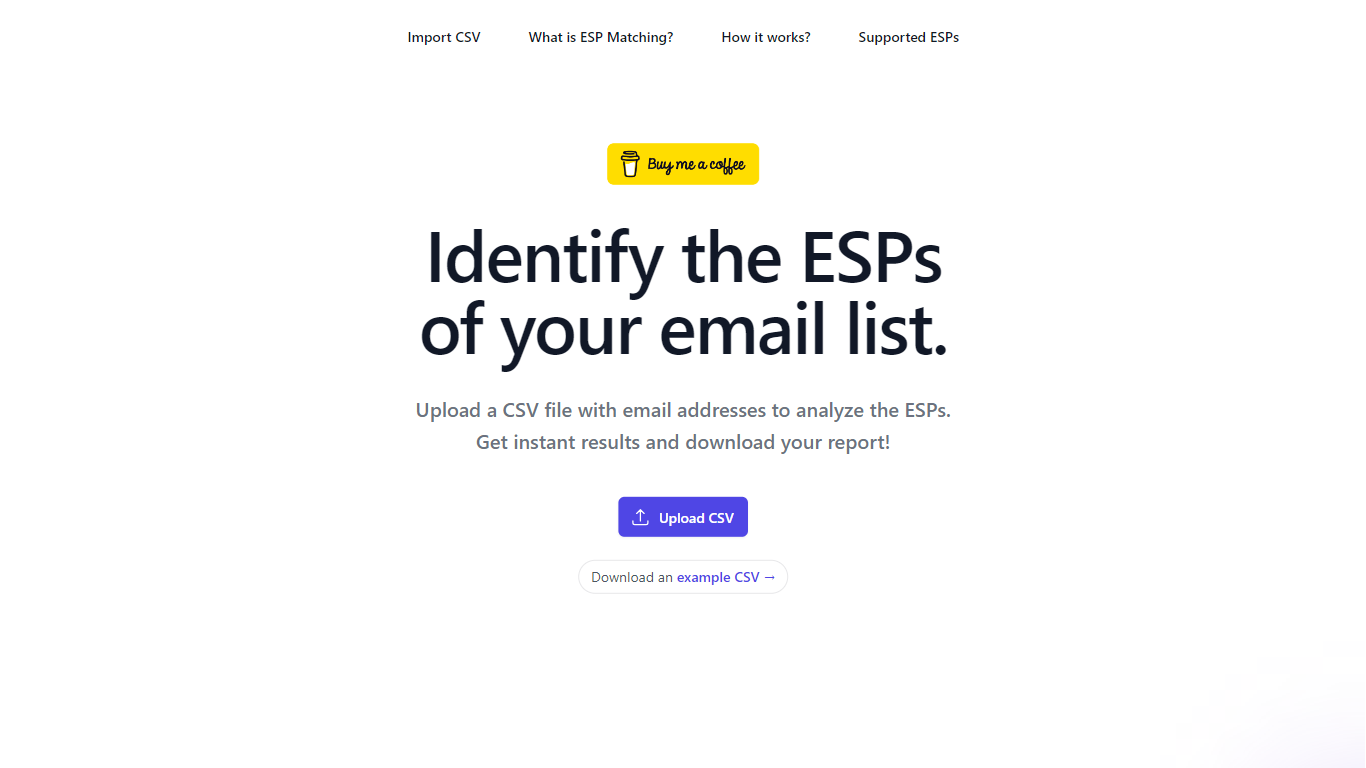
GetESP is a free web tool for ESP matching: upload a CSV of email addresses and it detects each recipient's email service provider plus any spam protection layer in front of the domain.
The workflow is built for cold email and newsletter operators who want better inbox placement. You upload a list, GetESP maps Gmail, Outlook, Yahoo, ProtonMail, and dozens of business hosts, then flags spam filters like Proofpoint, Mimecast, and Barracuda. You download segmented reports and send from the matching ESP when possible.
The site documents 30+ ESPs and spam protection tools with MX record patterns, explains why Gmail-to-Gmail and Outlook-to-Outlook sends perform better, and keeps the core analyzer free while noting premium features may arrive later.
Upload a CSV of emails and domains to detect ESP and spam protection per row
Supports 30+ ESPs including Gmail, Outlook, Yahoo, ProtonMail, and Amazon SES
Flags 15+ spam protection tools such as Proofpoint, Mimecast, and Barracuda
Download segmented reports to group Gmail, Outlook, and other ESP buckets
Example CSV template and on-page FAQ explain the ESP matching workflow
Free core analyzer with instant CSV results and downloadable reports
Broad ESP and spam-filter database with MX record references on the site
Simple three-step workflow: upload, segment, send from matching ESP
Useful for cold email teams prioritizing inbox placement over volume
Very low domain authority suggests limited third-party traction so far
Premium features may arrive later, so long-term pricing is not fully defined
Segmentation exports still require manual list splitting outside the tool
Is GetESP free to use?
Yes. GetESP.io is currently free. The site says core ESP analysis will stay accessible even if premium features are added later.
What file format does GetESP accept?
GetESP accepts CSV uploads with email addresses and domains. The site provides a downloadable example CSV to format your list correctly.
Why segment campaigns by ESP?
Sending from the same ESP as your recipient, such as Gmail to Gmail or Outlook to Outlook, improves trust signals and inbox placement compared with mixing providers.
What spam protection tools does GetESP detect?
GetESP identifies business spam filters including Proofpoint, Mimecast, Barracuda, Mailgun, Sophos, and many others that can block mail before it reaches the recipient inbox.
How does ESP matching improve deliverability?
Matching ESPs reduces SPF, DKIM, and DMARC friction and aligns with provider preferences, which helps messages avoid spam folders and arrive faster.