
Last updated 08-21-2026
Category:
Reviews:
Join thousands of AI enthusiasts in the World of AI!
Goldfish
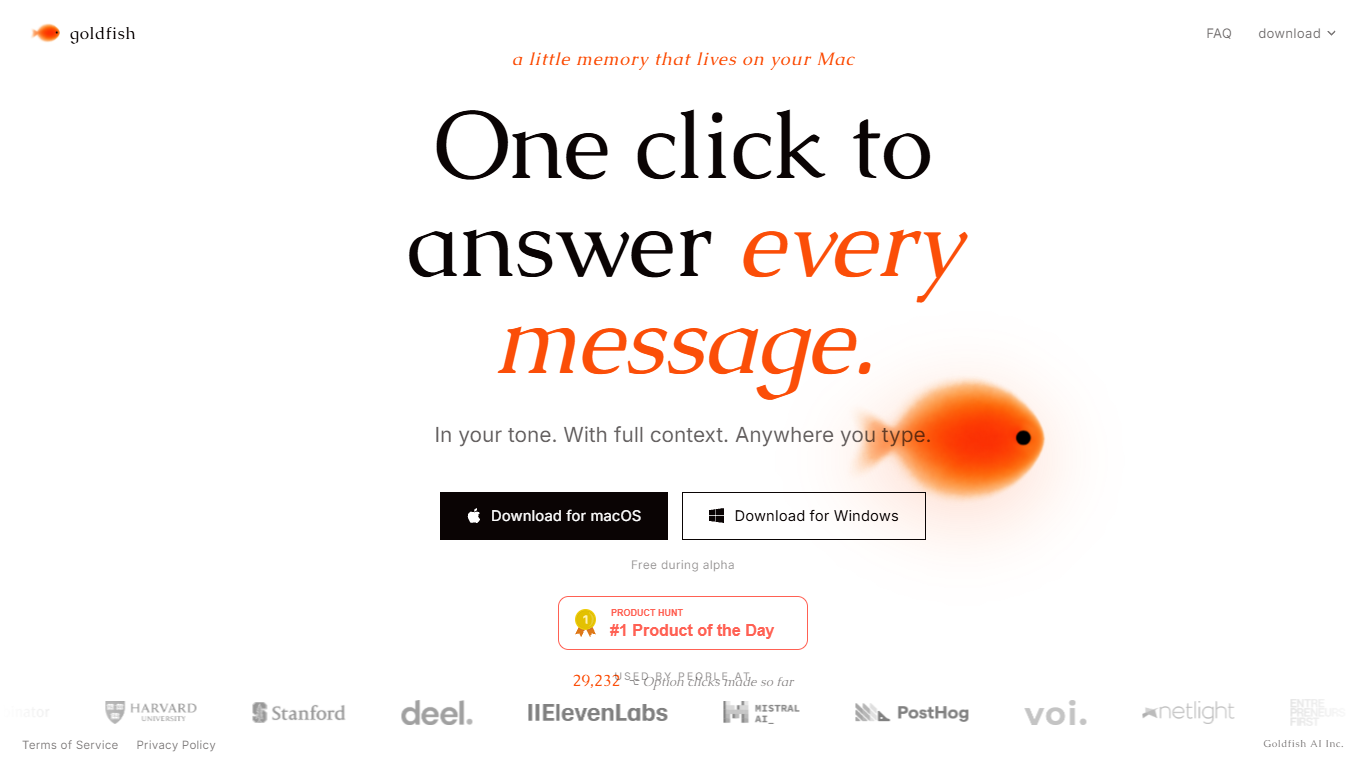
Goldfish is a Mac desktop companion that remembers the text context of your work across apps and drafts replies from any text field. Press Option wherever you type to reply, write, summarize, or continue in your tone without re-explaining threads, docs, or tabs. It targets people who live in email, chat, and docs and want help that already knows what is on screen.
Generic AI assistants make you paste context into a chat window every time. Goldfish reads on-screen text through macOS Accessibility APIs, not screenshots, stores memory locally in encrypted SQLite on your Mac, and sends only the context needed for each request to Azure OpenAI with zero data retention.
Goldfish works in email, Slack, WhatsApp, Notion, browsers, and code editors, learns your writing style across people and scenarios, and can connect to Claude Desktop through local MCP. It also surfaces recurring workflows, forgotten follow-ups, and an auto-generated wiki of your work you can browse from the aquarium in the Mac notch.
Press Option anywhere you type for replies with on-screen context
Local memory lives in encrypted SQLite on your Mac, not the cloud
Learns your writing style across apps, people, and scenarios
Chat with full context from the aquarium in the Mac notch
Connects to Claude Desktop through local MCP automatically
Auto-generates a searchable wiki of your work as you go
Flags forgotten follow-ups before they slip through the cracks
Work memory stays on your Mac in an encrypted SQLite database by default.
Works in any Mac text field without per-app integrations.
Free during alpha and beta with no paid tiers listed yet.
Azure OpenAI processing is configured for zero data retention.
Requires macOS Accessibility permission to read on-screen text.
Users must be at least 18 years old per the terms of service.
AI-generated replies still need review before you send or share them.
Windows builds are offered, but the product story centers on Mac workflows.
Is Goldfish free to use?
Yes. Goldfish is free while it is in beta, according to its FAQ and terms of service. The site also notes it is free during alpha on the homepage download section.
How does Goldfish access my work context on Mac?
Goldfish reads text from your screen using macOS Accessibility APIs. It does not capture screenshots or record your screen, and it stores captured context in a local SQLite database on your Mac.
Where does Goldfish work on my Mac?
Goldfish works anywhere there is a text field on your Mac, including email, Slack, WhatsApp, Notion, your browser, and code editors. If you can type into an app, Goldfish can help inside it.
Does Goldfish train on my data?
No. Goldfish states that AI requests run through Azure OpenAI with zero data retention and no training on your data. Its privacy policy also says your captured context is not used to train AI models.
Does Goldfish connect to Claude?
Yes. Goldfish can connect automatically to Claude Desktop through local MCP, so your Mac context is available inside Claude where you already write and think.
Can I pause or exclude apps from Goldfish capture?
Yes. Goldfish lets you pause capture at any time, exclude specific apps or domains in settings, delete local memory in part or in full, and revoke Accessibility permission in macOS System Settings.
Does Goldfish have a Windows version?
Goldfish offers Windows and macOS downloads from its homepage, but the product positioning, privacy docs, and core workflow are built around a local-first Mac assistant experience.