
Last updated 07-26-2026
Category:
Reviews:
Join thousands of AI enthusiasts in the World of AI!
Hana
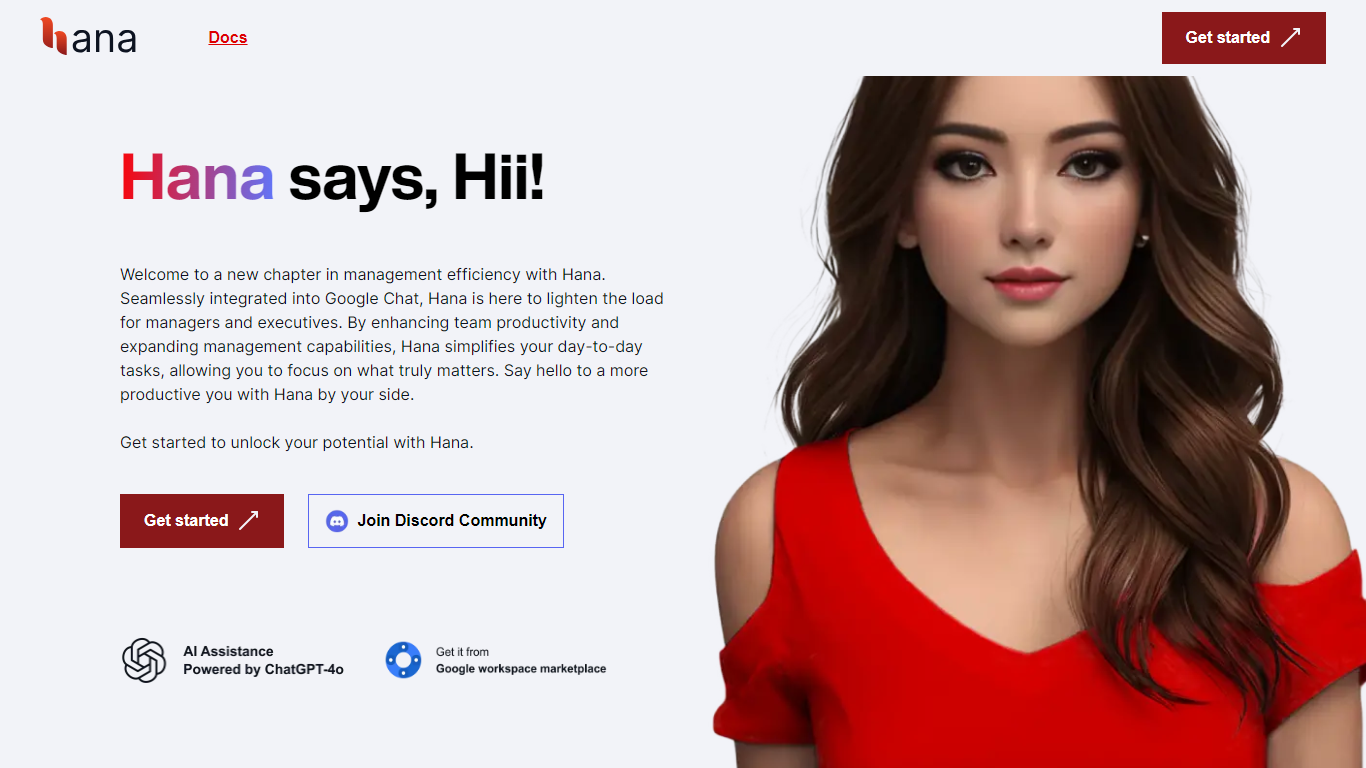
Hana is an AI assistant designed specifically for Google Chat to help teams turn conversations into clear next steps. It finds relevant chat history, documents, and workspace context to summarize threads, assign owners, set follow-ups, and answer questions with evidence. This keeps important decisions visible and actionable without leaving the chat environment. The tool works directly inside Google Chat where users mention @Hana to get summaries, task assignments, reminders, polls, and replies grounded in real team context.
A separate dashboard is available for admins to connect sources, manage permissions, and monitor usage, but most users interact with Hana solely in chat. Hana supports a wide range of content sources including Google Docs, Sheets, Drive files, PDFs, websites, chat history, and meeting transcripts. It retrieves and organizes this information to provide grounded answers and actionable outputs, reducing the need to manually search through scattered knowledge. It offers two main modes: Team Actions for shared follow-through and assignments, and Personal Actions for individual task management and quick replies.
Both modes aim to keep workflows simple and integrated within Google Chat. Security is a priority with Google OAuth authentication, role-based access controls, encrypted transport, and admin-managed data lifecycle. Hana is built to scale safely across organizations while maintaining privacy and control. The product has strong organic adoption with over 53,000 installs from the Google Workspace Marketplace.
It is trusted by teams in various industries to improve operational clarity, reduce context loss, and speed up execution. Pricing plans range from a free tier with limited interactions to pro plans supporting unlimited source ingestion and priority support. Hana is bootstrapped and open to investment to expand its capabilities further.
📌 Summarize chat threads and identify next steps to keep work moving
🔍 Retrieve decisions and context from chat history and connected documents
✅ Create reminders, polls, and assignments directly within Google Chat
🔗 Connect multiple sources like Docs, Sheets, PDFs, and websites for grounded answers
🔒 Secure access with Google OAuth and admin controls for safe team rollout
Integrates directly inside Google Chat for seamless workflow
Provides evidence-backed answers grounded in real team data
Supports multiple content sources including Docs, Sheets, PDFs, and websites
Offers flexible modes for team and personal task management
Strong security with OAuth and admin controls
Free plan has strict interaction limits for evaluation only
Dashboard setup may require admin involvement for source connections
Some advanced features require higher-tier paid plans
How does Hana keep answers grounded in my team's context?
Hana connects approved chat history, documents, and other sources to provide answers backed by your team's real data, ensuring accuracy and relevance.
Can I use Hana for personal task management?
Yes, Hana offers a Personal Actions mode designed for individual follow-through and quick replies within Google Chat.
What security measures protect my data with Hana?
Hana uses Google OAuth for authentication, role-based access controls, encrypted transport, and admin-managed data lifecycle to keep your data secure.
How quickly can my team start using Hana effectively?
Teams can get value within minutes by installing Hana, connecting one source, and asking it to summarize a real chat thread with next steps.
What types of sources can Hana connect to?
Hana supports Google Docs, Sheets, Drive files, PDFs, websites, chat history, meeting transcripts, and more to provide comprehensive context.
Is there a free version of Hana?
Yes, the Free plan allows limited monthly interactions and source ingestion to evaluate Hana in real team workflows.
How does Hana handle team-wide rollout and admin controls?
Admins use the Hana dashboard to manage source connections, permissions, usage monitoring, and control how Hana supports the workspace.