
Last updated 08-21-2026
Category:
Reviews:
Join thousands of AI enthusiasts in the World of AI!
Image Color Picker
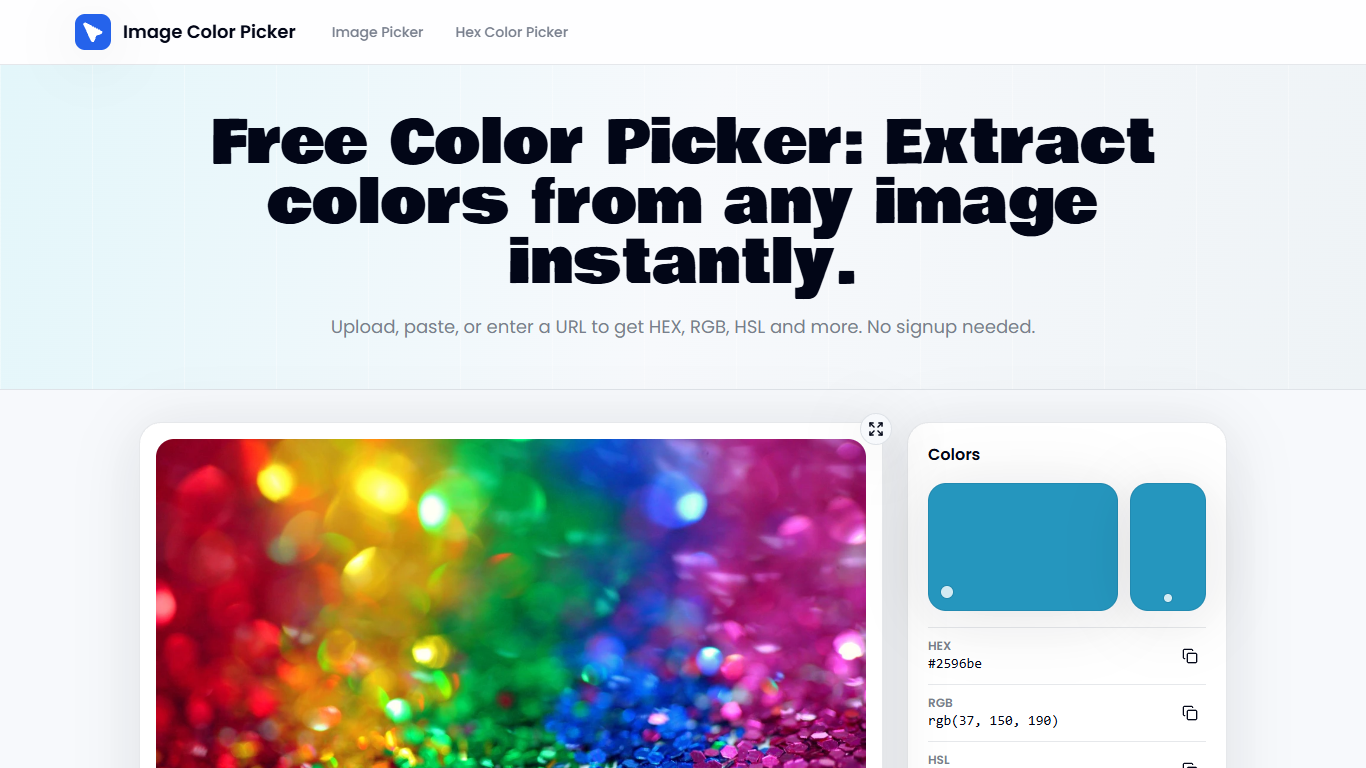
Image Color Picker pulls exact HEX, RGB, HSL, and HSV codes from any photo, screenshot, or URL right in your browser. Upload a PNG, paste from clipboard, or load a remote image, then click a pixel to copy the value. No account or install required.
Most online pickers round swatches or force you through conversions. Image Color Picker reads the pixel under your cursor with the Canvas API, shows all four formats at once, and keeps uploads on your device instead of sending files to a server.
Designers checking brand colors, developers matching UI screenshots, and marketers auditing competitor sites use it when they need a quick answer to what color is this without opening Photoshop.
Click any pixel to read HEX, RGB, HSL, and HSV values simultaneously
Accepts PNG, JPG, WebP, SVG, and GIF uploads plus clipboard paste and image URLs
Palette strip exports sampled colors as a text file or local save
EyeDropper mode samples colors directly from your screen
Unsplash search loads reference images without leaving the tool
Remote URL loading works when the host allows canvas access
Pixel-level reads through the browser Canvas API instead of rounded swatches
No signup, no upload limits, and local processing for uploaded files
Shows HEX, RGB, HSL, and HSV at once with one-click copy
Palette export supports brand audits and design investigations
Remote URL sampling fails when the host blocks canvas access
No advanced color editing or adjustment tools beyond sampling
How do I pick a color with Image Color Picker?
Upload or paste an image into Image Color Picker, hover for a live preview, then click the pixel you want. The tool locks the reading and copies HEX, RGB, HSL, or HSV codes.
Is Image Color Picker free to use?
Yes. Image Color Picker is free with no signup and unlimited uploads processed locally in your browser.
What color formats does Image Color Picker support?
Image Color Picker returns HEX, RGB, HSL, and HSV values for every sampled pixel, with one-click copy for each format.
Does Image Color Picker upload my images to a server?
No. Image Color Picker processes uploaded files locally in your browser, so image data stays on your device unless you load a remote URL.
Can Image Color Picker load images from a URL?
Yes. Image Color Picker accepts image URLs and website addresses, but remote loading depends on the host allowing canvas access.
Can I build palettes in Image Color Picker?
Yes. Image Color Picker lets you add sampled colors to a palette strip, then export the list as a text file or save it locally.
Does Image Color Picker work on screenshots?
Yes. Image Color Picker accepts screenshot uploads or clipboard paste and returns exact pixel-level color codes from the capture.