
Last updated 08-11-2026
Category:
Reviews:
Join thousands of AI enthusiasts in the World of AI!
JobJump
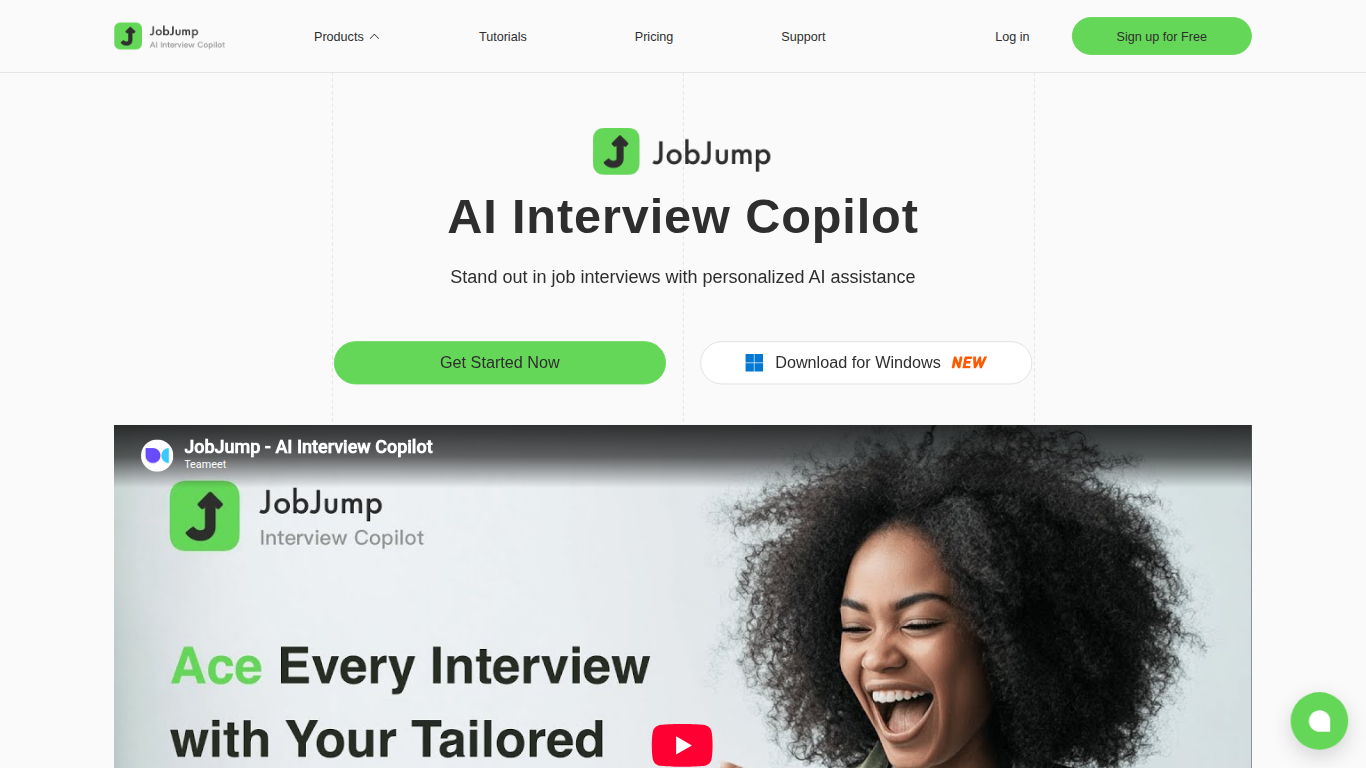
JobJump is a live interview copilot that listens to remote interview questions and suggests answers in real time. It runs as a Windows desktop overlay, a browser extension, or a mobile app, and pulls from GPT-4o and Gemini 2.5 models trained on more than 100,000 interview questions.
Practice apps make you rehearse alone before the call. JobJump stays on screen during Zoom, Teams, Google Meet, Webex, or Skype and flags questions as they are spoken, then shows resume-aware answer hints in a translucent overlay marketed as invisible to screen sharing.
JobJump also offers Snap Insight for screenshot-based coding problems and interview reports after sessions. New accounts get 15 minutes free, with paid tiers at 5, 12, or unlimited hours per month. The site positions pricing at about 10% of competing interview copilots.
GPT-4o and Gemini 2.5 models trained on 100K+ interview questions
Stealth desktop overlay designed to stay invisible during screen sharing
Works with Zoom, Teams, Google Meet, Webex, Skype, and LeetCode pages
15 minutes free usage after registration plus referral bonus time
Basic plan includes 5 hours per month of Interview Copilot usage
Pro plan includes 12 hours per month; Elite tier offers unlimited usage
Resume upload for answer suggestions tied to your real experience
Real-time copilot during live calls, not just mock practice sessions.
Stealth overlay designed for screen-shared video interviews.
Supports behavioral and coding interviews with Snap Insight screenshots.
Dollar prices for Basic, Pro, and Elite are not listed on the public site.
Windows desktop download is emphasized; browser extension and mobile have separate flows.
Free tier caps at 15 minutes unless you earn referral bonus time.
What is JobJump?
JobJump is an AI interview copilot that recognizes interviewer questions in real time and suggests tailored answers based on your resume and job requirements. It runs during live remote interviews, not just practice sessions.
Is JobJump free to try?
Yes. JobJump gives new accounts 15 minutes of free Interview Copilot usage after registration. You can earn extra free time by inviting friends to sign up on jobjump.teameet.cc.
Which platforms does JobJump support?
JobJump browser extension works on Zoom, Microsoft Teams, Google Meet, Webex, Skype, and coding sites like LeetCode. The mobile app listens to nearby interview audio on any platform.
How does JobJump stay hidden on screen share?
JobJump desktop app uses a translucent always-on-top overlay marketed as stealth technology. The site says it stays visible to you but invisible to interviewers during screen sharing.
What are JobJump subscription tiers?
JobJump offers Basic with 5 hours per month, Pro with 12 hours per month, and Elite with unlimited Interview Copilot usage. Dollar prices are shown in the app checkout, not on the public pricing page.
Should I upload my resume to JobJump?
Yes. JobJump recommends uploading your resume so Interview Copilot can generate answer suggestions tied to your real experience and the job you are interviewing for.
Does JobJump help with coding interviews?
Yes. JobJump includes Snap Insight for screenshot-based question recognition on coding platforms. The FAQ lists LeetCode as a supported browser-extension use case.