
Last updated 07-28-2026
Category:
Reviews:
Join thousands of AI enthusiasts in the World of AI!
KanShareBan
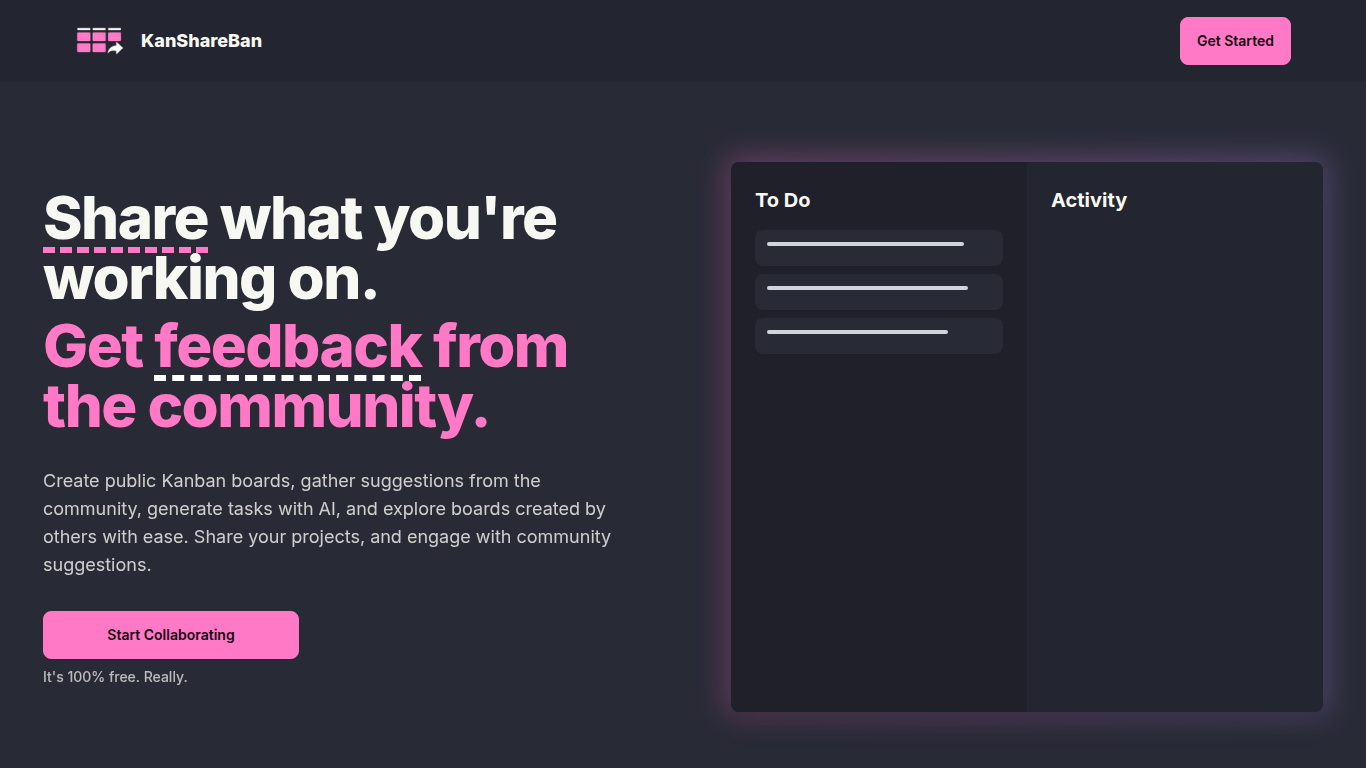
KanShareBan enables users to create and share public Kanban boards for project management and collaboration. It allows individuals and teams to organize tasks visually, gather community feedback, and explore projects created by others.
What distinguishes KanShareBan is its AI-powered task generation feature, which automatically creates tailored tasks based on user-described project goals. This capability streamlines project planning and enhances productivity compared to traditional Kanban tools that lack AI assistance.
The platform supports community engagement by allowing users to provide suggestions directly on public boards, fostering collaboration and continuous improvement. Additionally, KanShareBan offers a dark mode for comfortable viewing and a simple interface that makes task management intuitive and accessible.
KanShareBan is free to use without hidden costs, making it accessible for creators, developers, and project managers seeking an easy way to share work and receive feedback. Its focus on public sharing and AI-generated tasks sets it apart from other project management solutions.
AI Task Generation: Automatically create customized tasks by describing project goals, speeding up planning.
Public Kanban Boards: Share projects publicly to receive suggestions and feedback from the community.
Community Suggestions: Engage with users by sharing ideas and improvements directly on Kanban boards.
Dark Mode: Switch to a dark theme for comfortable viewing in low-light environments.
Intuitive Task Management: Easily add, organize, and track tasks to keep projects on schedule.
Completely free to use with no hidden costs or premium tiers.
AI-powered task creation saves time and improves project planning.
Public boards foster collaboration and community-driven improvements.
Simple, clean interface with dark mode for user comfort.
Supports a wide range of project types and user roles.
No dedicated mobile app; access is limited to web browsers.
Limited information on advanced integrations or offline capabilities.
How do I create a public Kanban board on KanShareBan?
On KanShareBan, you create a public Kanban board by signing up and using the platform's interface to set up your project board, which others can then view and suggest improvements on.
Is KanShareBan suitable for team collaboration?
Yes, KanShareBan supports collaboration by allowing users to share projects publicly and receive suggestions, making it useful for teams and individual creators alike.
What information do I need to provide to use KanShareBan?
To use KanShareBan, you need to create an account with your name and email address to manage your projects and interact with the community.
How does KanShareBan protect my personal data?
KanShareBan collects only necessary personal data like name and email to manage accounts and does not share your information with third parties.
Can I use KanShareBan on mobile devices?
KanShareBan does not have a dedicated mobile app, but the platform is designed to be accessible and user-friendly across various devices via web browsers.
What types of projects can I share on KanShareBan?
KanShareBan allows sharing a wide range of projects including creative works, software development, and other collaborative efforts that benefit from community feedback.
Is there a cost to use KanShareBan's AI task generation?
No, the AI task generation feature is included free of charge as part of KanShareBan's core offerings.