
Last updated 08-13-2026
Category:
Reviews:
Join thousands of AI enthusiasts in the World of AI!
Lazybird
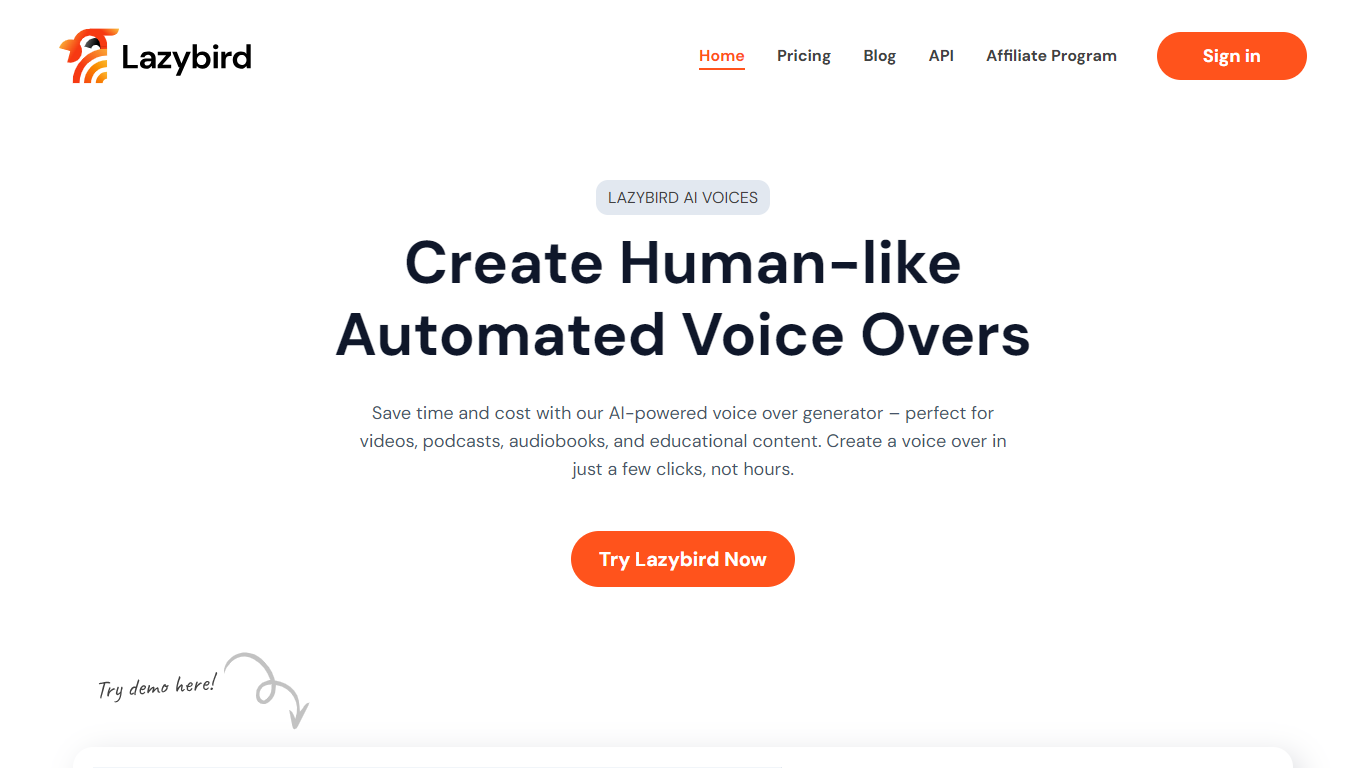
Lazybird turns scripts into downloadable voiceover audio with 200+ AI voices, voice cloning, and block-based editing for long documents. Paste text from Google Docs or Notion, test a short section, adjust pacing, then export clean audio for videos, courses, podcasts, or phone greetings. Free to start with no credit card required.
Short-form TTS demos work for one line, but fall apart on 75-minute training scripts or recurring branded narration. Lazybird splits long documents into editable blocks automatically, supports voice cloning from a five-minute sample, and offers a text-to-speech API for apps that need repeatable audio generation. That focus on full-script production separates it from CapCut voices locked inside one editor.
YouTubers, course creators, podcast hosts, and marketers use Lazybird for training videos, product walkthroughs, audiobook chapters, and character-style entertainment voices. The platform supports 100+ languages, commercial usage on exports, and parody character voices for memes and fan edits. Lazybird is operated by LAZYBIRD CO LTD in Vietnam.
200+ AI voices with cloning from a roughly five-minute audio sample
Long scripts auto-split into editable blocks, including 75+ minute documents
Free to start with no credit card; test a short section before full generation
Text-to-speech API for embedding voice generation in your own app or workflow
100+ languages for multilingual narration and translated scripts
Character and celebrity-style voices for parody, memes, and entertainment projects
Handles long scripts with automatic block splitting instead of one-line TTS demos
Voice cloning from a short sample works for recurring creator narration
Downloadable exports work in any video editor, unlike in-app-only social voices
Free start with no credit card lowers the barrier to testing voices
Detailed per-character pricing was not listed on the fetched product pages
Character and celebrity-style voices require careful ethical use to avoid deceptive impersonation
Full Studio features like saved projects and cloning likely need a paid tier beyond the free preview
Can I try Lazybird for free?
Yes. Lazybird is free to start with no credit card required. You can paste a script, choose a voice, play a short preview, and create your first voiceover before upgrading for longer projects or cloning.
How many voices does Lazybird offer?
Lazybird provides 200+ AI voices spanning narrators, multilingual speakers, and character-style options. You can test a short section first, then generate the full voiceover once the voice and pacing sound right.
Does Lazybird support voice cloning?
Yes. Lazybird lets you clone your own voice from a short recording, with reviewers reporting usable clones from about five minutes of audio. You can create multiple clones for different genres or recurring branded narration.
Can Lazybird handle long scripts?
Yes. Lazybird automatically splits long pasted documents into blocks and sections. Reviewers report using it for scripts around 75 minutes long without copying one paragraph at a time.
What languages does Lazybird support?
Lazybird supports text-to-speech in 100+ languages for multilingual voiceovers. The homepage highlights translated scripts and natural-sounding output across regional accents and tones.
Does Lazybird have an API?
Yes. Lazybird offers a text-to-speech API to generate narration, product audio, lessons, and phone messages inside your own app or workflow without opening the web editor for each generation.