
Last updated 08-10-2026
Category:
Reviews:
Join thousands of AI enthusiasts in the World of AI!
Lens Go
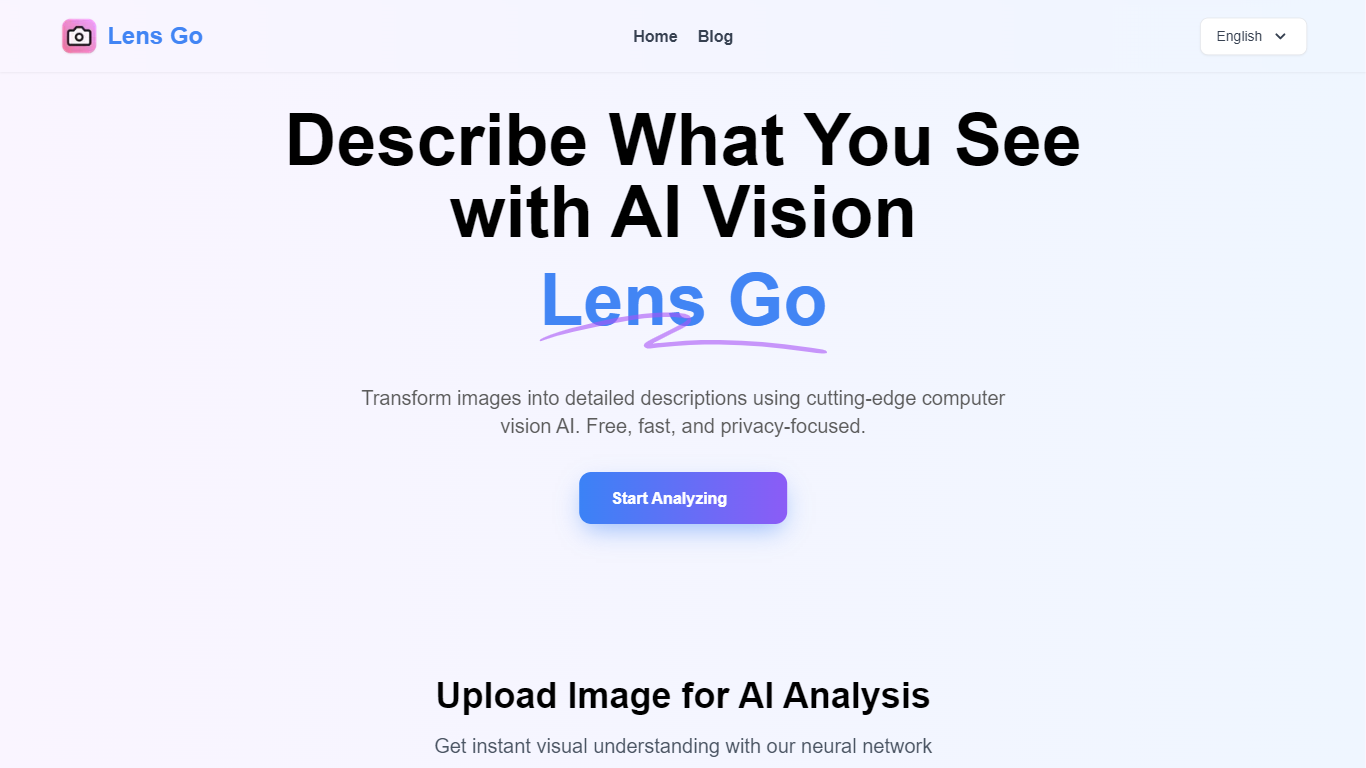
Lens Go is an image analytics and alt text tool that runs in the browser. It turns uploaded photos into SEO-friendly descriptions and accessibility copy. You drag in a PNG, JPG, JPEG, or WebP file and get a readable sentence about the scene, not just a list of objects. The site is built around one workflow: upload, analyze, copy the result into WordPress, Shopify, Instagram captions, or HTML alt attributes.
Most alt-text helpers stop at labeling objects. Lens Go is tuned for descriptive copy that covers mood, lighting, and action, which matters when you need alt text that reads naturally in a blog post or product page. The trade-off is scope: it focuses on scene description and SEO alt text, and the FAQ points users with dense document OCR needs toward dedicated OCR tools.
Webmasters, SEO agencies, e-commerce owners, and social media managers are the core audience. Frontend developers auditing image-heavy sites also get one-click copy blocks formatted for common platforms. Uploads are processed in the browser with a 5MB cap, results typically return in under five seconds, and files are deleted after one hour.
Accepts PNG, JPG, JPEG, and WebP uploads up to 5MB per image
Returns scene descriptions in under 5 seconds after upload
Writes mood, lighting, and action context instead of bare object lists
One-click copy formatted for Instagram, Shopify, WordPress, and HTML alt tags
Runs in the browser on desktop, tablet, and mobile with no install step
Deletes uploaded images automatically after 1 hour on the processing server
Free tier with no paid plan required on the public site.
Outputs full sentences about mood and action, not just object tags.
One-click copy blocks for WordPress, Shopify, Instagram, and HTML alt attributes.
Uploads auto-delete after 1 hour, which limits how long files stay on the server.
Works in the browser across desktop, tablet, and mobile without installing an app.
Each upload is limited to 5MB, which blocks large photo batches in one file.
Not designed for dense document OCR; the FAQ sends those users elsewhere.
Standalone /features and /faq routes return 404; most content lives on the homepage anchors.
Is Lens Go free to use?
Yes, Lens Go offers a free tier for image analysis without a paid signup on the homepage. The About page also states the tool is always free for bridging visuals and text.
What file formats does Lens Go support?
Lens Go accepts PNG, JPG, JPEG, and WebP uploads. The upload panel lists those four formats and caps each file at 5MB for fast processing.
How long does Lens Go store my images?
Lens Go deletes uploads after 1 hour. The FAQ states images sit on a temporary secure server only for analysis, then are permanently removed.
Can Lens Go read text from scanned documents?
Lens Go focuses on describing scenes and objects, not dense document OCR. Its FAQ recommends dedicated OCR tools for heavy text extraction, though basic sign reading is possible.
Can I use Lens Go output on commercial sites?
Yes. Lens Go grants you copyright to the generated text, and the FAQ says you may use it on e-commerce stores, blogs, and marketing campaigns.
How fast is Lens Go at analyzing an image?
Lens Go typically returns descriptions in under 5 seconds. The Features section cites an optimized backend built for quick alt text and analysis results.