
Last updated 08-12-2026
Category:
Reviews:
Join thousands of AI enthusiasts in the World of AI!
Litur
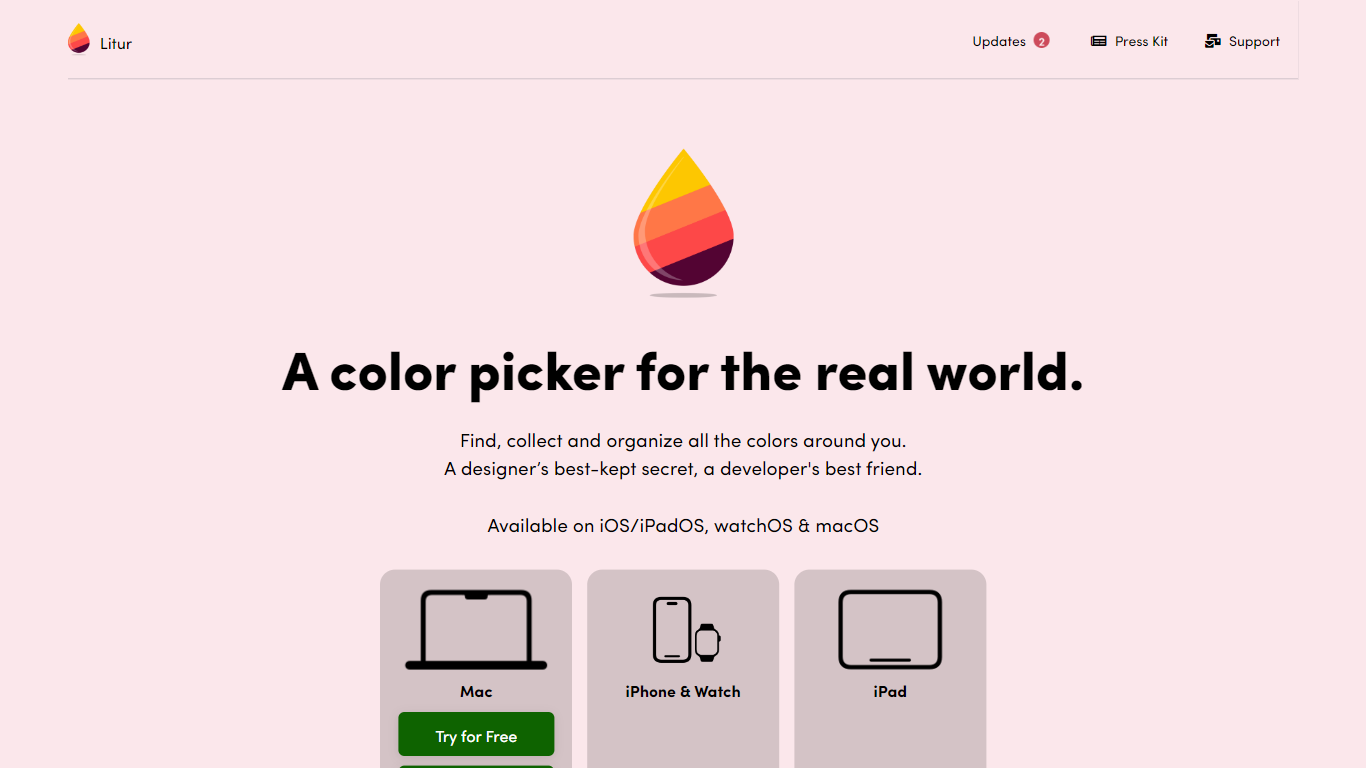
Litur is a color picker and palette manager that helps you capture hex codes from anything on screen and build a personal library across Apple devices. Point the picker at a website, photo, or app UI and save the swatch to a palette that syncs between your Mac, iPhone, iPad, and Apple Watch. The litur.app homepage calls it a color library for the real world, aimed at designers and developers who reference colors daily.
Unlike browser-only eyedroppers, Litur ships native apps with a macOS Color Anchor dock window for fast palette access during design work. It auto-generates palette harmonies (complimentary, analogous, monochromatic, triadic, tetradic) and exports codes as hex, RGB, HSB, NSColor, UIColor, or SwiftUI Color. The iPhone build adds a WCAG contrast checker for testing text and background pairs.
UI designers, brand designers, and iOS developers are the core users. macOS offers a free trial through Paddle with a $11.99 purchase option, plus a Mac App Store listing. Mobile apps distribute through the App Store for iPhone, iPad, and Watch. Privacy policy states screen pixels are processed locally for color picking and never stored or sent to servers.
Captures color hex codes from on-screen pixels using the macOS Screen Recording API locally
Color Anchor dock window on Mac for quick palette access during design workflows
Exports hex, RGB, HSB, NSColor, UIColor, and SwiftUI Color formats
Generates complimentary, analogous, monochromatic, triadic, and tetradic harmonies
WCAG contrast checker on iPhone for accessibility testing
macOS direct purchase listed at $11.99 with a free trial via Paddle
Native Apple apps with synced color history across Mac, iPhone, iPad, and Watch.
Exports developer-ready formats including SwiftUI Color and UIColor.
Screen pixel reading stays local with no server storage per privacy policy.
Apple platforms only; no Windows, Android, or web app listed.
macOS color picking requires granting Screen Recording permission.
iOS and Mac use separate App Store listings with different purchase paths.
Which platforms does Litur support?
Litur runs on macOS, iOS, iPadOS, and watchOS according to litur.app. Separate Mac App Store and iOS App Store listings cover desktop and mobile, with a Paddle download option for Mac.
How much does Litur cost on Mac?
Litur offers a free Mac trial through Paddle and a Buy Now option listed at $11.99 on litur.app. A Mac App Store listing is also available as an alternative purchase path.
What color formats does Litur export?
Litur exports hex, RGB, HSB, NSColor, UIColor, and SwiftUI Color codes. Designers can copy the format their Xcode or design tool expects without manual conversion.
Does Litur store my screen recordings?
No. Litur's privacy policy says the macOS Screen Recording API reads pixels in real time for hex extraction only. Screen data is processed locally and not saved or transmitted to servers.
Can Litur check color contrast for accessibility?
Yes. Litur includes a Contrast Checker on iPhone that lets you enter color pairs and verify whether they meet Web Content Accessibility Guidelines.
Who develops Litur?
Litur is built by Ephod, the studio behind litur.app. Support contact listed on the site is [email protected] and [email protected] in the privacy policy.