
Last updated 08-09-2026
Category:
Reviews:
Join thousands of AI enthusiasts in the World of AI!
Make a Chart
Make a Chart is a Slack productivity bot that turns pasted data into charts without leaving your workspace. Type /chart, add a name, pick a chart type, and post the result straight into the channel. The who-is-this-for page lists pie, bar, line, and donut charts, with the team noting more types are on the way.
Compared with opening Excel or Tableau, Make a Chart optimizes for speed inside Slack rather than deep analysis. You will not build multi-source dashboards here, but you can go from raw numbers to a shareable graphic in seconds while the conversation is still live. That trade-off fits standups and quick team updates more than quarterly board decks.
Slack-heavy teams, managers who report metrics in chat, and anyone who needs a decent-looking chart before the next meeting starts are the core users. Pricing is in a free early-access phase at $0 with unlimited charts, all chart types, and email support listed on the pricing page.
Creates charts from a /chart slash command directly inside Slack
Supports pie, bar, line, and donut chart types with more planned
Early-access pricing lists unlimited charts at $0 with no credit card
Shares finished charts in both public and private Slack channels
Accepts pasted data without strict formatting requirements
Generates charts inside Slack without switching to another app
Free early-access plan includes unlimited charts at $0
Accepts loosely formatted pasted data rather than rigid templates
Covers four common chart types including pie, bar, line, and donut
Requires a Slack workspace; not usable outside that environment
Pricing page warns the free early-access model may change later
Lacks the deep dashboard features of Tableau or Power BI
How do I create a chart with Make a Chart?
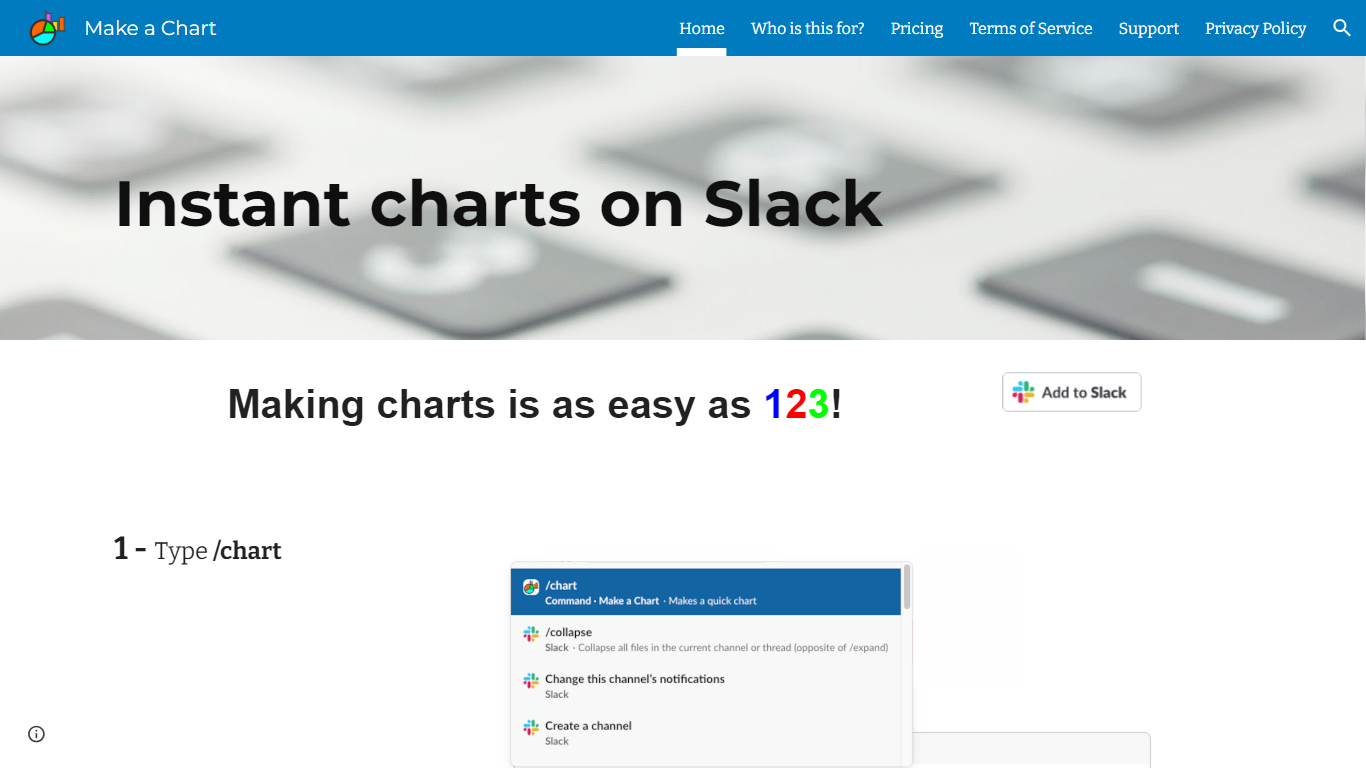
Make a Chart runs inside Slack. Type /chart, enter your chart name, chart type, and values, then post the finished chart to your conversation. The who-is-this-for page also describes pasting raw data and picking a type.
Is Make a Chart free?
Yes. Make a Chart is in a free early-access phase priced at $0 on its pricing page. The plan includes unlimited charts, all chart types, and standard email support with no credit card required.
What chart types does Make a Chart support?
Make a Chart supports pie charts, bar graphs, line charts, and donut charts according to its who-is-this-for page. The team notes additional chart types are coming.
Where does Make a Chart run?
Make a Chart is built for Slack. You invoke it with the /chart slash command inside a Slack workspace, so you do not need a separate desktop app to generate charts.
How do I contact Make a Chart support?
Make a Chart lists standard support via email during early access. The who-is-this-for page publishes the contact address [email protected] for feedback and questions.
Will Make a Chart pricing change later?
Make a Chart states on its pricing page that the product is in early access and that the pricing structure may change as development continues. All features are free during this phase.