
Last updated 07-24-2026
Category:
Reviews:
Join thousands of AI enthusiasts in the World of AI!
Mind Map Wizard
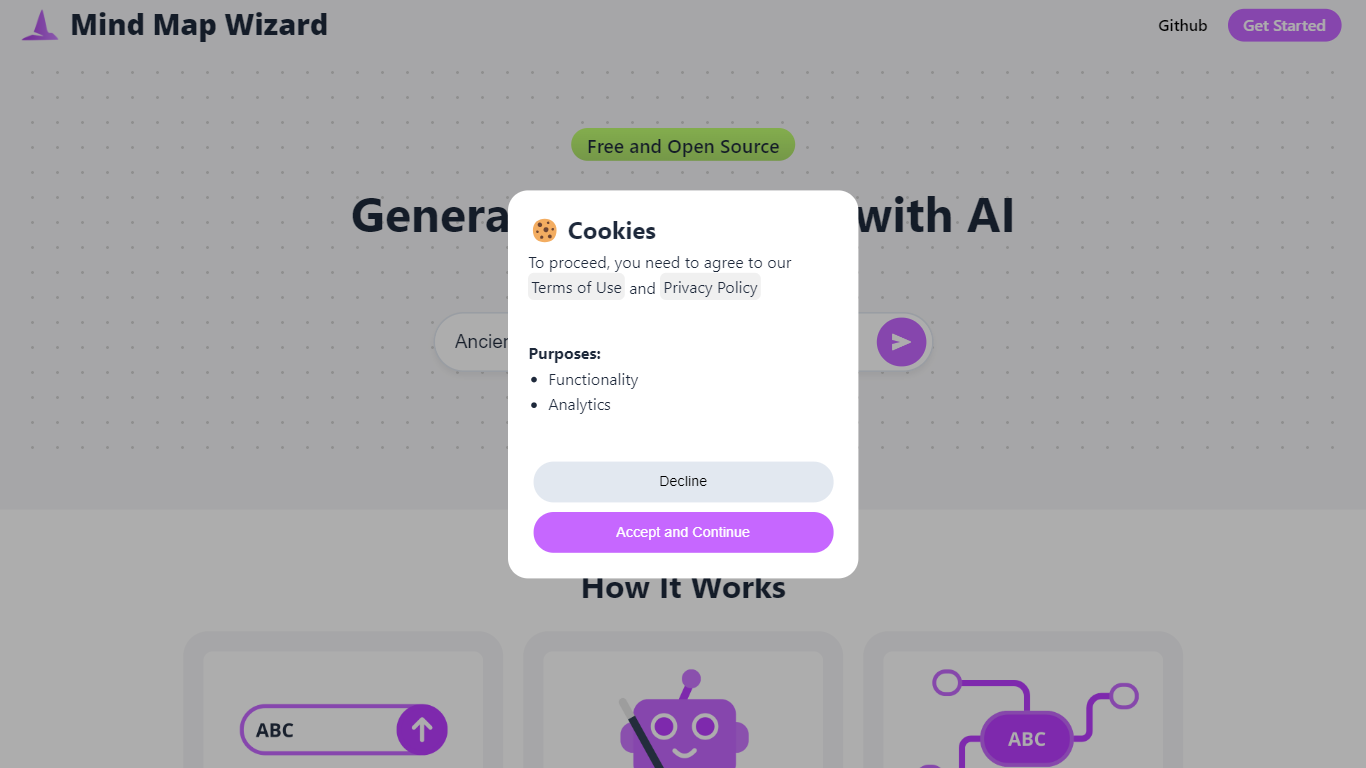
Mind Map Wizard turns any topic, URL, or PDF into a visual mind map in seconds. Type a topic, paste a link, or upload a document, and the tool builds a branching diagram that maps out key concepts without you having to research and organize everything yourself.
The tool is open source and built around clear usage limits rather than opaque credit systems. Free users get three AI-generated mind maps with full editing and sharing. Pro subscribers unlock hundreds of monthly generations, PDF uploads, an in-editor AI assistant, and watermark-free exports. A Text to Mind Map API is also available for developers who want to embed generation in their own apps.
Students use it to summarize lecture notes and dense readings. Teachers build quick concept maps for science and history topics. Content creators, researchers, and anyone juggling a complex subject can get a structured overview before diving deeper. Maps export as PDF, JPG, or SVG, or share through a public link.
Drop in a topic, URL, or PDF and get a full mind map back in seconds
An AI assistant inside the editor adds branches, resizes sections, or tweaks colors on command
Double-click any node to edit text, change fonts, colors, and shapes on the fly
Upload a long PDF and get a structured map of every key concept without reading the whole file
Export as PDF, JPG, or SVG, or share through a public link in one click
Open source with the full codebase available on GitHub.
Free tier covers editing, sharing, and exporting without requiring an account.
Transparent pricing with clear monthly map quotas instead of confusing credit pools.
Pro plan at $3.20 per month undercuts competitors like Mapify and Mind Map AI.
Only 3 free AI mind map generations before you need to upgrade.
Free exports include watermarks on PDF, JPG, and SVG files.
PDF upload is restricted to Pro subscribers.
No dedicated mobile app; browser-only access.
Is Mind Map Wizard free to use?
Yes. Mind Map Wizard offers a free tier with 3 AI mind maps, full editing, sharing via link, and watermarked exports. The Pro plan costs $3.20 per month billed annually and unlocks 500+ monthly AI generations plus PDF uploads.
Do I need an account to use Mind Map Wizard?
No. Mind Map Wizard lets you start creating mind maps immediately without signing up. Creating an account unlocks cloud storage and a larger context window for longer documents.
Can I upload a PDF to Mind Map Wizard?
PDF upload is available on the Pro plan. Free users can paste a URL or large blocks of text into the input field to generate a mind map. Pro subscribers can upload full PDF files for automatic summarization.
What export formats does Mind Map Wizard support?
Mind Map Wizard exports mind maps as PDF documents, JPG images, or SVG graphics. Free exports include a watermark. Pro subscribers get watermark-free exports.
Does Mind Map Wizard have an API?
Yes. Mind Map Wizard offers a Text to Mind Map API at api.mindmapwizard.com. Send a POST request with your text and receive the mind map as SVG and markdown. Pricing is pay-per-request at roughly $0.002 per generation.
What languages does Mind Map Wizard support?
Mind Map Wizard supports 14 interface languages including English, Italian, Spanish, Portuguese, French, Arabic, German, Chinese, Japanese, Korean, Russian, Turkish, Dutch, Polish, and Hindi.