
Last updated 07-23-2026
Category:
Reviews:
Join thousands of AI enthusiasts in the World of AI!
MyLens
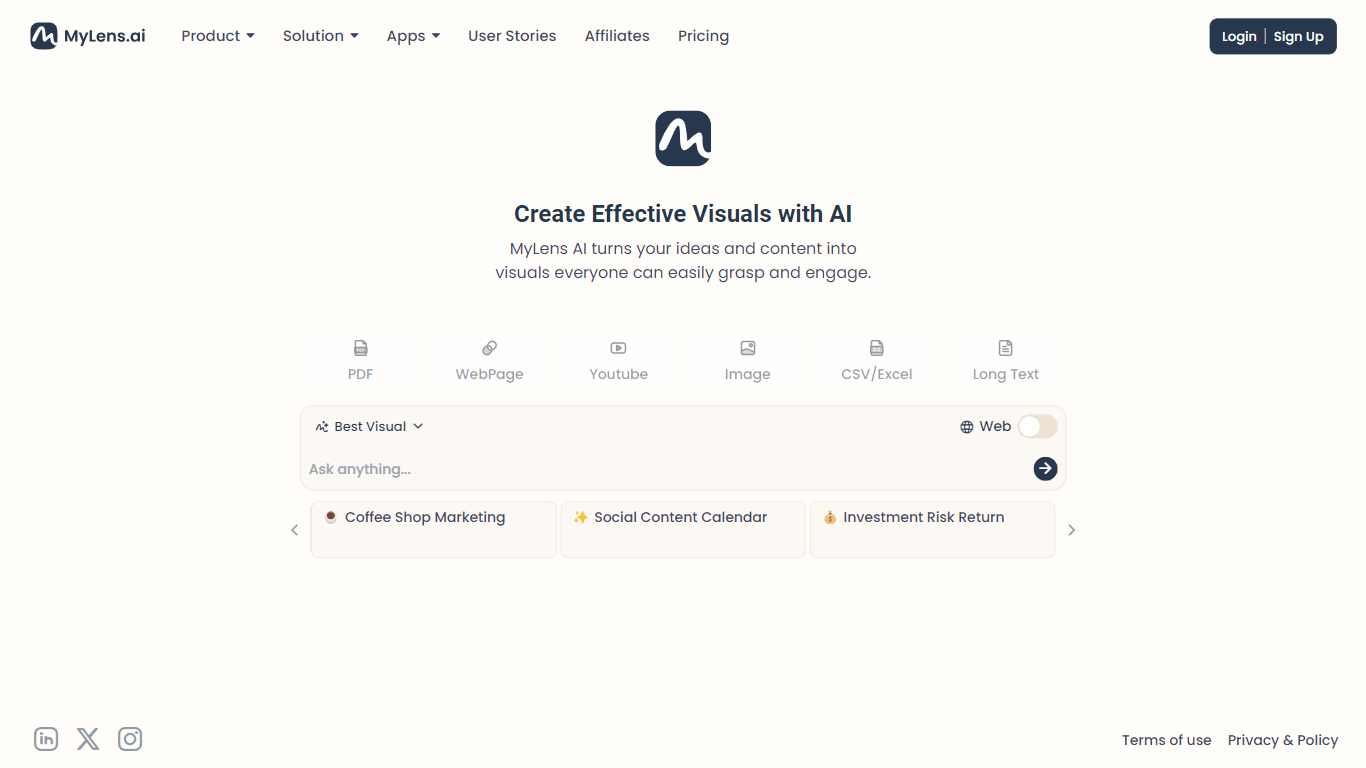
MyLens turns dense sources into interactive visuals you can click through, expand, and trace back to the original material. Feed it PDFs, long text, Word or PowerPoint files, webpages, YouTube links, images, or spreadsheets, and it generates mind maps, timelines, charts, and other diagrams that stay linked to their sources.
Each visualization is editable and explorable. You can drill into sections, ask for citations, and refine colors, fonts, and layouts before exporting images, share links, or embedded interactive views. A Chrome extension adds the same workflow to any open webpage or YouTube video.
MyLens is built for consultants, marketers, teachers, students, and analysts who need to communicate complex information quickly. The product emphasizes source traceability and states it does not use customer data to train its models.
Builds mind maps, timelines, tables, and charts from mixed source types
Click any visual element to expand, drill down, or jump to citations
Accepts PDFs, Word, PowerPoint, CSV, webpages, YouTube links, and images
Chrome extension turns live webpages and YouTube videos into visuals
Full editing for content, colors, fonts, and layouts before sharing
Export as images, share links, or embed interactive visualizations
Privacy policy states customer data is not used to train AI models
Visualizations stay linked to original sources with citation tracing.
Supports many input types including spreadsheets, slides, and YouTube links.
Free tier includes 15 monthly AI credits with no upfront payment.
Higher tiers require annual billing to get the advertised monthly rates.
Free plan limits each storyboard to one source and a 1K source cap.
Business tier pricing starts at $120 per member per month billed yearly.
What file types does MyLens support?
MyLens accepts text, PDFs, Word and PowerPoint files, spreadsheets, webpages, YouTube links, and images including screenshots. It also works through a Chrome extension on live webpages and YouTube videos.
Can I try MyLens for free?
Yes. MyLens offers a free plan with 15 AI credits per month, a 1K source limit, one source per storyboard, and AI narration. Paid plans add higher credit limits, larger source caps, and advanced editing features.
How much does MyLens Pro cost?
MyLens Pro is listed at $12 per month per member when billed yearly at $144 per member. It includes 150 AI credits per month, a 10K source limit, multiple sources per storyboard, and manual editing.
Does MyLens have a Chrome extension?
Yes. The MyLens Chrome Extension lets you turn webpages, dashboards, articles, and YouTube videos into dynamic visualizations with one click from the browser.
Can I edit visualizations created by MyLens?
Yes. MyLens says every visualization is fully editable. You can adjust content, colors, and layouts or ask the AI to refine specific sections before downloading or sharing.
Does MyLens use my data to train AI models?
MyLens states on its homepage that it never uses customer data to train its AI models and never shares user data with others.