
Last updated 08-10-2026
Category:
Reviews:
Join thousands of AI enthusiasts in the World of AI!
NightScreen Mode
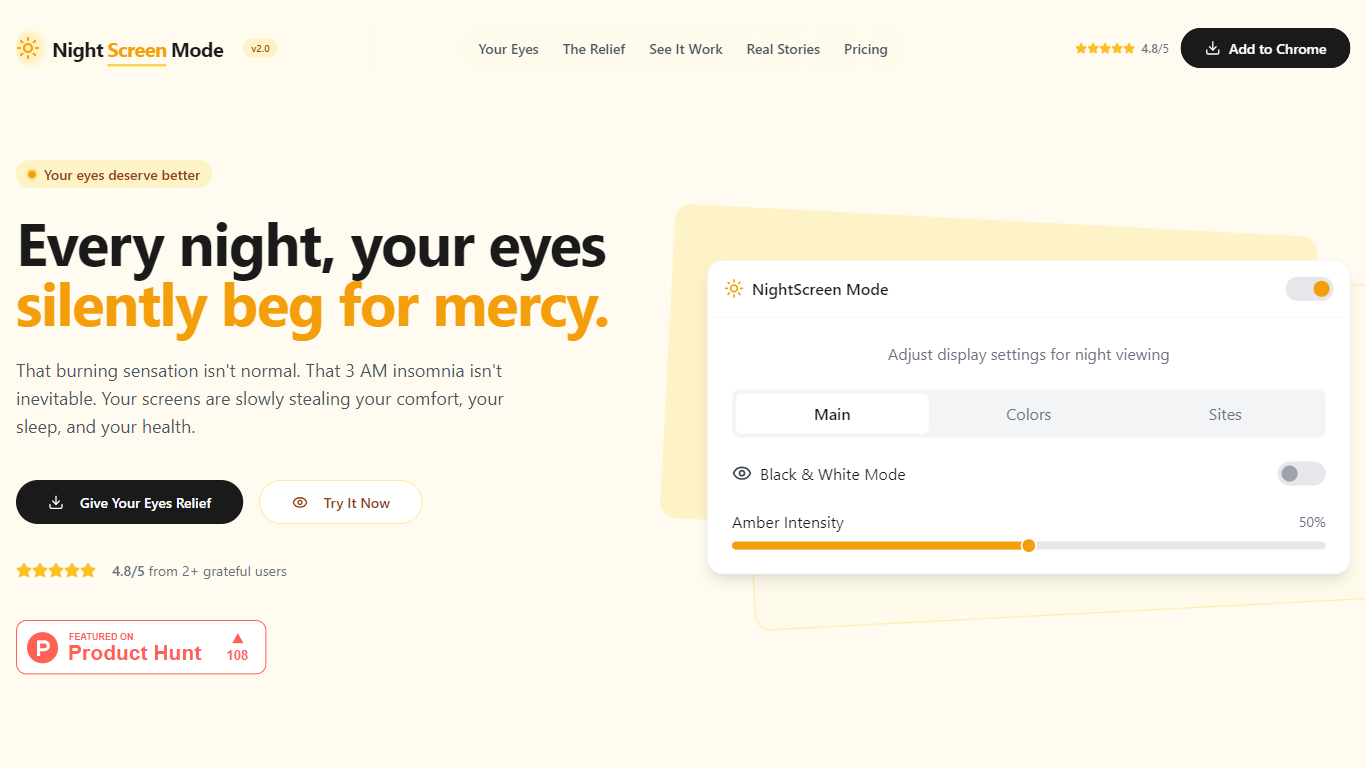
NightScreen Mode brings a blue-light filter and dark mode overlay to Chrome for nighttime browsing. You adjust amber intensity, pick from eight color presets, whitelist trusted domains, and toggle black-and-white mode without leaving the page. Installation takes about five seconds from the Chrome Web Store and needs no account.
Browser night modes built into macOS or Windows only tint the OS shell. NightScreen Mode works per tab inside Chrome, so YouTube, docs, and news sites all get the same amber filter and optional dark theme while preserving readability on whitelisted pages. The homepage cites research on blue wavelengths between 415 and 455 nm suppressing melatonin and pitches circadian rhythm protection as the core benefit.
Remote workers, students, and anyone scrolling after sunset are the target audience. Reviews on the site highlight a 4.8 out of 5 rating from more than 137 users and a 7-day money-back guarantee on the Gumroad checkout. A one-time license is listed at 10 dollars, down from 29.99 dollars, with lifetime updates included.
Adjustable amber filter targets blue wavelengths between 415 and 455 nm
Eight color presets plus sitewide dark mode and black-and-white mode
Site whitelist lets you disable filtering on trusted domains
One-time license listed at 10 dollars on Gumroad with lifetime updates
Chrome Web Store listing rated 4.8 out of 5 from 137 or more users
7-day money-back guarantee with no subscription required
Per-site controls beat OS-wide night modes for mixed daytime and evening browsing.
One-time 10 dollar license avoids recurring subscription fatigue.
Whitelist support keeps color-critical sites untouched.
Chrome-only; Firefox, Safari, and mobile browsers are not supported.
Paid license required after install despite the free Try It Now demo on the marketing site.
Checkout happens on Gumroad, separate from the Chrome Web Store install flow.
What does NightScreen Mode do?
NightScreen Mode is a Chrome extension that applies an amber blue-light filter and optional dark mode to websites you visit at night. You control intensity, presets, and per-site whitelists from the extension popup.
How much does NightScreen Mode cost?
NightScreen Mode sells for a one-time payment of 10 dollars on Gumroad, discounted from a listed 29.99 dollars. The purchase includes lifetime updates and a 7-day money-back guarantee.
Does NightScreen Mode require a subscription?
No. NightScreen Mode advertises a single one-time payment with no subscription. Checkout runs through Gumroad after you install the Chrome extension.
Can NightScreen Mode whitelist specific websites?
Yes. NightScreen Mode includes a site whitelist so you can disable the amber filter or dark mode on domains where color accuracy matters, such as design or photo editing tools.
Where do I install NightScreen Mode?
NightScreen Mode installs from the Chrome Web Store listing at chromewebstore.google.com/detail/nightscreen-mode. The homepage says setup takes about five seconds and works instantly without an account.
What is NightScreen Mode's refund policy?
NightScreen Mode offers a 7-day money-back guarantee on Gumroad purchases with no questions asked, according to the pricing section on nightscreenmode.app.