
Last updated 08-09-2026
Category:
Reviews:
Join thousands of AI enthusiasts in the World of AI!
NodeLand
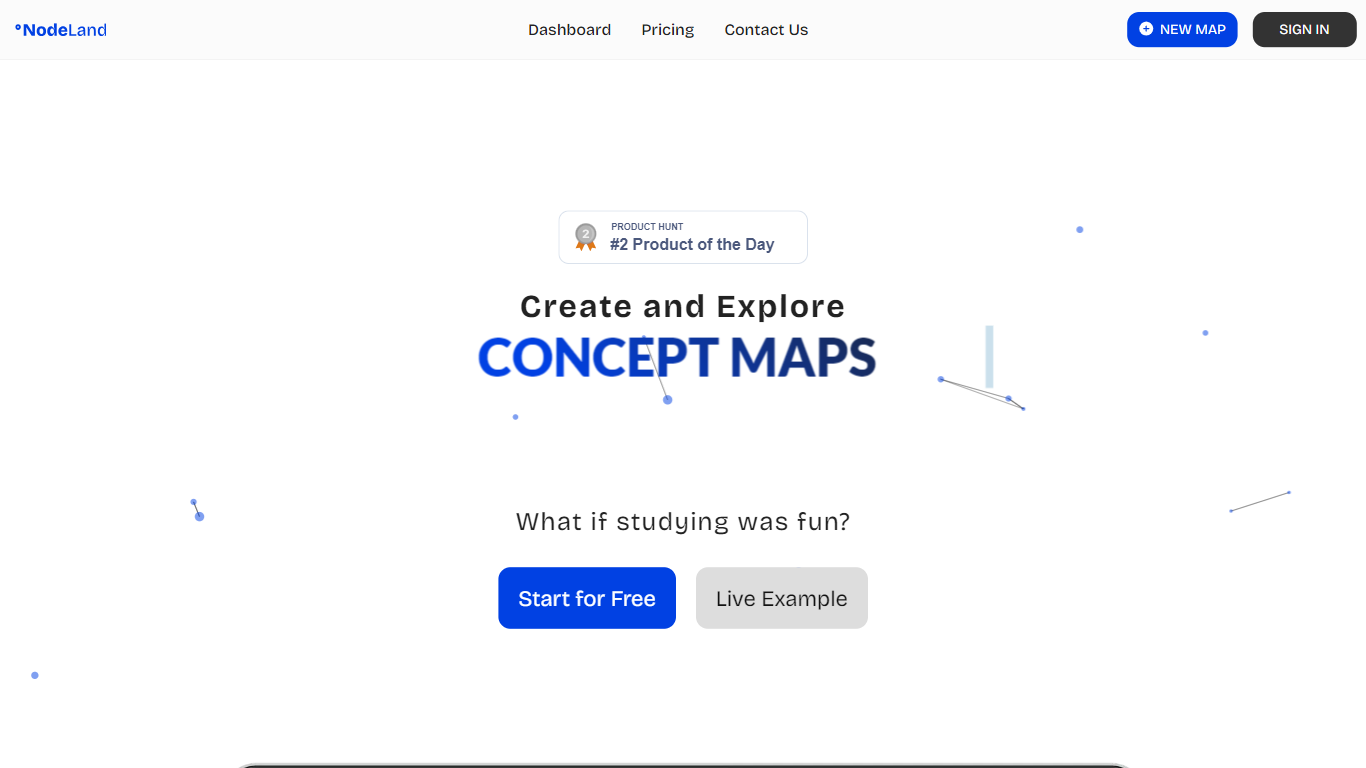
NodeLand is a visual productivity workspace that turns documents, videos, and scattered notes into mind maps on an infinite canvas. Each node can hold files, links, and evidence, so research, rationale, and next steps stay connected instead of spread across separate apps. Consultants, strategists, and operators use it to structure complex thinking; teams can share the same workspace when they need to align on processes or roadmaps.
Compared with general whiteboards like Miro, NodeLand leans into knowledge work: its assistant summarizes PDFs and YouTube transcripts into structured maps, and the about page positions it against linear note apps like Notion by layering a connection-based model on top of a whiteboard. You can also embed finished maps on external sites, which matters if you publish research or client deliverables outside the app.
The free tier covers manual mapping with one workspace and two documents. Premium at $4 per month unlocks unlimited workspaces, 500 monthly AI credits for map generation and chat, and document or video summarization. A Teams plan adds custom branding and a custom CNAME for organizations that need white-label deployment.
AI assistant converts PDFs and YouTube videos into structured mind maps
Infinite canvas with nodes that store notes, files, links, and evidence
Free plan includes 1 workspace and 2 documents for manual mapping
Premium plan at $4 per month includes 500 AI credits and unlimited documents
Embed published mind maps on blogs and external websites
REST API rate-limited to 1,000 requests per hour per API key
Combines infinite-canvas mind mapping with AI summarization for PDFs and YouTube videos.
Free tier lets you build maps manually before paying for AI credits.
Embed feature supports publishing visual summaries on blogs and client sites.
Published REST API with documented scopes and 1,000 hourly requests per key.
Free plan caps you at one workspace and two documents with no AI features.
AI usage depends on a 500-credit monthly pool on Premium, which may run out on heavy summarization.
Teams pricing is sales-only with no public per-seat numbers on the pricing page.
Is NodeLand free to use?
NodeLand offers a free plan with one workspace and two documents for manual mind mapping. AI features such as document summarization, video summarization, and AI chat require a Premium subscription at $4 per month, which includes 500 AI credits.
What can NodeLand summarize into mind maps?
NodeLand's AI assistant summarizes PDFs, long documents, and YouTube videos into structured mind maps. The homepage lists separate start modes for scratch mapping, AI-assisted creation, and file uploads, so you can pick the entry point that matches your source material.
How much does NodeLand Premium cost?
NodeLand Premium is listed at $4 per month on the pricing page, with an annual billing option advertised as saving more than 30%. Premium unlocks unlimited workspaces and documents plus 500 AI credits each month for mind map generation, summarization, and chat.
Does NodeLand have a team plan?
Yes. NodeLand's Teams plan includes everything in Premium plus enterprise options such as a custom CNAME, your own logo, and premium support. Pricing is custom, and the site directs organizations to contact sales rather than self-serve checkout.
Can I embed NodeLand maps elsewhere?
NodeLand supports embedding mind maps on external sites such as blogs. An AppSumo reviewer cited the embed feature as a standout for breaking down complex ideas and mapping blog content outside the NodeLand workspace.
Does NodeLand offer a developer API?
NodeLand publishes a REST API for managing mind maps, authenticated with API keys via Bearer token or an x-api-key header. The developer docs list scopes for maps:read and maps:write and cap usage at 1,000 requests per hour per key.