
Last updated 07-24-2026
Category:
Reviews:
Join thousands of AI enthusiasts in the World of AI!
NotePolls
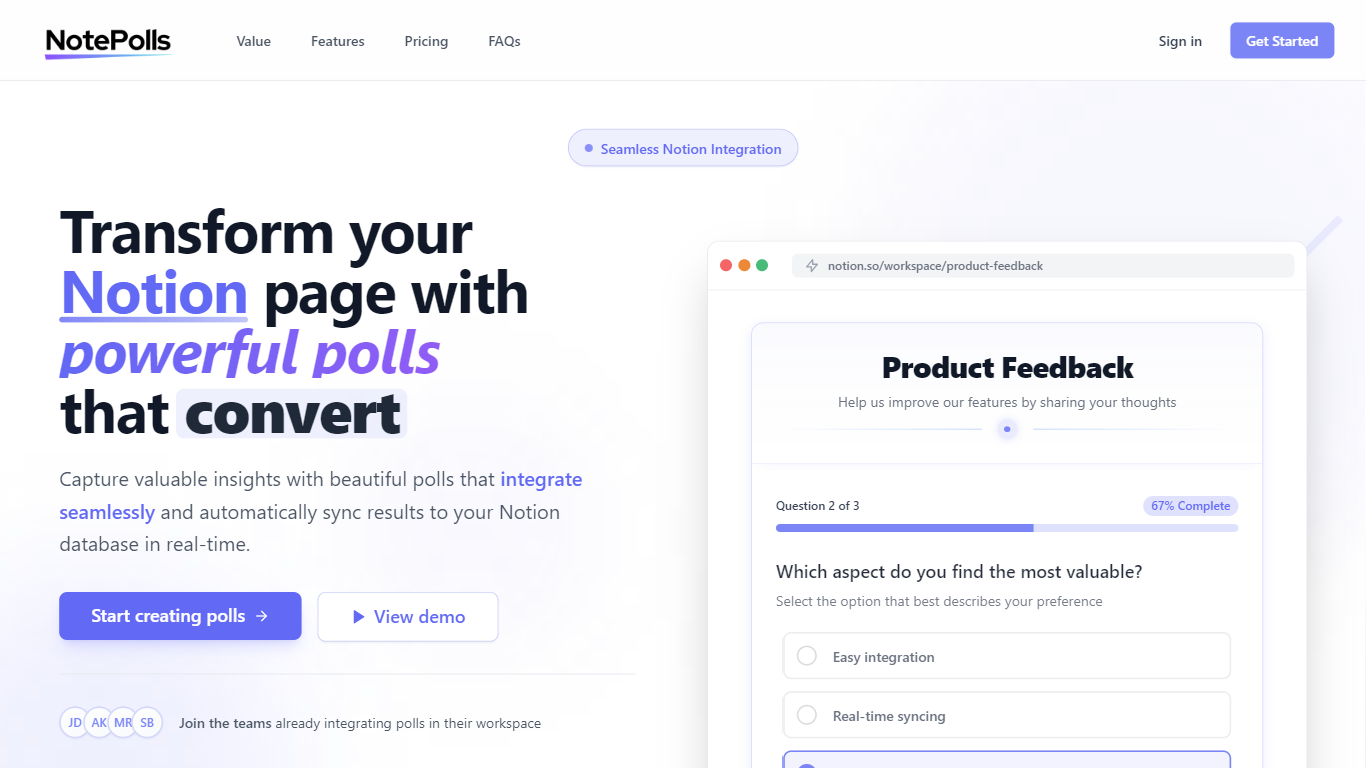
NotePolls lets you build interactive polls that embed directly in Notion pages and sync responses to a Notion database in real time. You can use choice, text, rating, and ranking question types, add images or video to questions, and style polls to match your brand without writing code.
Responses land in Notion as they come in, so teams can review feedback, share charts on the NotePolls site, and collaborate on poll creation inside the same workspace they already use for docs and projects.
It fits product teams, researchers, and Notion power users who want lightweight surveys inside pages they already share with teammates or customers.
Embed polls in any Notion page and sync answers to a Notion database automatically
Support choice, text, rating, and ranking questions, including multi-page flows
Add images, video, and formatted text to boost completion rates
Customize colors, fonts, and themes so polls match your brand in Notion
View charts and analytics on NotePolls while keeping response data in your workspace
Native Notion embedding with automatic database syncing.
Multiple question types and multi-page poll layouts.
Free tier available with unlimited responses on active polls.
Free plan caps active polls at three and shows a NotePolls watermark.
Advanced analytics, branding, and team features require paid plans.
Payments and billing are USD-only on the public pricing page.
How does NotePolls integrate with my Notion workspace?
You embed polls into Notion pages from NotePolls, and responses sync to a connected Notion database in real time without manual exports.
Do participants need a Notion account to respond to polls?
No. People can answer polls without a Notion account; only the poll creator needs Notion access for syncing.
Can I customize the appearance of my polls?
Yes. NotePolls supports custom colors, fonts, styling, and light or dark themes so polls match your brand inside Notion.
How do real-time updates work?
Each response is written to your linked Notion database as soon as it is submitted, so your team sees new data without refreshing exports.
Is there a limit to how many polls I can create?
The Free plan allows up to 3 active polls. Basic supports up to 10 active polls, and Premium includes unlimited active polls.
Can I export poll data?
Responses stay in your Notion database, where you can use Notion's built-in export and sharing options for the synced data.
How secure are the polls and response data?
Data is stored in your Notion workspace, and you control access through Notion's permission settings.