
Last updated 07-29-2026
Category:
Reviews:
Join thousands of AI enthusiasts in the World of AI!
okkslides
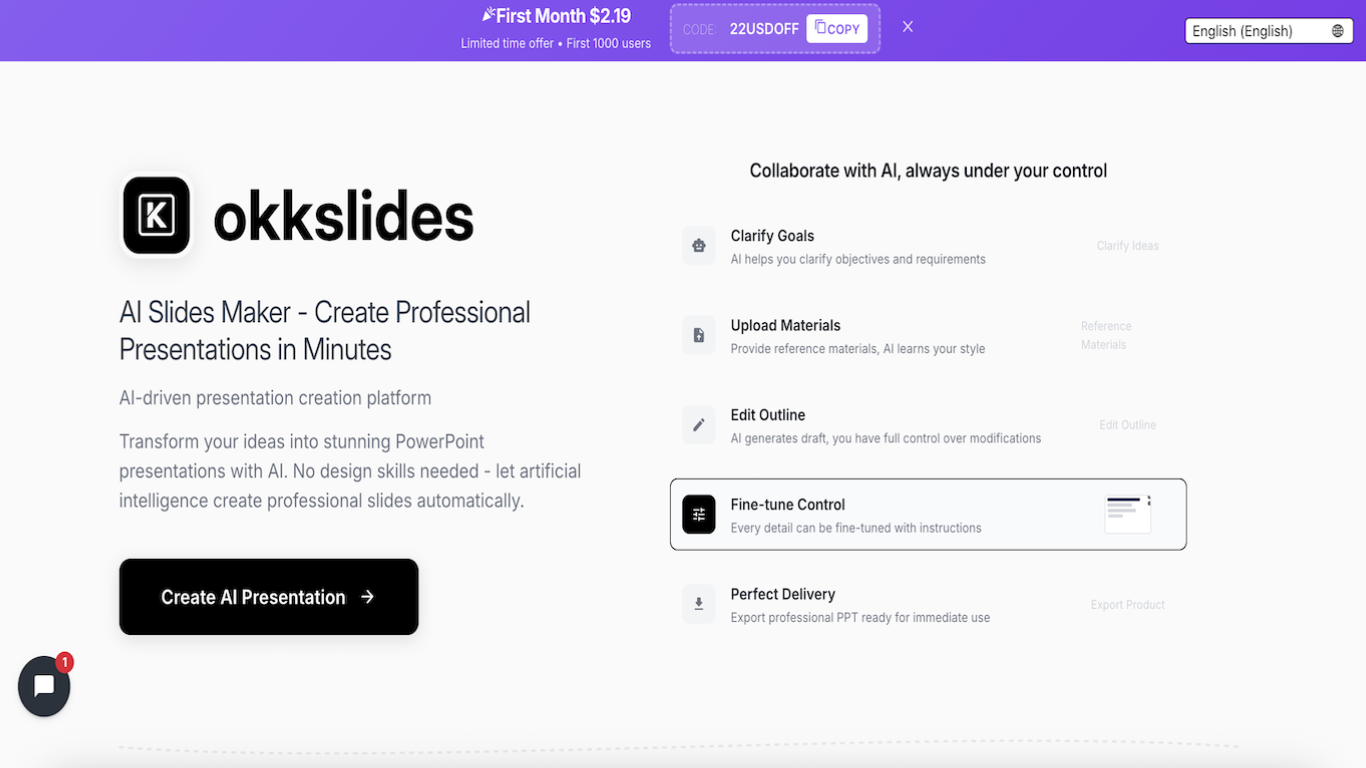
okkslides helps users create professional PowerPoint presentations by transforming ideas and reference materials into well-structured, editable slide decks. It supports continuous collaboration with an AI agent that remains active throughout the editing process, allowing users to fine-tune and adjust slides dynamically.
What sets okkslides apart is its support for complex, multi-level, and non-linear content organization through an intelligent narrative engine. This flexibility enables users to craft presentations that adapt to various storytelling needs beyond rigid template structures.
Users can upload reference files to teach the AI their preferred style and clarify goals before generating a draft outline. The platform combines AI automation with full manual control, ensuring precise customization. Finished presentations export as ready-to-use PowerPoint files.
okkslides operates on a credit system powering all AI features, including conversations, content search, generation, image creation, and file processing. Credits come from free bonuses, subscription plans, or purchased packs, with subscription credits resetting monthly and others never expiring. Flexible plans include Free, Lite Monthly, and Premium tiers with varying credit allocations and export capabilities.
The service also offers educational resources on effective presentations and pitch decks, a community, and regular updates. Its integration of multiple verified upstream skills enhances versatility, making okkslides suitable for diverse presentation needs such as technical talks, sales decks, academic defenses, and marketing campaigns.
🤖 Persistent AI agent collaborates continuously for edits
🗂️ Supports multi-level, non-linear content organization
📄 Upload materials to teach AI your presentation style
✏️ Full manual control combined with AI fine-tuning
📤 Export polished presentations ready for use
💳 Credit system powers AI features with flexible plans
🔗 Integrates multiple verified upstream skills for PPTX generation
AI remains active after initial generation for ongoing edits
Flexible content structure supports complex narratives
User can upload reference materials to customize style
Combines AI automation with manual control for precision
Exports professional PowerPoint files ready to present
Pricing details beyond first month offer are not publicly detailed
No explicit mention of offline or mobile app availability
How does okkslides handle presentation structure differently from other AI tools?
okkslides uses a complex narrative engine that supports multi-level, non-linear content organization, allowing more freedom and adaptability than traditional rigid templates.
Can I make changes to my presentation after the AI generates the first draft?
okkslides keeps the AI active throughout the editing process, enabling continuous collaboration and precise adjustments whenever you need.
Is design experience required to use okkslides effectively?
No design skills are needed. okkslides transforms your ideas into professional slides automatically while giving you control to fine-tune details.
What types of presentations can I create with okkslides?
okkslides supports creating presentations like product launches, course materials, enterprise solutions, financial reports, marketing campaigns, business plans, and industry analyses.
Can I upload my own materials to influence the AI's style?
okkslides allows you to upload reference materials so the AI learns your style and tailors the presentation accordingly.
How do I export my finished presentation?
okkslides lets you export your presentation as a professional PowerPoint file ready for immediate use.
Is the AI collaboration feature available after the initial slide creation?
Yes, okkslides keeps the AI online to assist you throughout the editing process, unlike other tools that only generate slides once.