
Last updated 07-28-2026
Category:
Reviews:
Join thousands of AI enthusiasts in the World of AI!
Omniflow
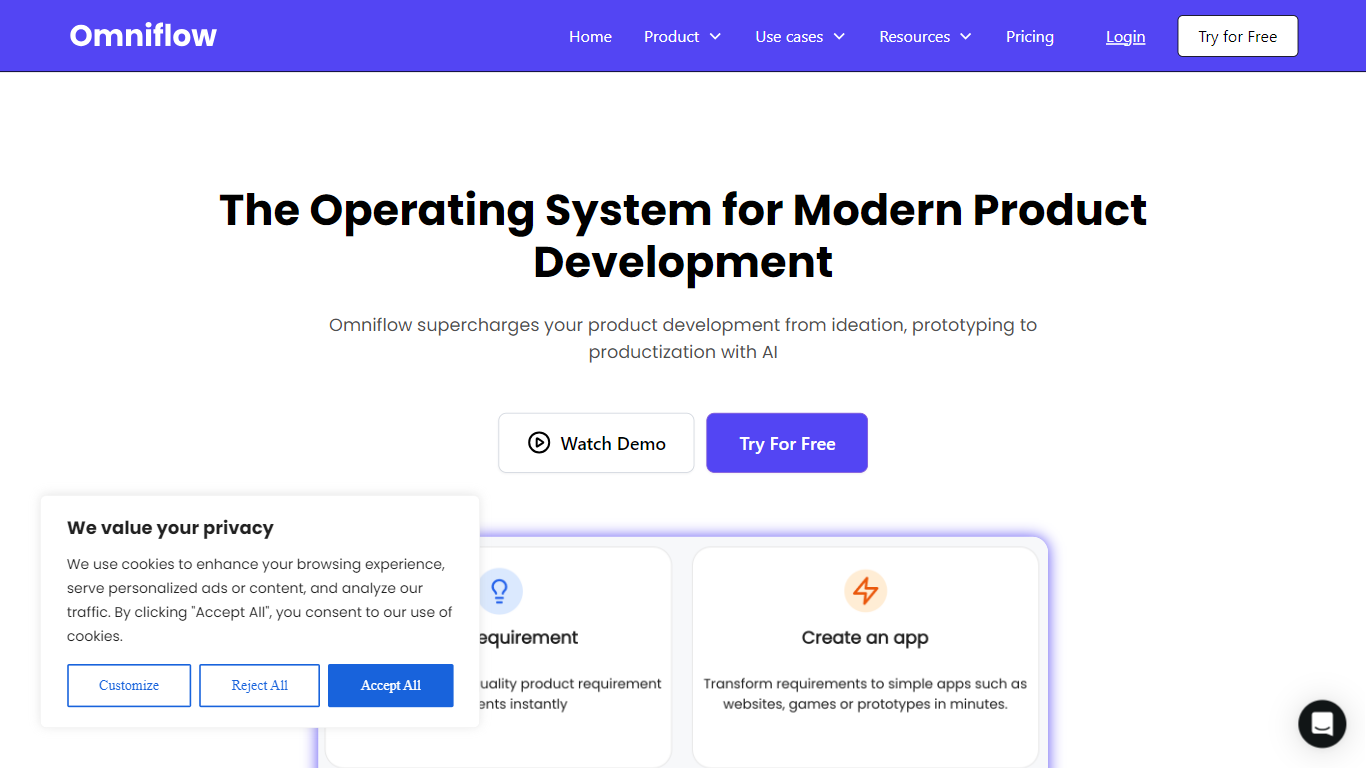
Omniflow helps product teams plan, design, and ship software from one workspace instead of juggling separate docs, mockups, and repos. You describe what you want in plain language, and its Joy assistant builds a structured PRD, a UI/UX preview, and a deployable full-stack app with PostgreSQL, auth, and APIs. Think of it as a productivity platform for the whole build cycle, not a one-shot prototype toy.
Most prompt-first app builders jump straight to code, which is why features drift from the original plan after a few iterations. Omniflow forces the PRD step first, lets you validate screens before generation, and keeps the Living PRD tied to design and code when requirements change. That trade-off favors builders who care about coherence over the fastest possible first draft.
Product managers, solo founders, and small product teams use it for MVPs, internal admin tools, and customer-facing web apps. Agencies also use it to turn client specs into working demos with GitHub export when the engagement ends. If you have hit the wall where each new prompt rewrites half the app, this workflow is built for that pain.
Three-phase workflow: PRD, UI/UX preview, then full-stack product generation
Free plan includes 5,000 credits per month across 3 projects
Performance plan is $25 per month per user with unlimited projects and GitHub sync
Generates standard Next.js and TypeScript code you can export or sync to GitHub
Each project includes a dedicated PostgreSQL database with auth and APIs
Teams plan at $75 per month adds JIRA integration for up to 20 users
Living PRD propagates requirement changes through design and code without re-prompting
PRD-first workflow keeps requirements, design, and code aligned as the product evolves.
Full-stack output includes PostgreSQL, authentication, APIs, and deployment infrastructure.
Export standard Next.js and TypeScript to GitHub or Bitbucket with no proprietary lock-in.
UI/UX preview before code generation catches layout issues while changes are still cheap.
Team workspaces include RBAC, audit logs, and document-level permissions for collaboration.
Credit limits on the free tier can constrain heavy generation across multiple projects.
Teams plan caps at 20 users; larger organizations need the $200 per month Scale tier.
The spec-first workflow adds steps compared with prompt-only builders like Lovable or Bolt.
What is Omniflow?
Omniflow is a living product platform that keeps requirements, design, and code aligned through one workflow. You describe a product, Omniflow generates a structured PRD, UI/UX design, tech design, and production-ready full-stack application. When requirements change, updates to the PRD can flow into design and code without starting over.
How much does Omniflow cost?
Omniflow is free to start with 5,000 credits per month on 3 projects. Paid plans begin at $25 per month per user on the Performance tier, $75 for Teams, and $200 for Scale. Annual billing offers 10% off. Enterprise pricing is available on request.
How is Omniflow different from Lovable or Bolt?
Lovable and Bolt emphasize prompt-first code generation, while Omniflow starts from a structured PRD and previews UI/UX before building. Omniflow ties the Living PRD to design and generated code so changes propagate across documents. The output is full-stack Next.js with database and auth, not just a front-end prototype.
Can I export Omniflow code?
Yes. Omniflow lets you own 100% of the generated code. You can sync projects to GitHub or Bitbucket, or download the full codebase at any time. The stack is standard Next.js and TypeScript, so engineers can extend it without proprietary formats.
What stack does Omniflow generate?
Omniflow generates full-stack applications with a Next.js and TypeScript frontend, backend APIs, PostgreSQL database, and authentication. Projects include SSL, edge deployment, and a free .useomniflow.com subdomain, with optional custom domains on paid plans.
Does Omniflow support teams?
Yes. Omniflow supports multi-member organizations with Admin and Member roles, document-level View or Edit permissions, and audit logs. The Teams plan supports up to 20 users, while Scale supports up to 100. Team invitation and collaboration are included on paid tiers.
Does Omniflow have a free plan?
Yes, Omniflow has a free plan. You can start without entering a credit card. The free tier includes 5,000 credits per month, 3 projects, one UI design style per project, AI-generated PRD and design documents, and document import, export, and sharing.