
Last updated 07-23-2026
Category:
Reviews:
Join thousands of AI enthusiasts in the World of AI!
Persuwise
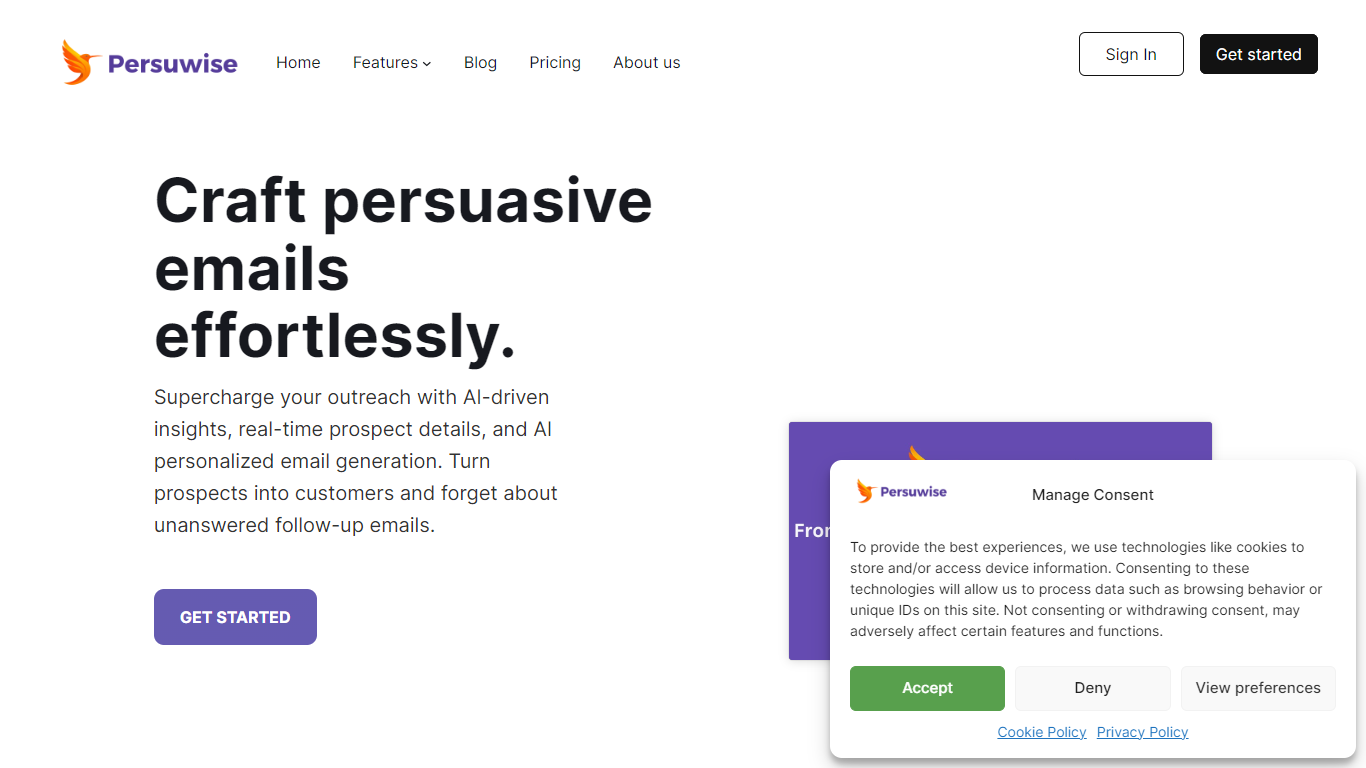
Persuwise is a Chrome extension that works inside Gmail to help sales teams write outreach emails. It combines contact profile enrichment, AI email generation, and a real-time writing coach so you can research prospects and draft messages without leaving your inbox.
Enter a contact's email address and Persuwise pulls personal profiles, company details, tech stack data, and social links directly into Gmail. The AI email writer uses your prompt plus that enrichment context to generate tailored messages you can review, edit, and send from the compose window.
A built-in writing coach scores each email on clarity and persuasion, flags passive voice and weak CTAs, and shows how the message looks on mobile and smartwatch screens. The team behind WOW Canvas and GPT Privacy built Persuwise for reps who want faster replies and fewer generic follow-ups.
Persuwise suits outbound and inbound sales reps, account managers, recruiters, and business development professionals who spend most of their day in Gmail.
Look up personal and company profiles from an email address right inside Gmail compose
Generate personalized outreach emails from your prompt using your profile plus contact enrichment data
Get real-time writing feedback on clarity, persuasion, and engagement with a percentage scorecard
Preview how emails render on mobile phones and smartwatches before you send
Access company SWOT analysis, tech stack details, and social links for each contact
Works directly inside Gmail compose with no tab switching required.
Free trial available with no credit card required.
Combines profile enrichment, AI generation, and writing coaching in one extension.
Gmail only; Outlook and other email clients are not supported yet.
Email analytics is listed as coming soon and not yet available.
Specific plan prices are not published on the Persuwise pricing page.
Does Persuwise offer a free trial?
Yes. Persuwise offers a free trial with full Starter plan access for one week or 100 email credits, whichever comes first. No credit card is required to start.
Does Persuwise work with Gmail only?
Currently, Persuwise integrates with Gmail through a Chrome extension. Support for other email providers is listed as under development on the Persuwise website.
How do I install Persuwise?
Install the Persuwise extension from the Chrome Web Store, open Gmail, and start composing a message. The tool activates automatically when you compose, reply, or forward an email.
What pricing plans does Persuwise offer?
Persuwise offers Starter, Team, and Enterprise plans. You can choose monthly or annual billing, and annual plans include a discount. Enterprise plans are available for larger organizations with advanced needs.
What data does Persuwise profile enrichment include?
Profile enrichment provides personal work history, social media links, company size, industry, technology footprint, SWOT analysis, and contact goals to help tailor your outreach emails.