
Last updated 07-26-2026
Category:
Reviews:
Join thousands of AI enthusiasts in the World of AI!
PPT AI
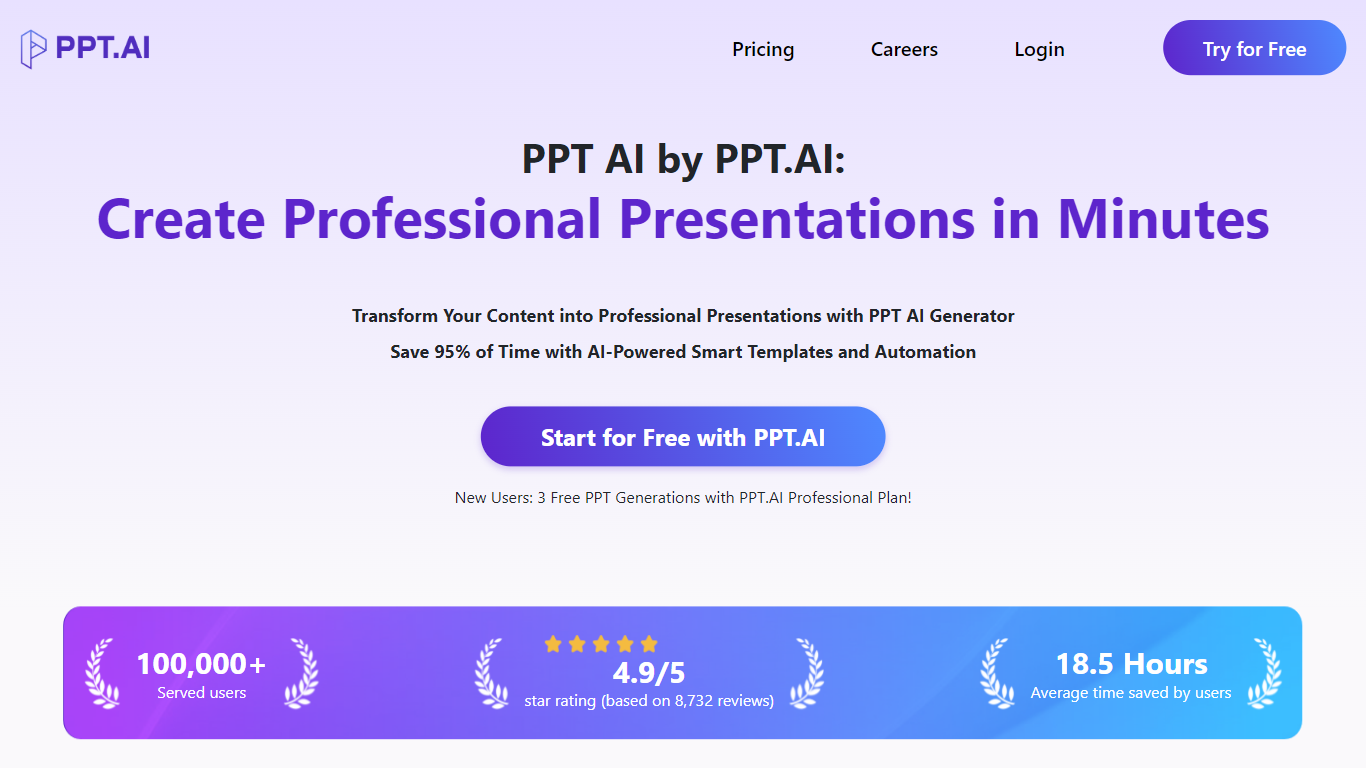
PPT AI is an AI-powered presentation maker that converts your ideas, documents, URLs, videos, and images into professional slide decks quickly. It supports multiple input types including Word, PDF, YouTube, and images, transforming them into structured presentations tailored to your chosen scene, audience, and tone.
What sets PPT AI apart is its focus on narrative flow rather than just slide layout. It produces clean, contemporary designs that require minimal editing, supported by a rich library of over 800 free professional templates and smart design recommendations. The platform also supports more than 15 languages and integrates multiple AI models like GPT-4o, Claude 3.5, and Gemini 2.0 for content analysis and slide optimization.
PPT AI offers a built-in editor for easy customization before exporting slides in PPT, PPTX, or PDF formats. It provides a Chrome extension and a public API for workflow integration. Security is a priority with bank-level encryption and GDPR compliance. Pricing includes a free tier with limited presentations and paid plans that increase slide limits, templates, and features.
Popular among teachers, marketers, sales teams, and project managers, PPT AI saves time without sacrificing quality. Its multi-model AI engine and extensive template library make it a versatile tool for creating professional presentations efficiently.
⚡ Fast AI Slide Generation: Convert documents, videos, or images into 20+ slides in seconds to save time.
🧠 Multi-Model AI Engine: Uses GPT-4o, Claude 3.5, and Gemini 2.0 for smart content analysis and slide creation.
🎨 Free Professional Templates: Access 800+ expertly designed templates with smart design suggestions.
🌍 Multilingual Support: Create presentations in 15+ languages with intelligent translation features.
✏️ Easy Editing & Export: Customize text, colors, and layouts in the built-in editor; export to PPT, PPTX, or PDF.
Generates presentation-ready slides with narrative structure automatically
Supports multiple input types including documents, videos, and images
Offers a large free template library with smart design suggestions
Exports clean PPTX files compatible with PowerPoint and Google Slides
Supports over 15 languages with intelligent translation
Free plan limits presentations and slides per month
Custom brand kits require paid subscription
No offline mode available
How does PPT AI create presentations from different content types?
PPT AI analyzes your input, whether text, documents, URLs, videos, or images, using advanced AI models to structure and design professional slide decks automatically.
What file formats can I upload and export with PPT AI?
You can upload DOC, DOCX, PDF, PPT, PPTX, TXT, MD, XLS, XLSX, CSV, HTML, EPUB, MOBI, XMIND, MM files and images like PNG, JPG, JPEG, BMP. PPT AI exports are available in PPT, PPTX, and PDF formats.
Can I customize the presentations generated by PPT AI?
Yes, PPT AI includes a built-in editor allowing you to adjust text, colors, images, layouts, and styles before downloading or presenting.
What languages does PPT AI support for presentation creation?
PPT AI supports over 15 major languages including English, Chinese, Japanese, Korean, French, German, Portuguese, and more.
Is there a free version of PPT AI and what are its limitations?
The free plan of PPT AI allows up to 3 presentations per month with up to 15 slides each, access to basic templates, and includes a PPT AI watermark on downloads.
How secure is my data when using PPT AI?
PPT AI uses bank-level encryption, secure cloud storage, regular security audits, and complies with GDPR to protect your data.
What makes PPT AI different from other AI presentation tools?
PPT AI focuses on producing clean, narrative-driven slides with reliable PPTX export, a rich template library, multi-language support, and an intuitive editor.