
Last updated 07-25-2026
Category:
Reviews:
Join thousands of AI enthusiasts in the World of AI!
Prompt Mixer
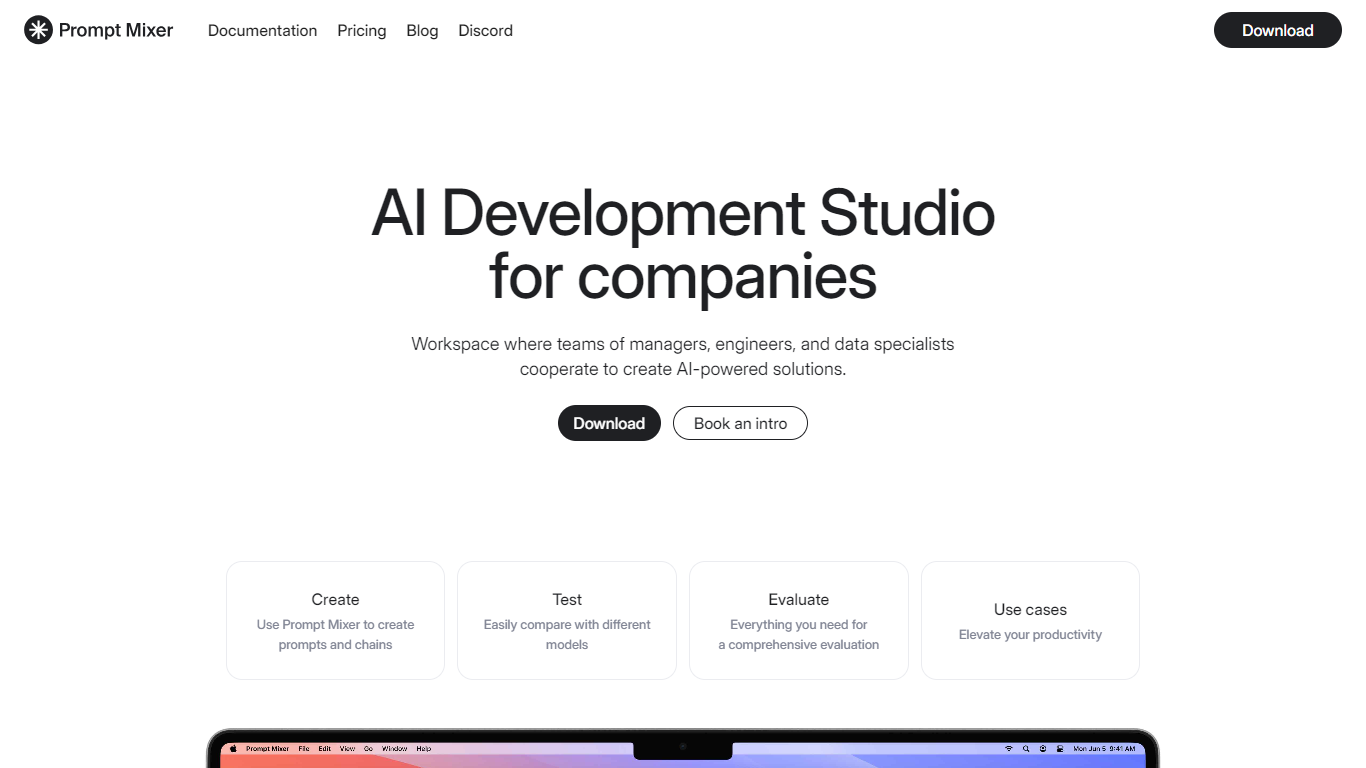
Prompt Mixer is a desktop application and collaborative workspace for building, testing, and managing AI prompt chains. Engineers, managers, and data experts use it to design prompts together, version changes, and evaluate outputs across multiple LLM providers.
You can chain prompts that pass context between steps, build multi-step workflows through a form-based interface, and connect to OpenAI, Anthropic, Google Gemini, Ollama, and other services via connectors. The open-source Community Edition (MIT license) runs locally on macOS, Windows, and Linux.
Teams get version control with rollback, commenting, and review workflows. Prompt Mixer lets you test prompts against different models before deploying them to production applications.
Build and version prompt chains with collaborative editing and review workflows
Test prompts across OpenAI, Anthropic, Gemini, Ollama, and custom connectors
Create multi-step analysis workflows with a form-based interface
Open-source Community Edition available under MIT license
Compare LLM outputs side by side before production deployment
Supports multiple LLM providers through extensible connectors
Built-in version control and collaborative review workflows
Open-source Community Edition for local development
Form-based workflow builder for multi-step prompt chains
Main marketing site (promptmixer.dev) currently has broken SSL/TLS configuration
Desktop app requires local installation and connector setup
Advanced team features may require paid plans
What is Prompt Mixer?
Prompt Mixer is a collaborative workspace and desktop app for creating, versioning, testing, and deploying AI prompt chains. It supports cross-functional teams working on prompt engineering together.
Which AI models does Prompt Mixer support?
Prompt Mixer connects to OpenAI (GPT-4, GPT-3.5, DALL-E), Anthropic (Claude), Google (Gemini), local models via Ollama, Stable Diffusion, and other services through installable connectors.
Is Prompt Mixer open source?
Yes. Prompt Mixer CE (Community Edition) is open source under the MIT license and available on GitHub. It is a desktop application for comparing and managing LLM outputs.
How does prompt chaining work in Prompt Mixer?
You construct sequences of prompts where each step passes context and information to the next. This enables complex multi-step conversations and analysis workflows.
Where can I get help with Prompt Mixer?
Documentation is available at docs.promptmixer.dev. You can also contact support at [email protected] or join the Discord community.