
Last updated 08-09-2026
Category:
Reviews:
Join thousands of AI enthusiasts in the World of AI!
Pufomi (formerly Puffin Tools)
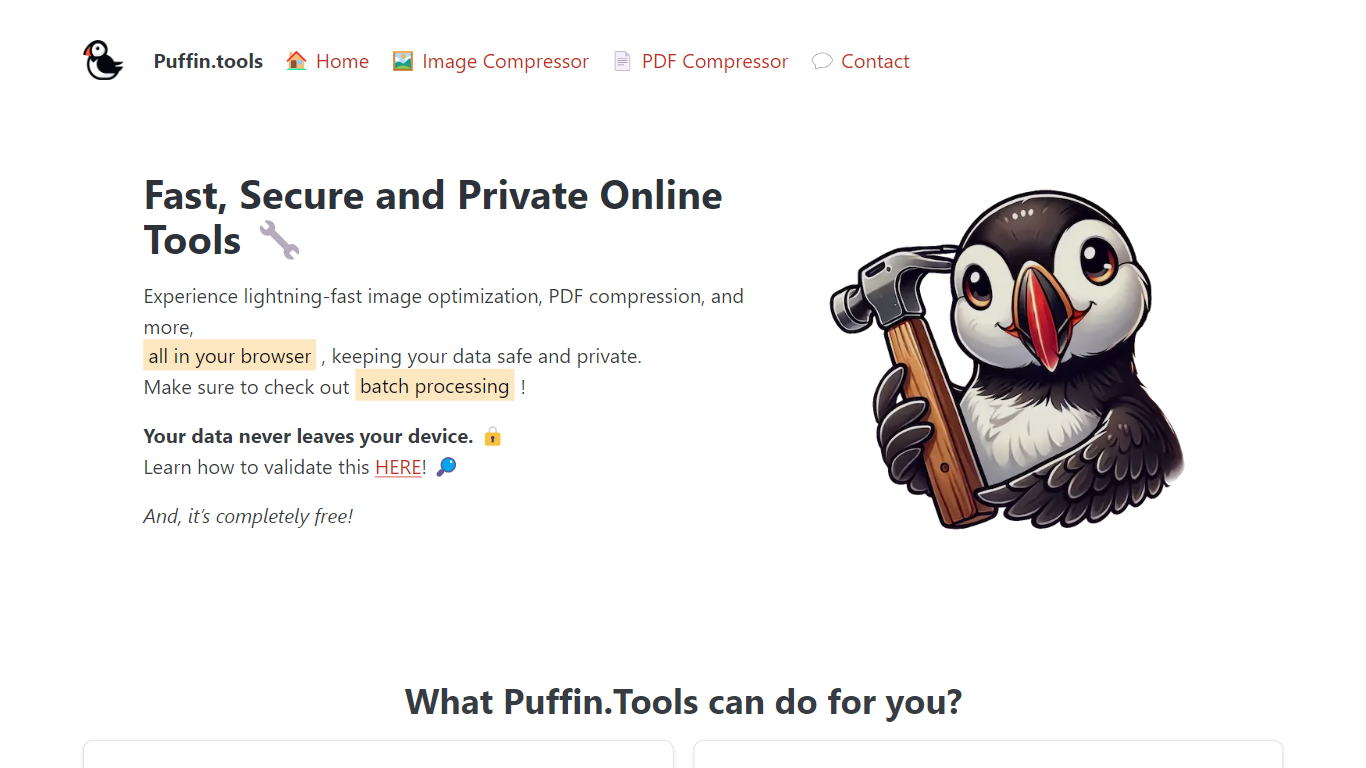
Pufomi runs free browser productivity tools that convert, compress, and resize images without sending files to a server. Drop a photo on the page and WebAssembly handles the work on your device, so nothing uploads and nothing gets stored in the cloud. The live Image Tools suite covers format swaps, HEIC conversions, and compression for JPG, PNG, WebP, GIF, SVG, AVIF, and HEIC files.
Most online converters upload your files to a remote server before they return a download link. Pufomi keeps every byte on your drive, which means you can use it offline after the page loads and you avoid artificial upload caps. Batch mode processes multiple images in parallel, and the site states modern browsers handle files up to about 50 MB depending on available memory.
The site fits photographers cleaning up iPhone HEIC shots, web developers chasing PageSpeed WebP wins, and office workers shrinking screenshots for email. PDF and spreadsheet utilities are labeled Coming Soon, so today the product is image-first rather than a full document workstation.
Image tools run in-browser with WebAssembly so files never leave your device
Supports JPG, PNG, WebP, GIF, SVG, AVIF, and HEIC with batch processing
No sign-up, account, or credit card required on any listed tool
Browser memory is the only limit; the site cites up to about 50 MB per file
HEIC to JPG and WebP converters target iPhone photos and PageSpeed fixes
Works offline after the page loads on desktop, tablet, or phone browsers
Files never upload; WebAssembly runs every image job locally in the browser.
No account, signup, or credit card is required for any listed tool.
Batch mode processes multiple images in parallel on most converters.
Works offline after the initial page load on phones, tablets, and desktops.
PDF and spreadsheet tools are marked Coming Soon on the homepage.
Only English and Polish language options appear in the site navigation.
Large files depend on browser memory with no cloud processing fallback.
Is Pufomi free to use?
Yes, Pufomi is completely free. The homepage states every tool is free with no hidden limits, free trials, or credit card requirements.
Are Pufomi files uploaded to a server?
No. Pufomi processes images entirely in your browser using WebAssembly. The privacy section states your files never leave your computer and the team cannot see them.
What image formats does Pufomi support?
Pufomi supports JPG, PNG, WebP, GIF, SVG, AVIF, and HEIC. The Image Tools hub lists dedicated converters for HEIC, WebP, PNG, JPG, and GIF workflows.
Does Pufomi have a file size limit?
Pufomi sets no artificial upload cap because nothing uploads. The FAQ notes the practical limit is your browser memory, and most devices handle images up to about 50 MB.
Can Pufomi process multiple images at once?
Yes. Pufomi supports batch processing on most image tools. Drop several files and they run in parallel without creating an account.
Do I need an account for Pufomi?
No. Pufomi requires no sign-up, email, or password. Open a tool, drop your file, and download the result from the browser.