
Last updated 07-25-2026
Category:
Reviews:
Join thousands of AI enthusiasts in the World of AI!
Reboost
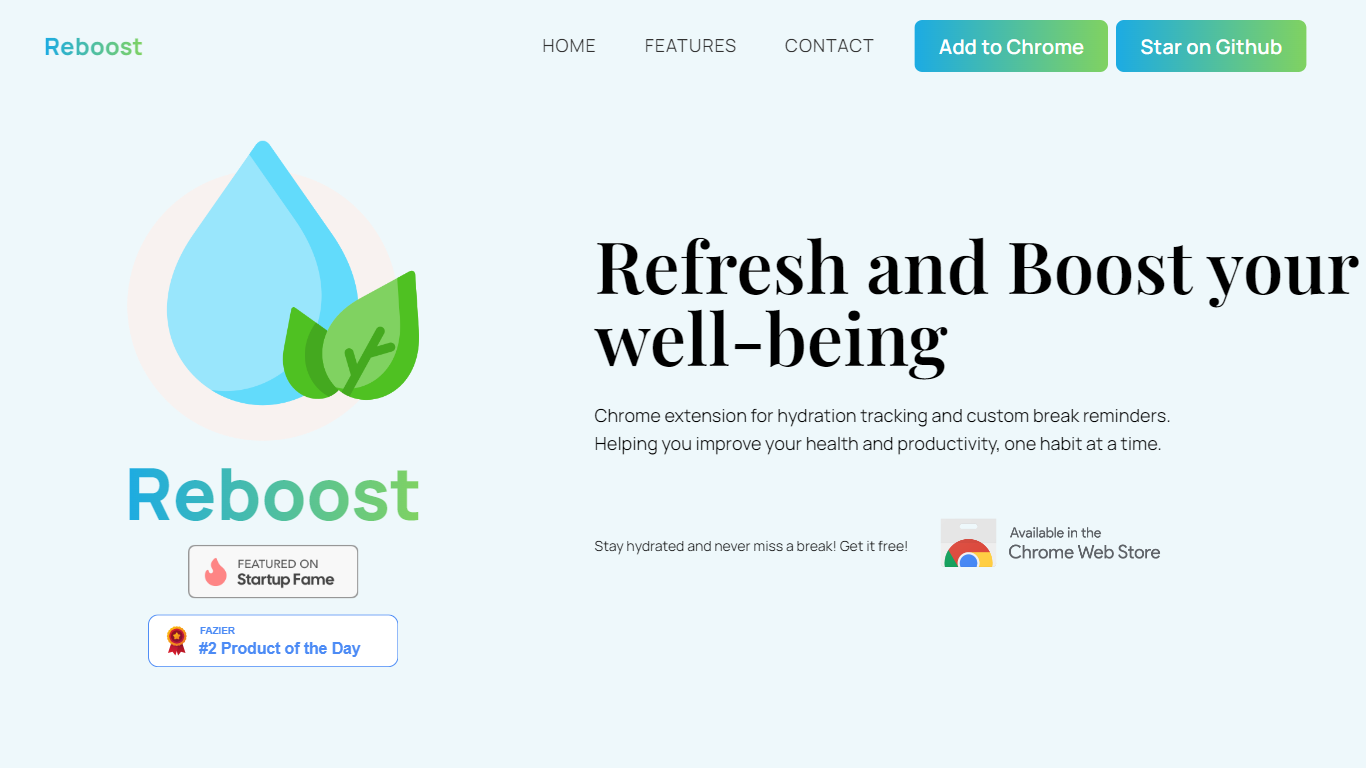
Reboost is a free Chrome extension that tracks hydration and sends custom wellness break reminders from your browser. Pick drinks, log sips, set a daily intake goal, and schedule nudges like eye breaks or stretch timers without leaving your desk.
Everything stays on your device. Drink logs reset at midnight in your local timezone, reminders fire even when the extension popup is closed, and the developer does not collect or transmit personal data to external servers.
Built by Sean Dustin Verano, Reboost targets desk workers and students who want lightweight habits for health and productivity. It installs from the Chrome Web Store and the project is open source on GitHub.
Log sips with preset or custom drinks and personalized pour volumes
Set a daily hydration goal and watch your intake climb on a visual tracker
Build custom wellness reminders with your own titles, notes, and timers
Get break notifications even when the Reboost popup is closed
All drink logs and preferences stay in Chrome local storage on your device
Completely free with no paid tiers listed on the site or Chrome Web Store page.
Privacy-first design keeps drink logs and reminder settings in local Chrome storage only.
Custom drinks and reminder titles let you tailor hydration and break habits to your routine.
Chrome extension only, with no Firefox, Safari, or dedicated mobile app listed.
Wellness features are limited to browser-based timers and notifications.
Smaller solo-developer project with a modest web presence and low domain authority.
Is Reboost free to use?
Yes. Reboost is a free Chrome extension available on the Chrome Web Store. The site does not list any paid plans or subscriptions.
Does Reboost collect personal data?
No. Reboost stores all data locally on your device using Chrome local storage. The privacy policy states the developer does not collect, transmit, or store personal information on external servers.
What Chrome permissions does Reboost require?
Reboost requests storage to save preferences locally, notifications to send reminder alerts, and alarms to manage reminder timers. These permissions support hydration logging and break reminders.
Do Reboost reminders work when the extension is closed?
Yes. Reboost can notify you when a wellness timer ends even if the extension popup is not open, so break reminders still reach you during work sessions.
When do Reboost drink logs reset?
Reboost clears daily drink logs automatically at midnight in your local timezone. Other preferences remain stored until you remove them, uninstall the extension, or clear browser data.
How do I contact the Reboost developer?
You can email [email protected] or submit feedback and bug reports through the Google Form linked on the Reboost website contact section.