
Last updated 02-15-2024
Category:
Reviews:
Join thousands of AI enthusiasts in the World of AI!
Receiptify
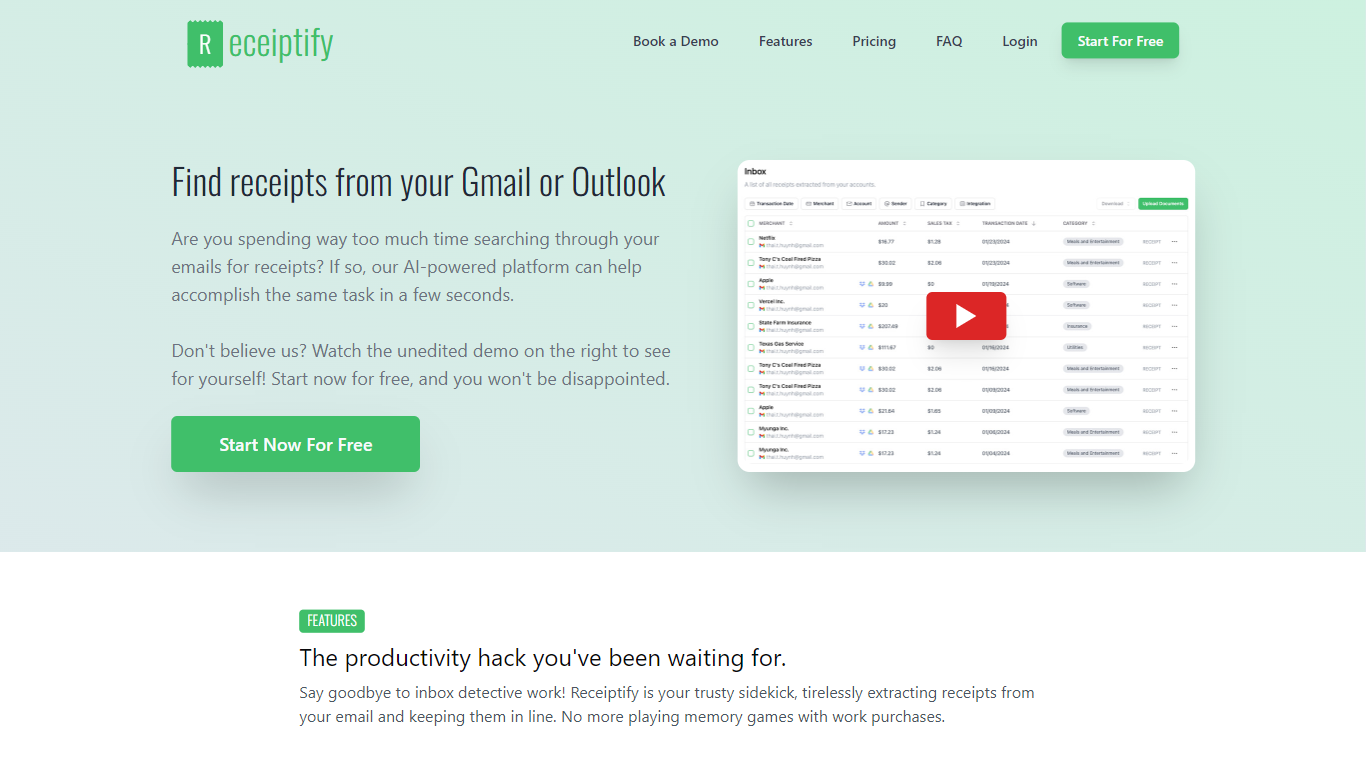
Receiptify is a comprehensive receipt management software designed for businesses of all sizes. With the ability to effortlessly collect, track, scan, organize, and manage receipts, this innovative platform serves as the ultimate solution for receipt-related headaches. Users can now find receipts directly from emails in Gmail or Outlook, with an AI-powered system that accomplishes the task within seconds, thus saving time and effort.
The receipt extraction process is not only fast but also detailed, capturing every piece of information from purchase amounts to sales tax. Receiptify offers additional features like direct upload from your phone, QuickBooks integration for seamless accounting, automatic backup to Dropbox or Google Drive, and the ability to download and export reports in various formats like ZIP, CSV, or PDF. With Receiptify, losing a receipt becomes a problem of the past, providing a productivity boost and the peace of mind that comes with having a well-organized receipt management system.
Fast and Efficient Receipt Retrieval: Automatically extract receipts from Gmail or Outlook in seconds.
Comprehensive Data Extraction: Capture every detail from receipts, including amounts, categories, merchants, and sales tax.
Direct Phone Upload: Snap a photo of your receipt and upload it on the go, no scanner needed.
QuickBooks Integration: Match transactions and receipts automatically with your QuickBooks account.
Automatic Receipts Backup: Link your Dropbox or Google Drive to automatically save every receipt for auditing.
1) Is it necessary to grant access to my email inbox for this system to function?
No, granting access to your email inbox is not necessary for Receiptify to function. You have the option to directly upload receipts and invoices.
2) Does Receiptify automatically identify emails containing receipts?
Yes, Receiptify is designed to automatically identify emails that contain receipts.
3) Can I upload my own receipts?
Yes, you can manually upload your own receipts from your computer or mobile device, in addition to the automatic email extraction feature.
4) Can I analyze my previous emails for receipts?
Receiptify allows for retrospective receipt extraction from your emails, going back as long as necessary.
5) Can I export my receipts?
Receiptify can export receipts in a variety of formats, including ZIP, CSV, PDF and supports backups to Dropbox and Google Drive.